Code — an IDE with a pair-programmer built in
Open Code →A full browser IDE: Monaco editing, a real file tree, find-in-files, git, and a terminal that runs code locally in a sandbox — plus an AI assistant that reads your project and proposes real changes. Projects, files and transcripts are saved to your Grafy account.
Walkthrough: open, edit, ask, run
The workbench
Explorer / Search / Source control rails, tabs, the editor, a terminal and the assistant in one screen — with the project switcher, Upload / Download, the assistant model picker and the completions toggle in the header.
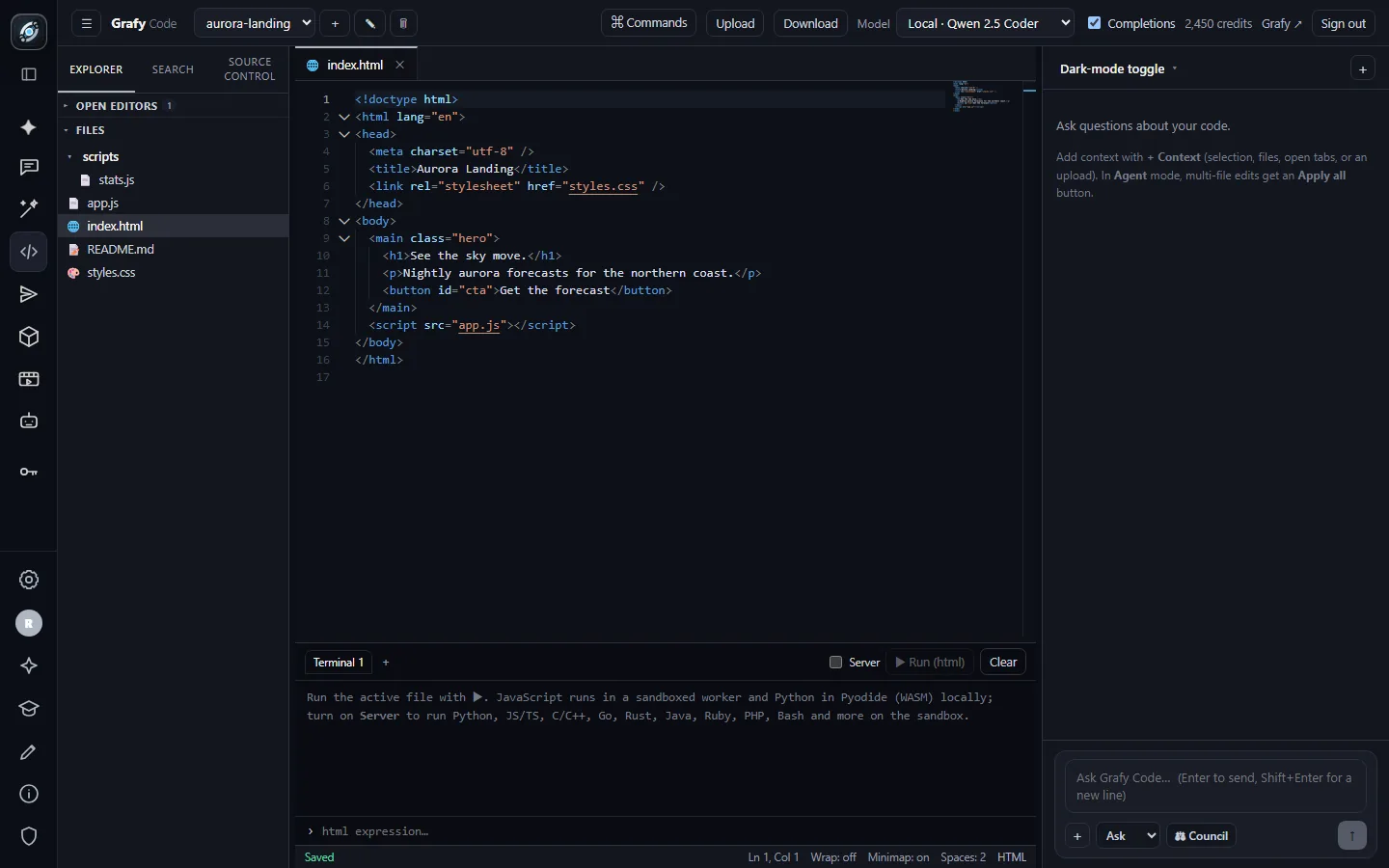
A real editor
Syntax highlighting, colour chips on CSS values, folding, minimap, and a status bar tracking cursor, save state and language.
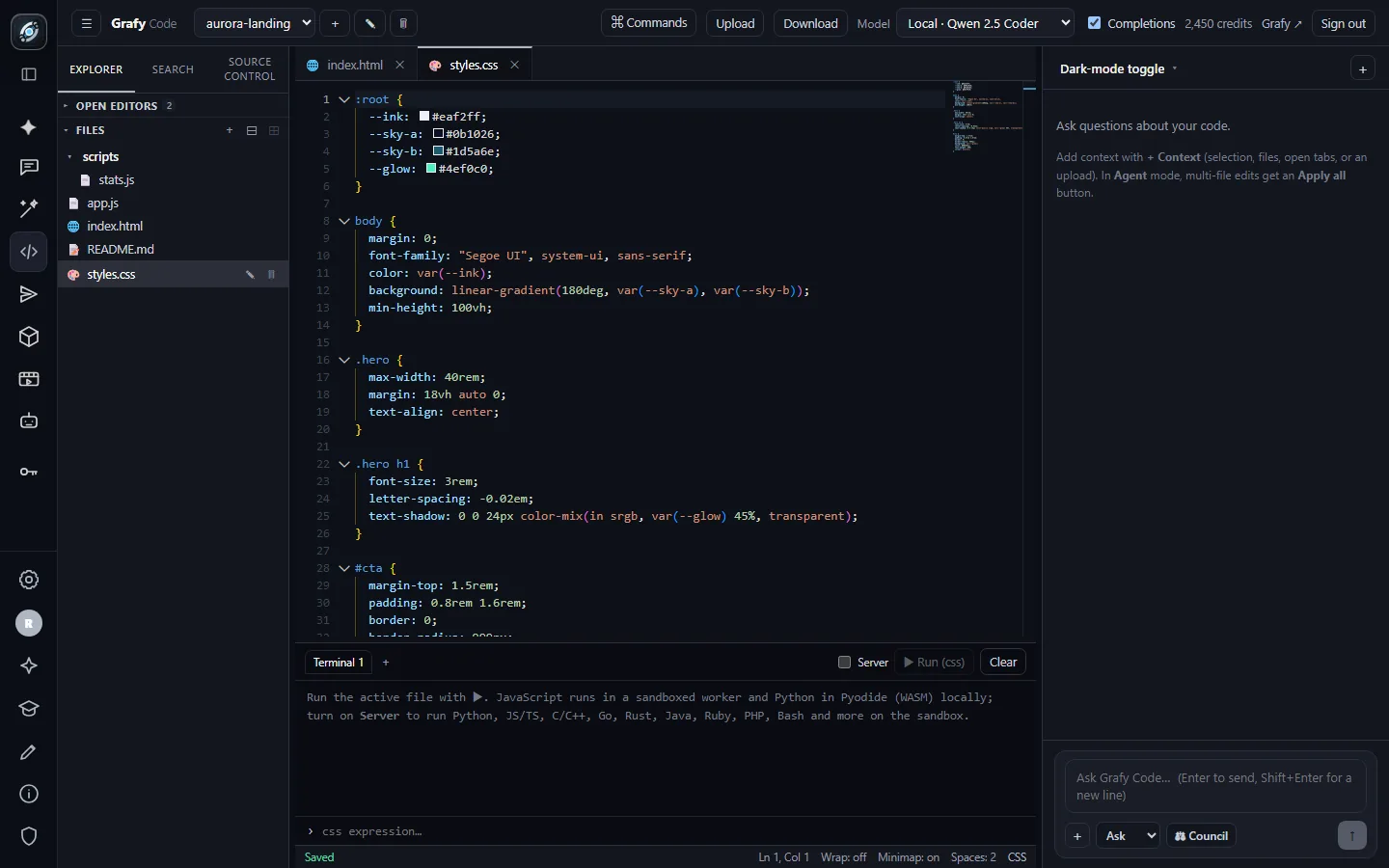
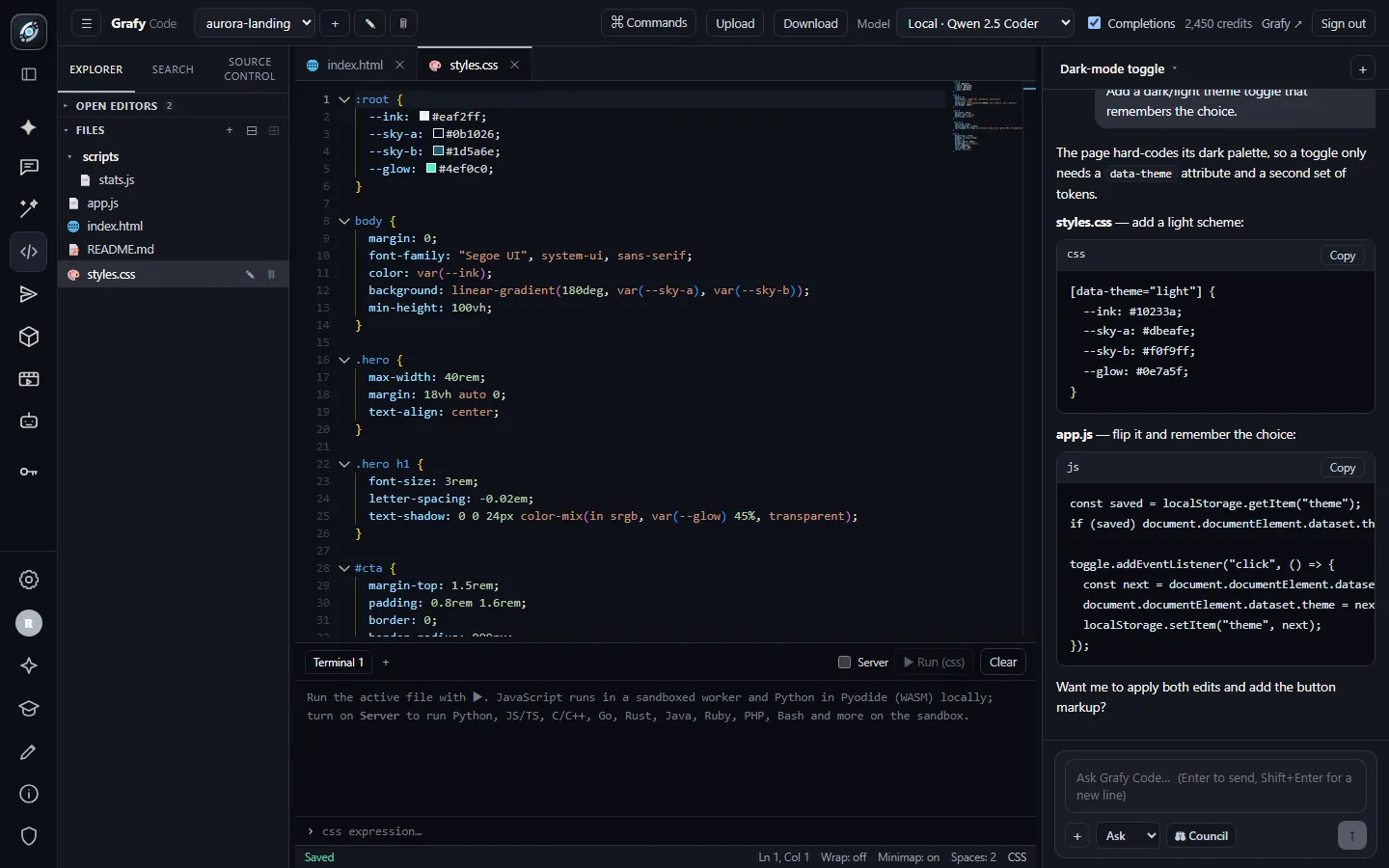
Ask for a change, get a plan
The assistant answers a feature request with per-file patches, Copy on every block, and an offer to apply the edits itself.
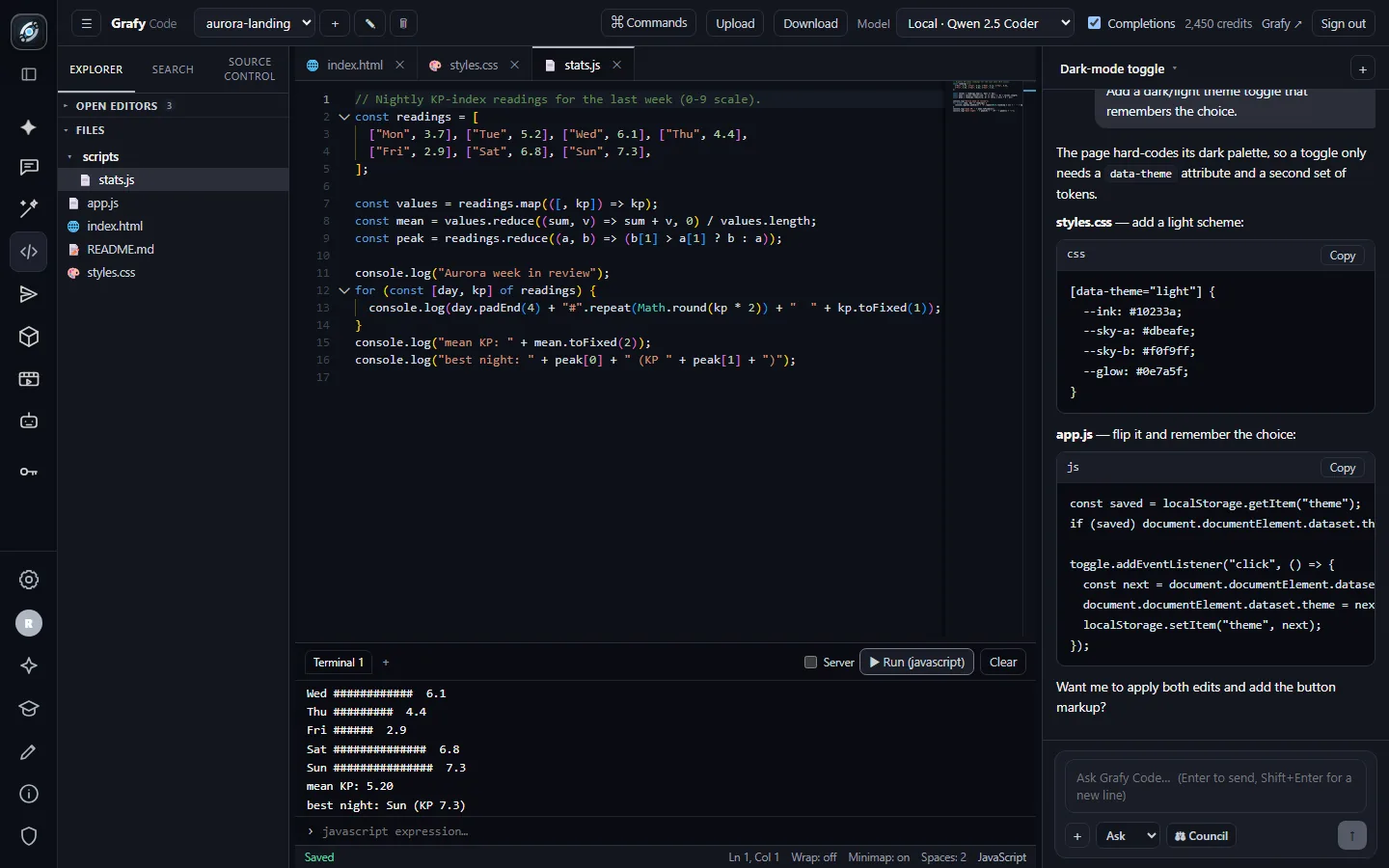
Run it — right here
The terminal executes the active file locally in a sandbox. This chart was computed live by the file on the left; nothing left the browser.
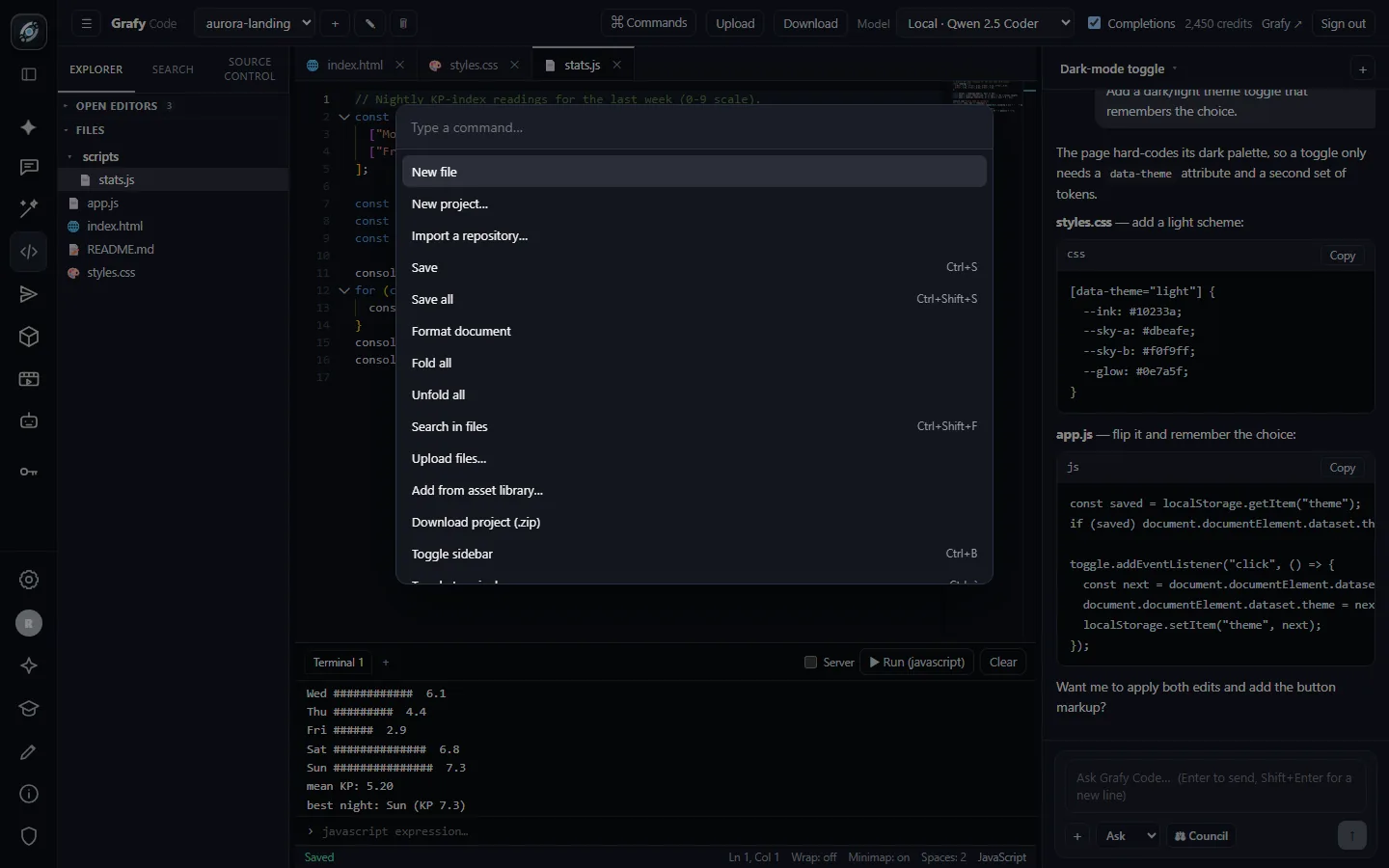
Everything is a command
Ctrl+Shift+P opens the palette: new file/project, import a repository, save, format, search, upload, asset library, download.
Going deeper
Editor, palette & shortcuts
Monaco — the engine inside VS Code — with editor tabs (dirty-state dots, middle-click close), a nested collapsible folder tree, find-in-files, and inline ghost-text completions from the model picked in the header (toggle them off any time). Layout is yours: the sidebar, assistant and terminal all resize and the layout persists per browser, alongside settings for font size, word wrap, minimap and autosave.
- Ctrl+P quick-open a file · Ctrl+Shift+P command palette
- Ctrl+S save · Ctrl+Shift+S save all
- Ctrl+B toggle sidebar · Ctrl+` toggle terminal · Ctrl+Shift+F find in files
The assistant & the Council
The assistant sees your open files and works in three modes: Ask (explain, review, answer), Plan (propose an approach before touching anything) and Agent (make the edits). Replies arrive as per-file fenced patches with Copy and Apply on each block, so a suggestion becomes a real edit in one click. Each project keeps multiple assistant chats — one per task — and transcripts can be committed alongside the work.
The Council button asks several models the same question at once and shows their takes together — Chat's compare columns, aimed at code review and design decisions.
The terminal & running code
Press Run and the active file executes — JavaScript in a sandboxed worker and Python via Pyodide (WebAssembly), both entirely in your browser: free, instant, and nothing leaves your machine. The prompt below the output evaluates one-off expressions in the same sandbox. Flip the Server toggle to run on the backend sandbox instead, which extends the menu to Python, JS/TS, C, C++, Go, Rust, Java, Ruby, PHP, Bash and more.
Git & repositories
Connect GitHub or GitLab from the account page, then Import a repository from the palette or the New-project dialog — browse your repos, pick one, and it opens as a project. The Source control rail shows changed files and drives commit and push back to the remote; branches can be switched from the panel after import. Private repositories work through your connected account's OAuth token.
Files, uploads & the shared library
Upload files from disk, download the whole project as a
.zip (built in the browser, dependency-free), and pull
text assets in from the shared asset library — the same library
Creator and Graph Chat write into, so a generated snippet, prompt file
or dataset is one palette action away. Projects rename and delete from
the header, and everything autosaves if you let it.