Tutorials
The complete guide to Grafy.
One account, one credit balance, one shared asset library — and a family of apps that hand work to each other. Start with the basics below, then open any app's tutorial for a step-by-step walkthrough and a deep dive into every feature.
Grafy basics
Six ideas carry across every app. Learn them once and each surface becomes a different view of the same workspace.
One account, many surfaces
The left drawer is the same everywhere: Graph Chat, Chat, Creator, Code, Social Studio, 3D Studio and Film Studio share one sign-in, one session cookie and one navigation. Whatever app you are in, the rest are one click away — and they all read the same account.
Credits, priced before you commit
Cloud generations cost credits; local models cost nothing. Every composer shows a live estimate (for example Est. cost: 6 · ~40s) before you send. The price reflects modality, resolution, duration, edit history and the model's size — and the usage dashboard itemizes every charge by day, modality and model.
Sessions are the common memory
Work in any app lands in a session with thumbnails, full lineage and background jobs that keep running when you switch apps or close the tab. A Creator feed can be reopened as a graph; a 3D node opens in 3D Studio; Film Studio renders into a session like everything else.
The shared asset library
Any result can be saved to the library, and the library picker appears across the apps — attach a reference in Chat, pull a logo into a Code project, or reuse a rendered still anywhere. Upload from disk or add straight from a result card.
Sharing, three ways
Sessions share by signed link or by collaborator email as viewer or editor. Chat conversations share to teammates with pending invites for people who haven't joined yet. Films mint public watch links that need no account at all — and the Community gallery publishes finished work to everyone.
Local first, cloud when you ask
Grafy runs open-weight models locally (Qwen image/edit, Wan video, Qwen text and vision) and routes to cloud providers only for models that need them. The server picks the compute; the model catalog shows what is cached, where each model runs, and its credit multiplier.
The apps
Each tutorial starts with a hands-on walkthrough, then a deep dive into every sub-feature. Jump straight to a feature from the lists below.
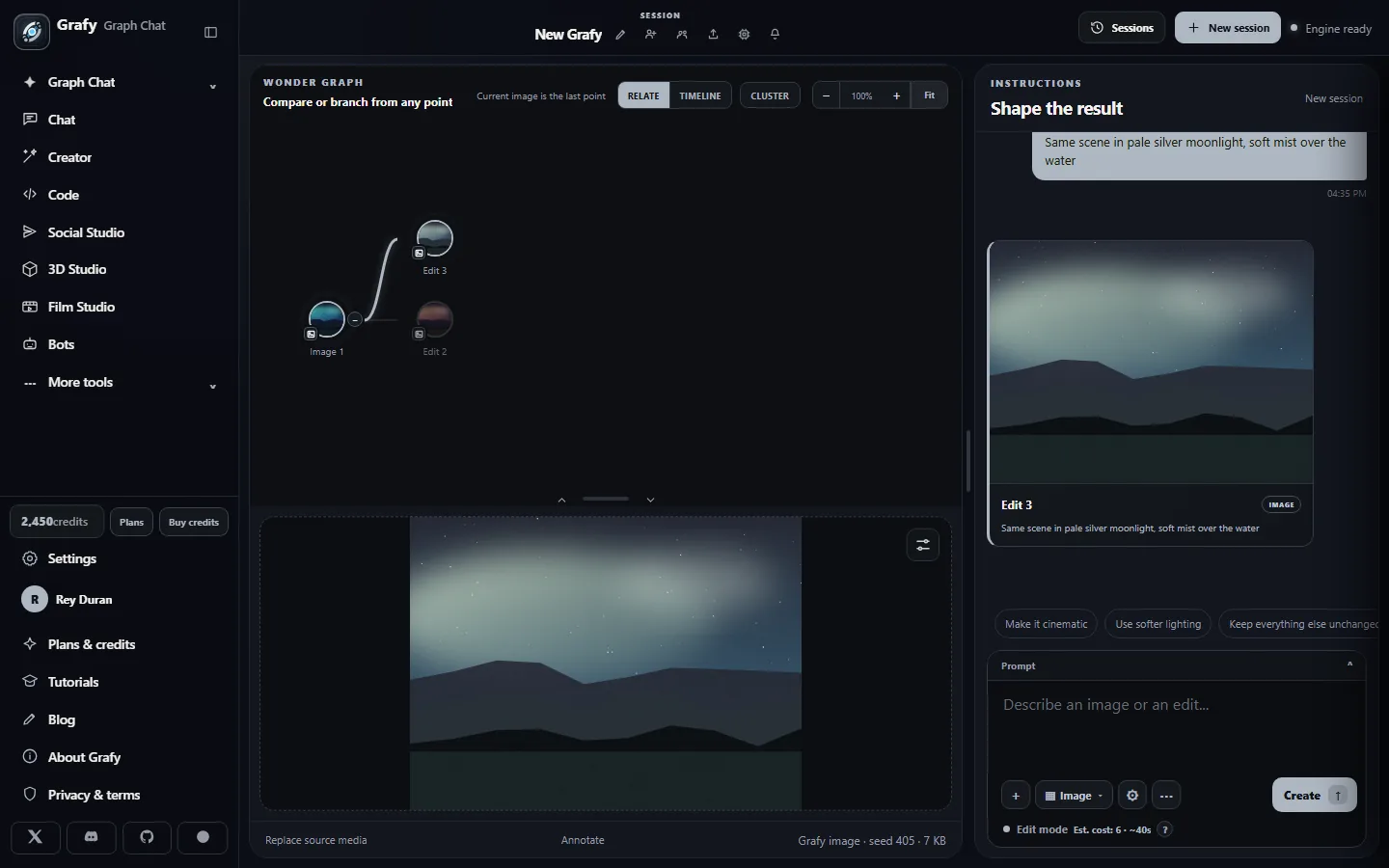
Graph Chat — the branching workspace
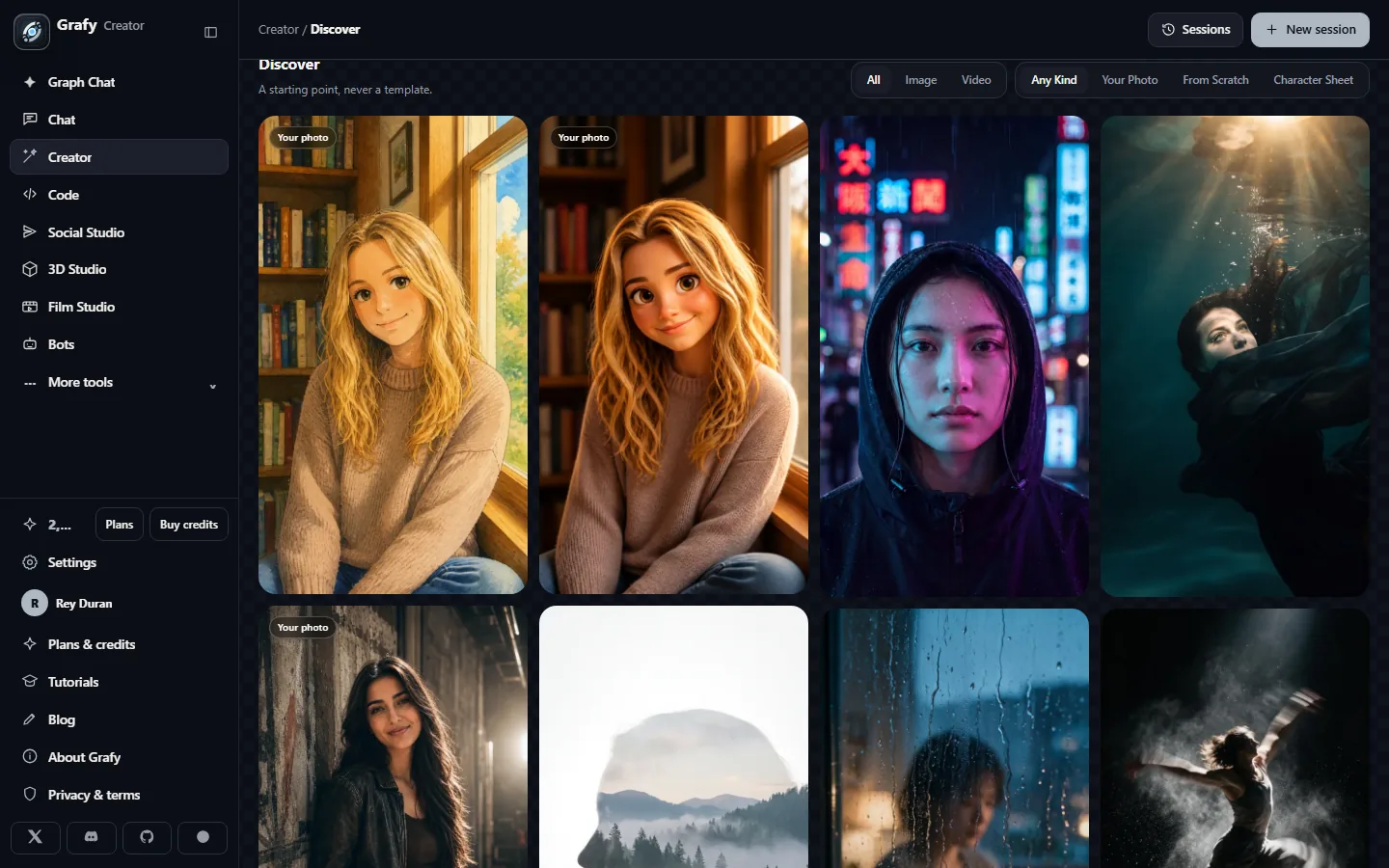
Creator — fast image & video generation
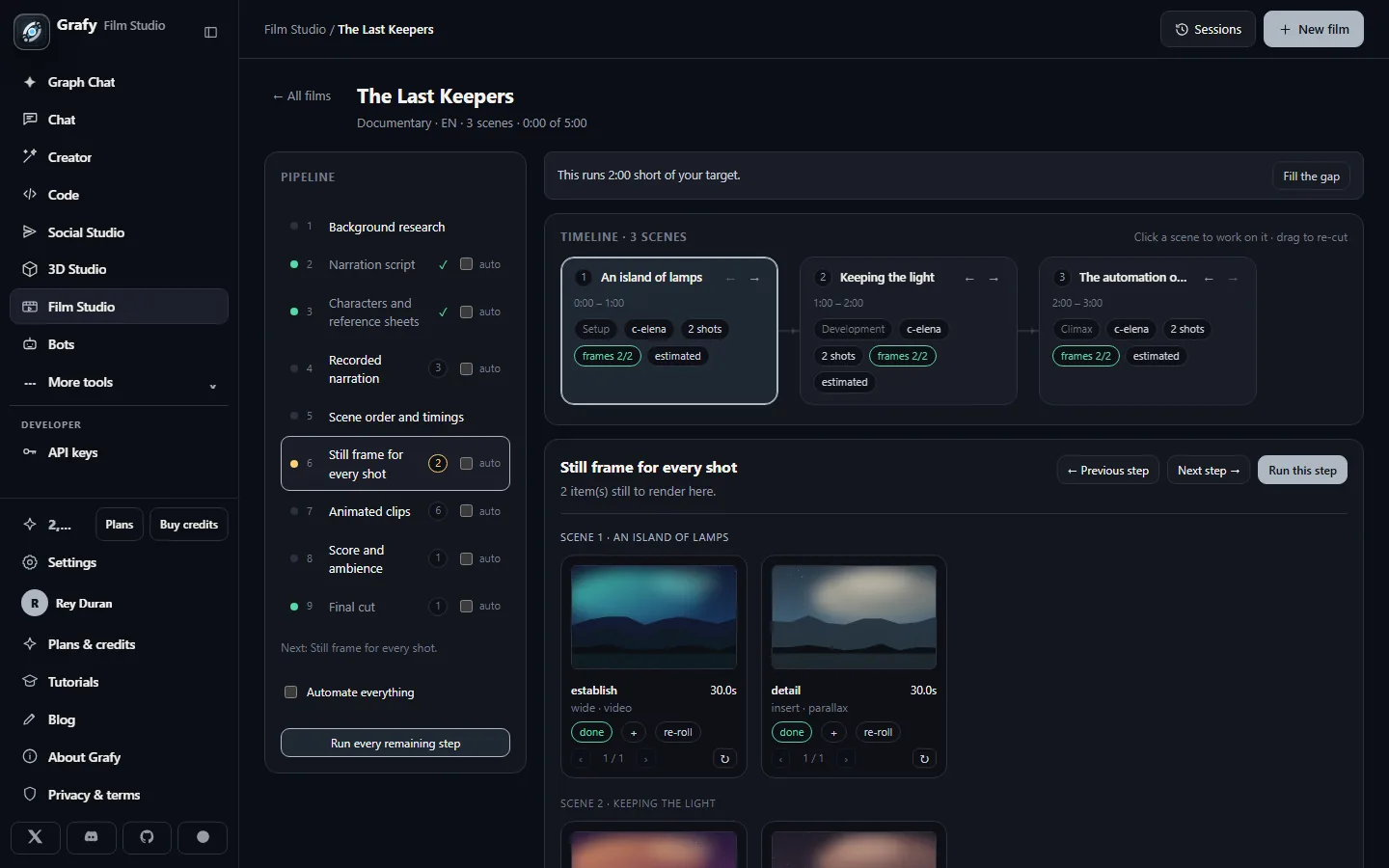
Film Studio — whole films, stage by stage
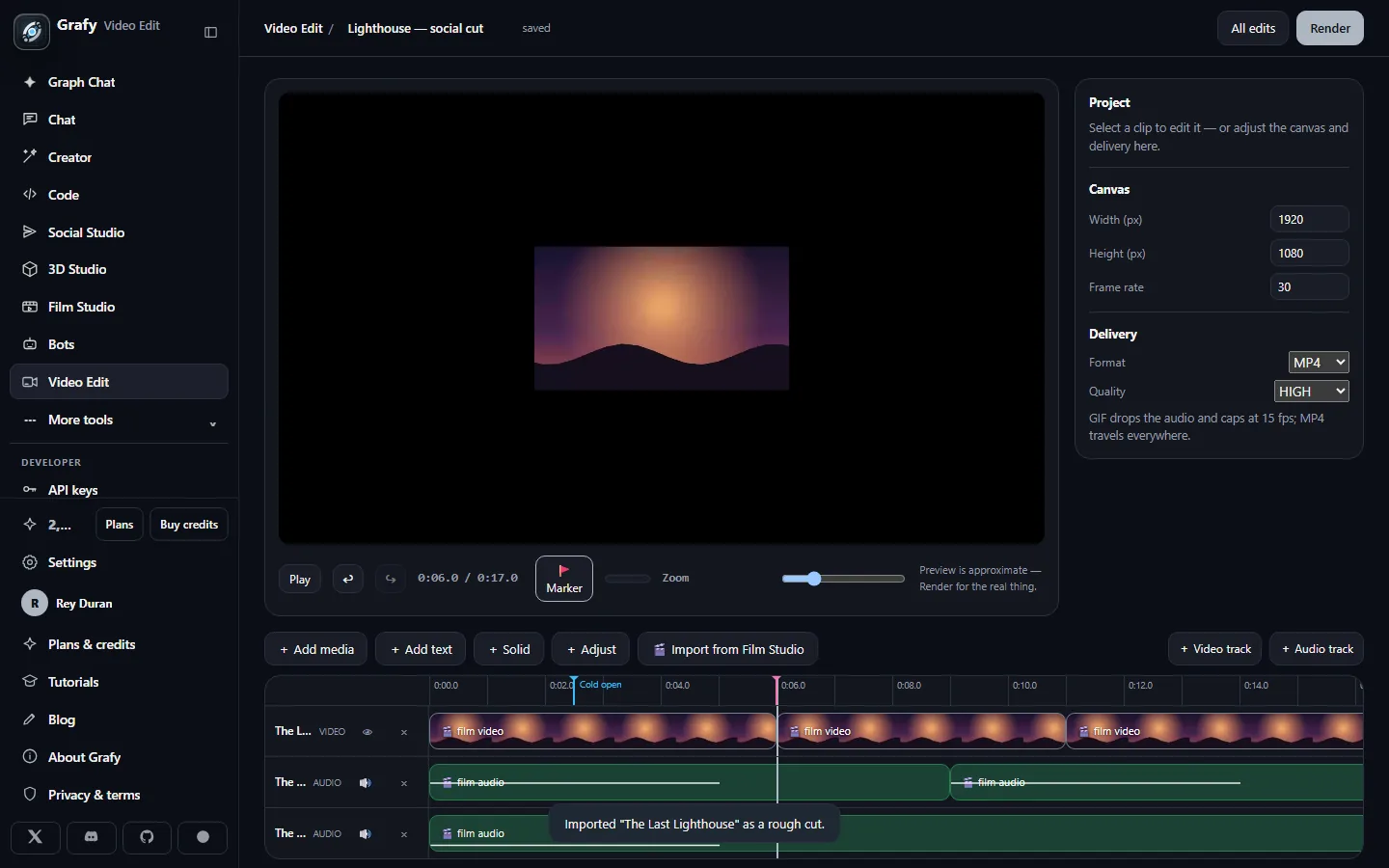
Video Edit — layers, keyframes & effects
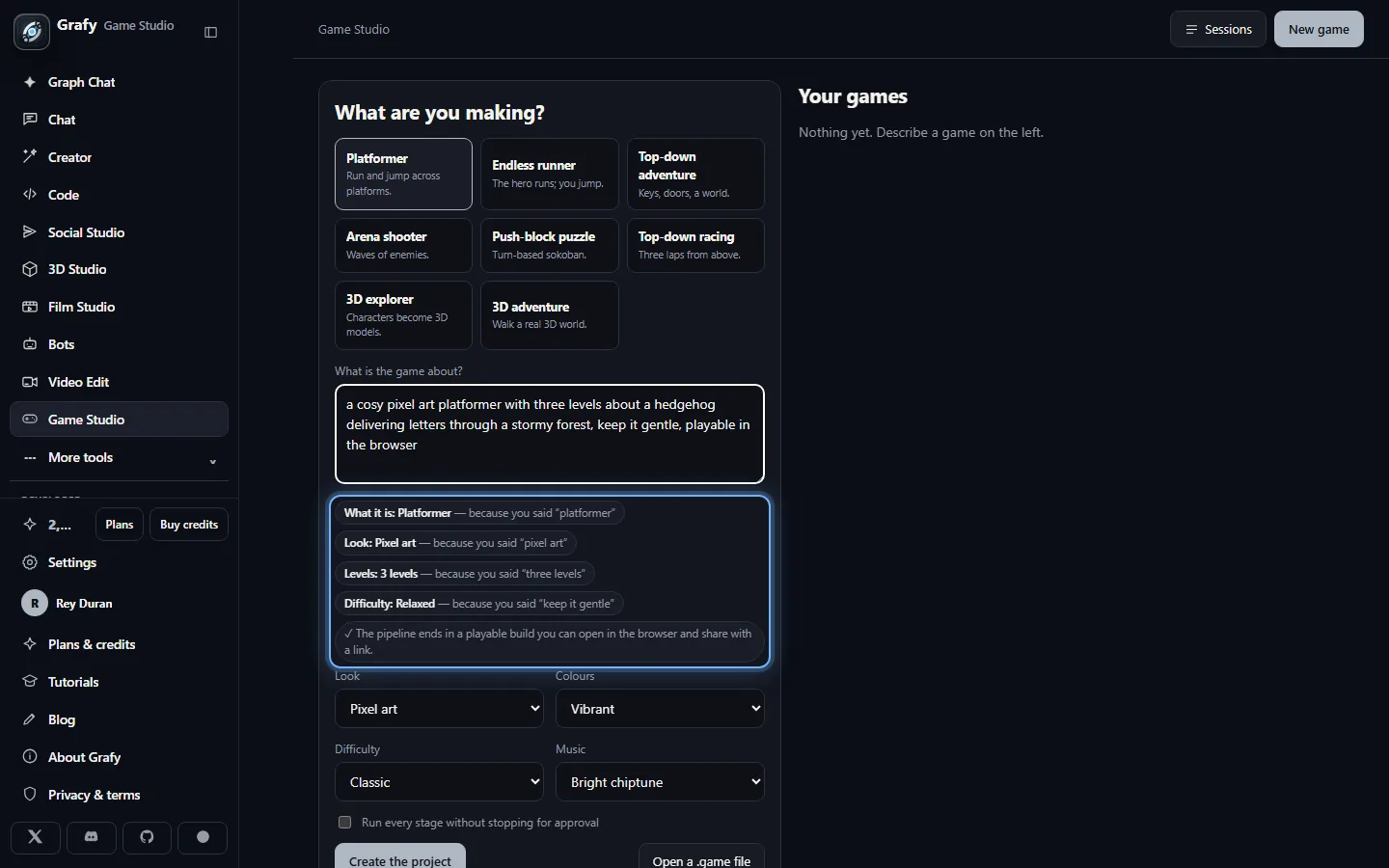
Game Studio — a playable game from one brief
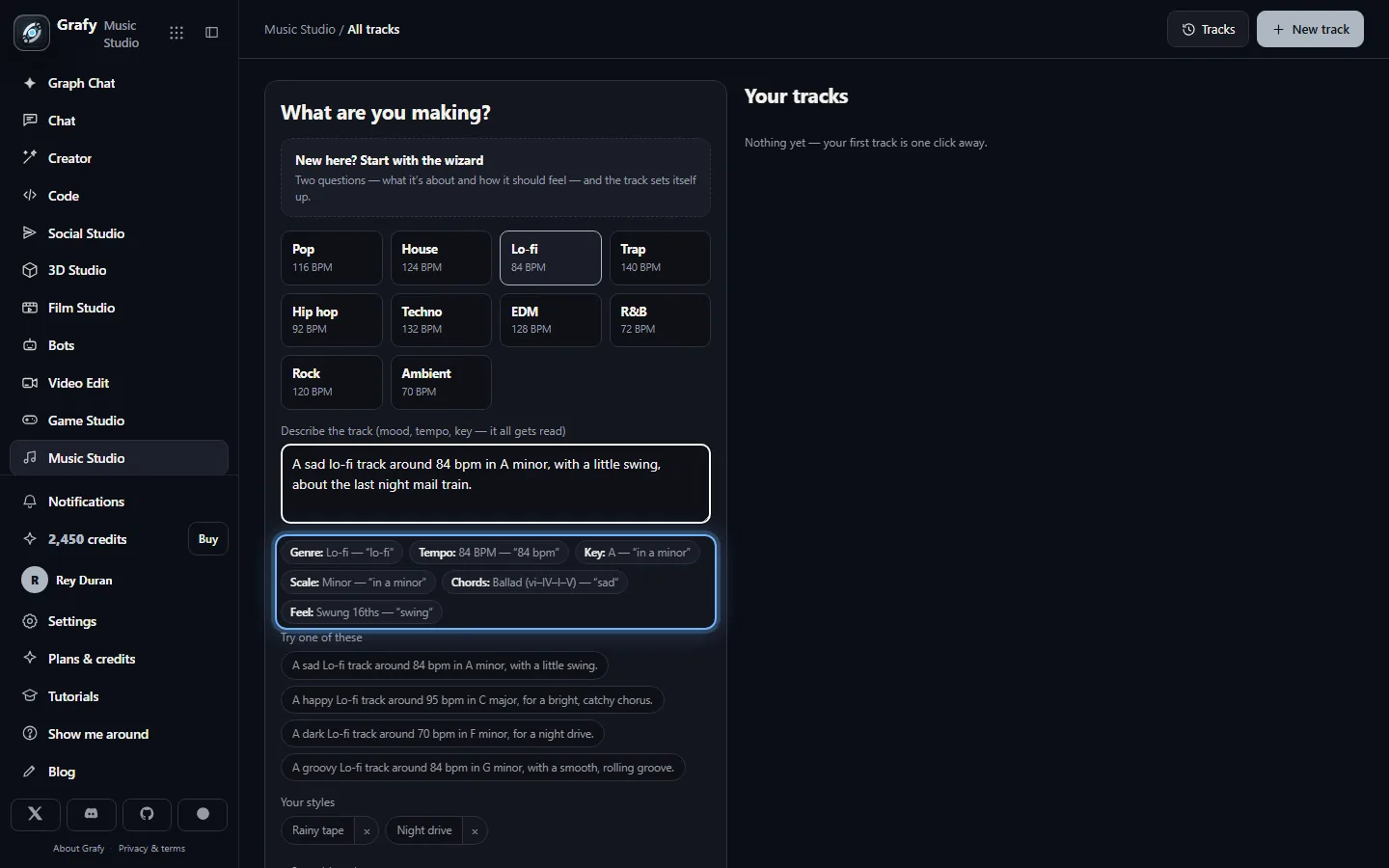
Music Studio — compose it, then let it sing
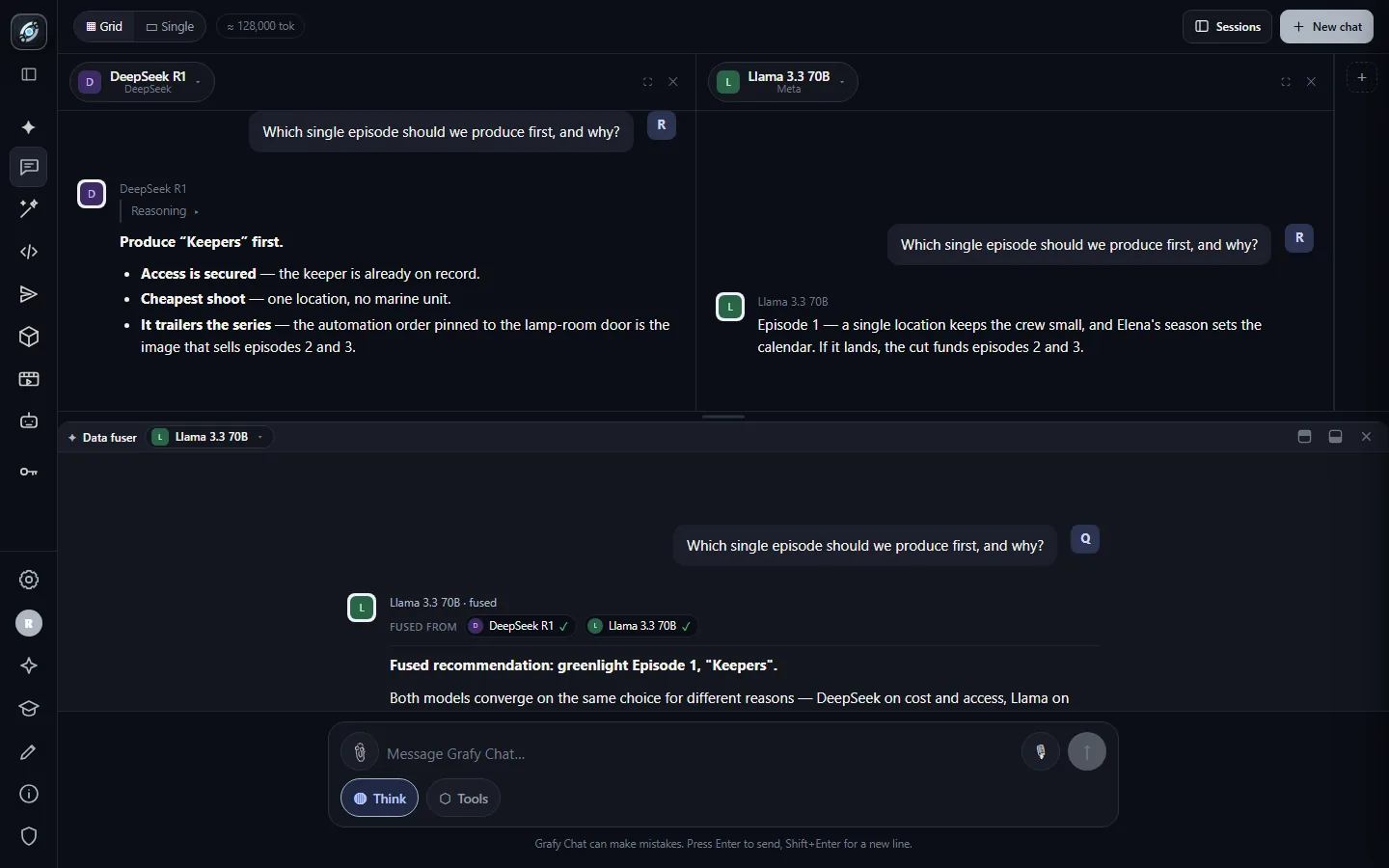
Chat — a council of models
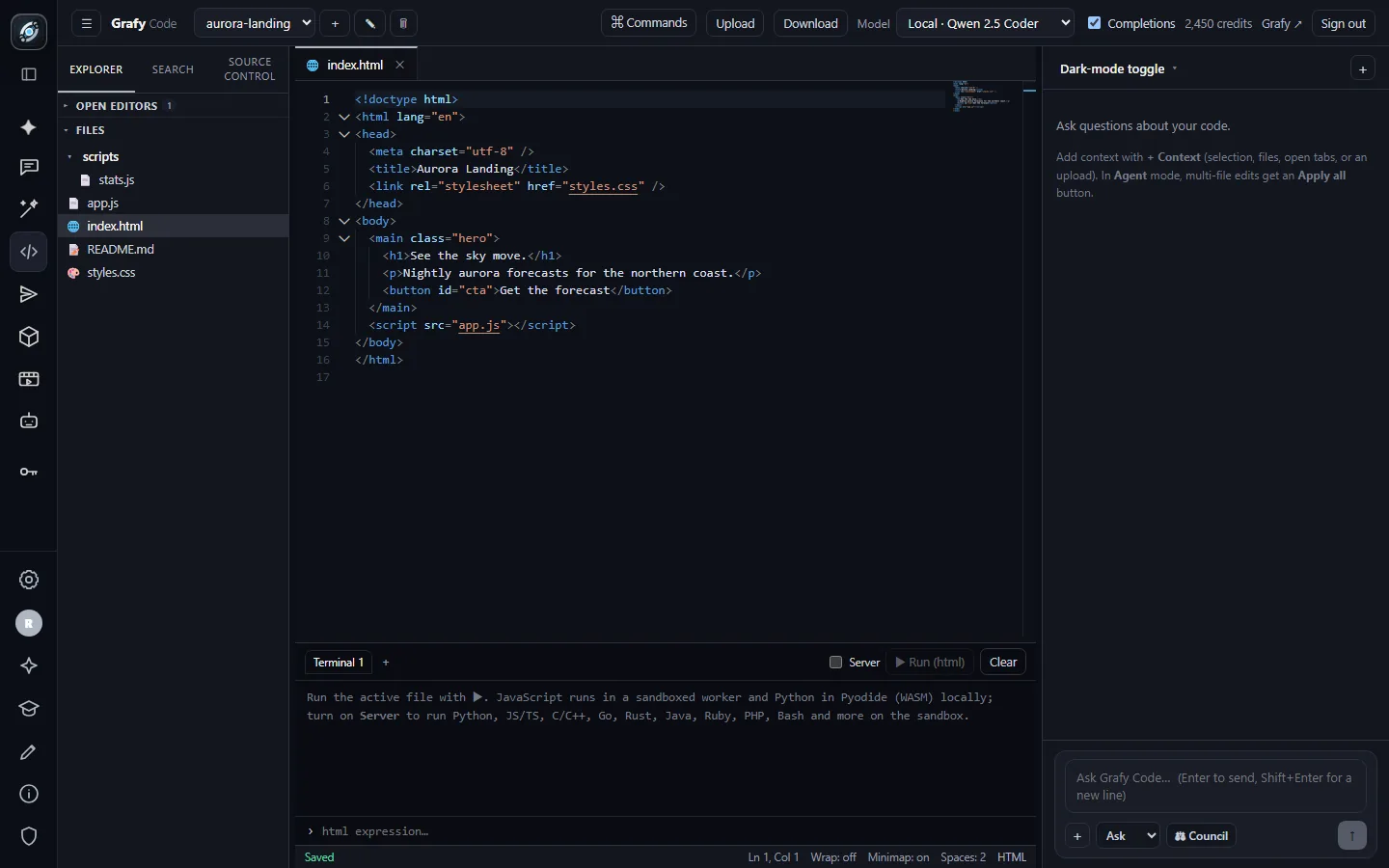
Code — an IDE with a pair-programmer
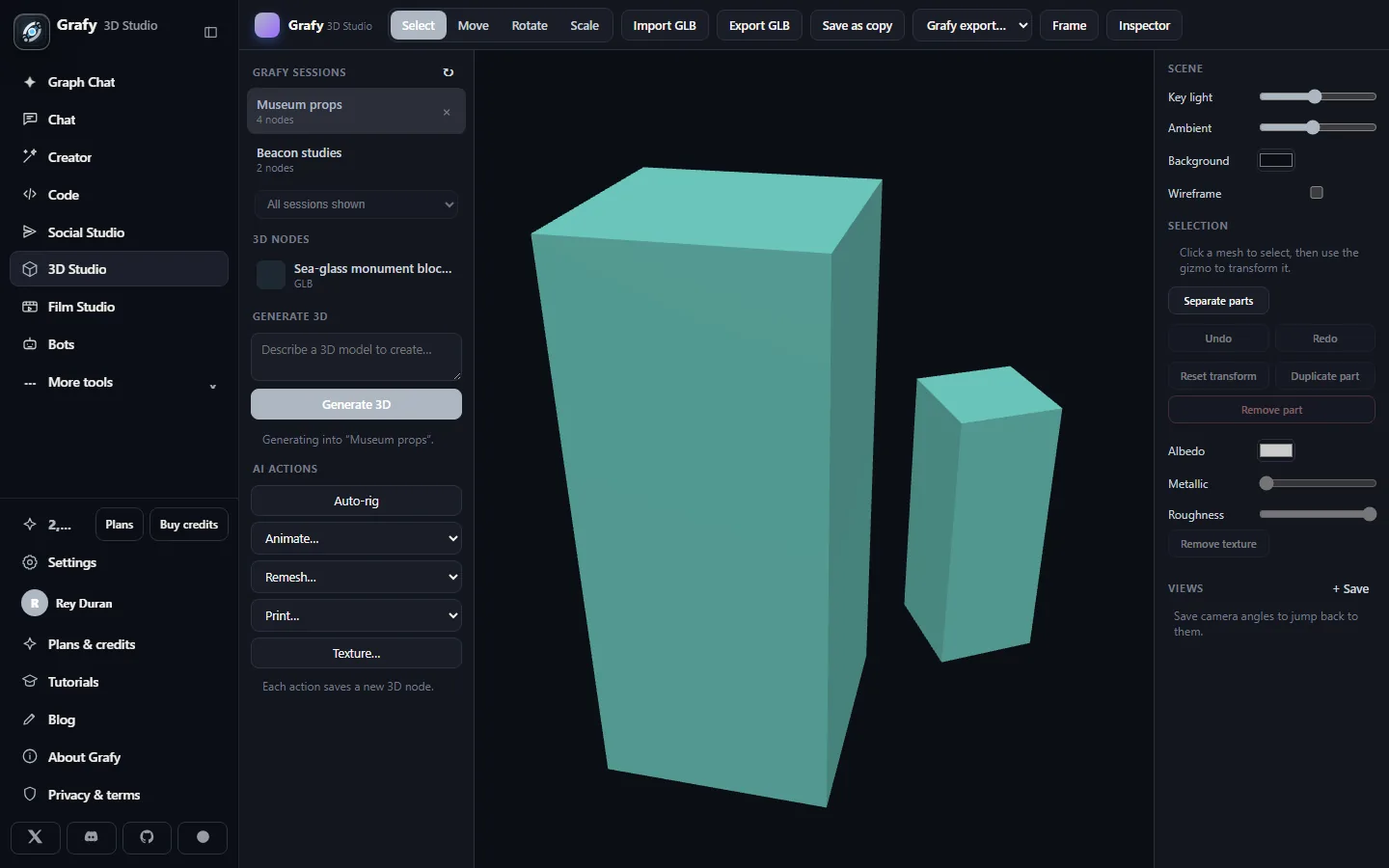
3D Studio — text to mesh to editor
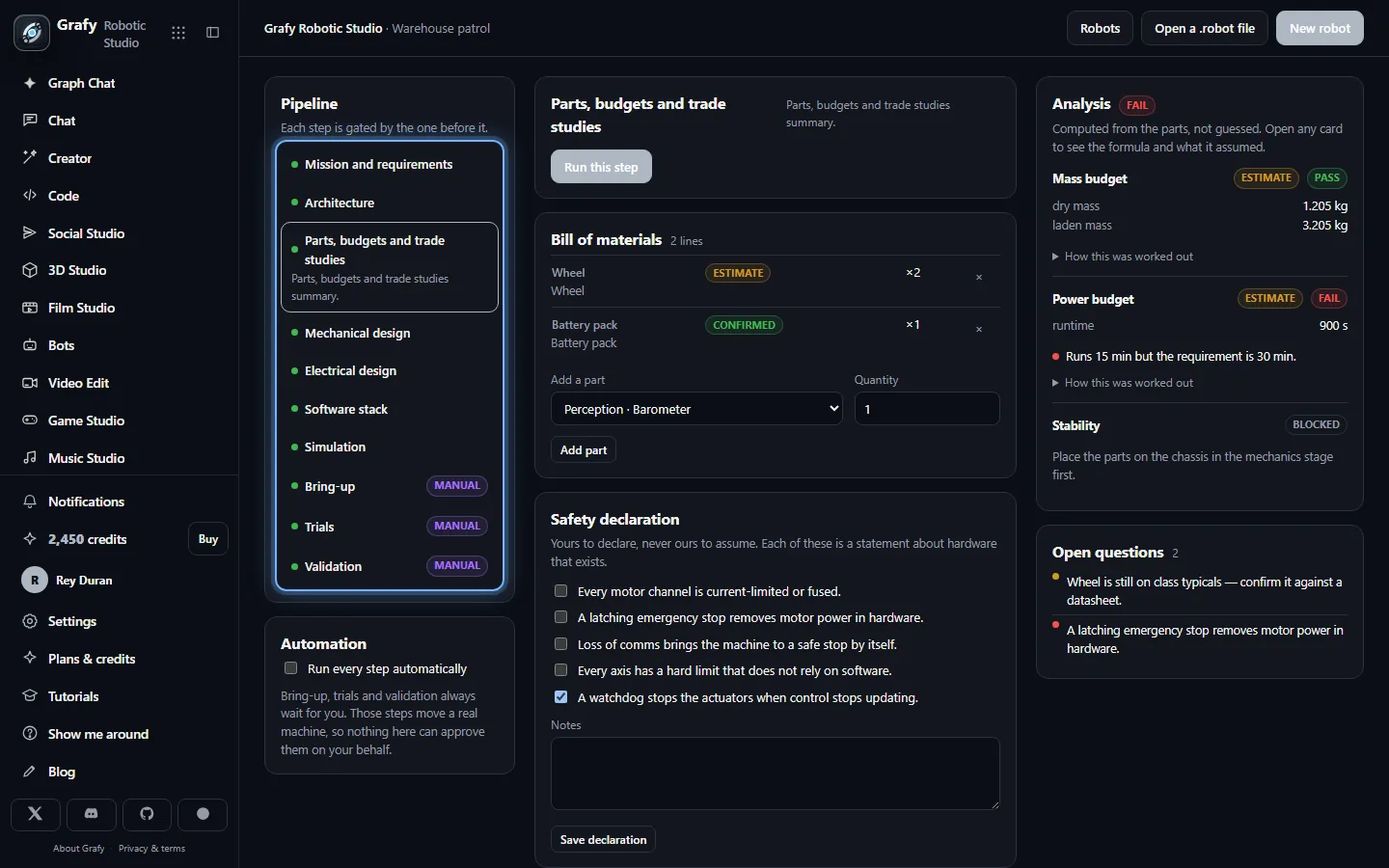
Robotic Studio — a robot from mission to machine
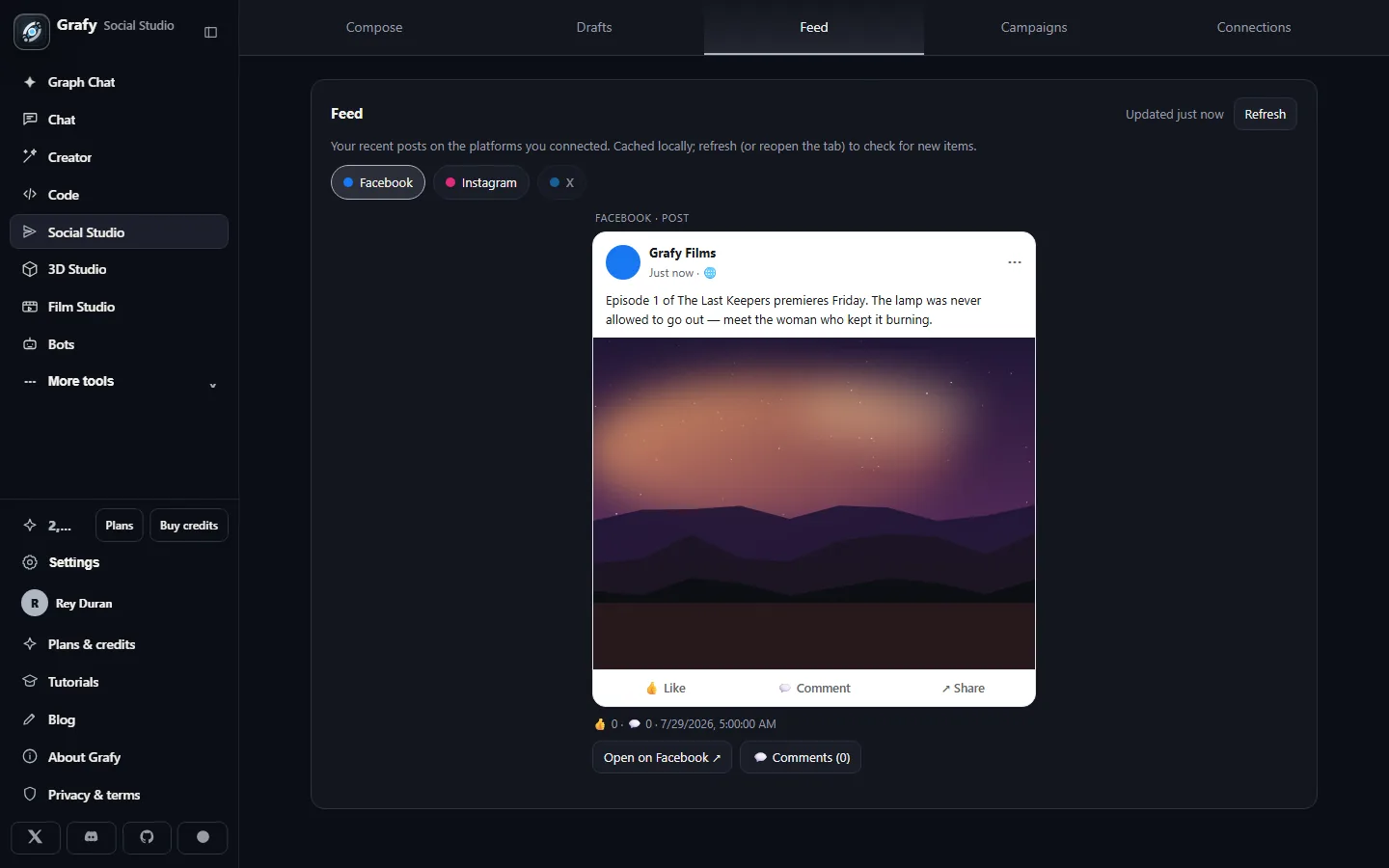
Social Studio — publish where people are
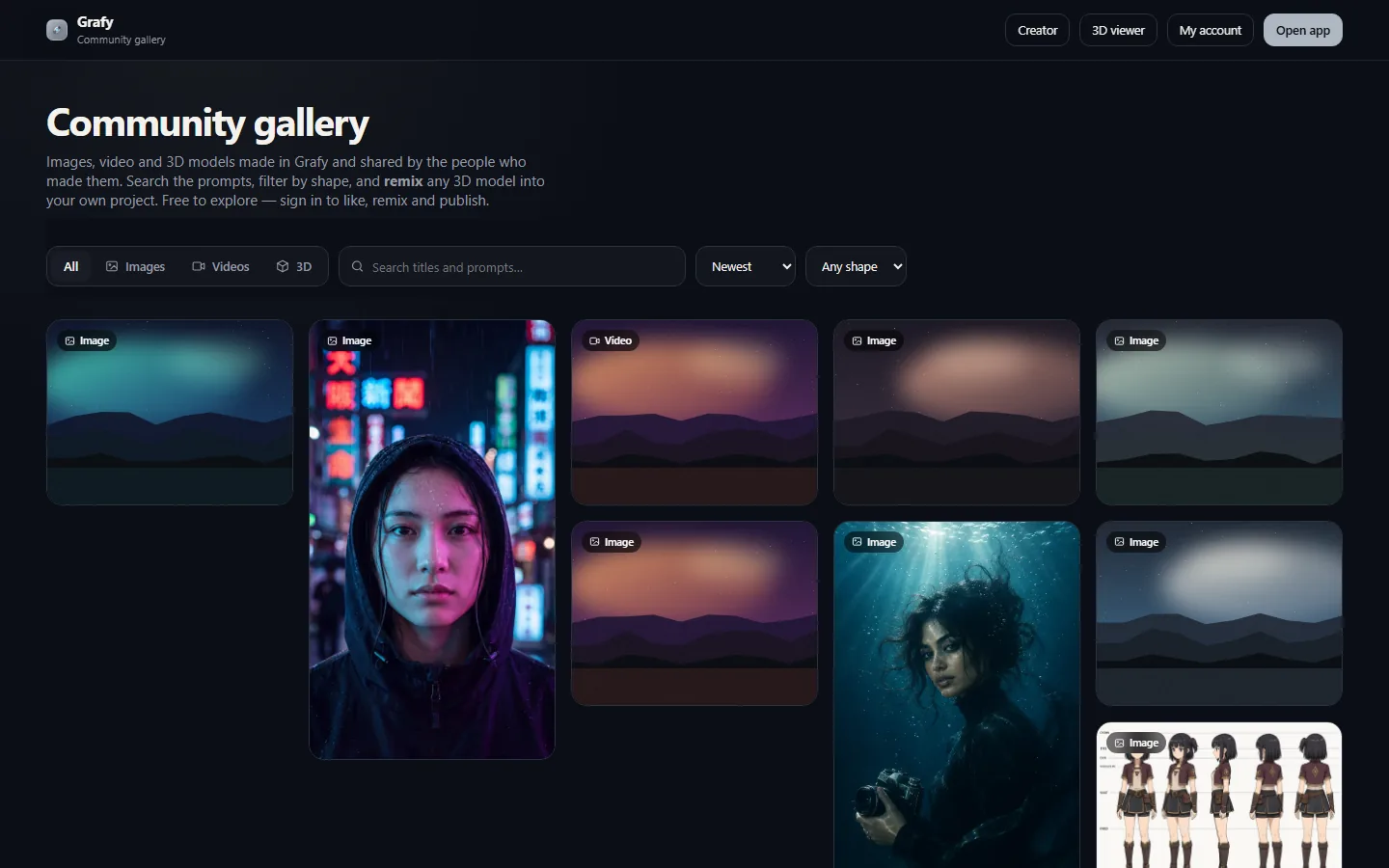
Community — a gallery where every piece teaches
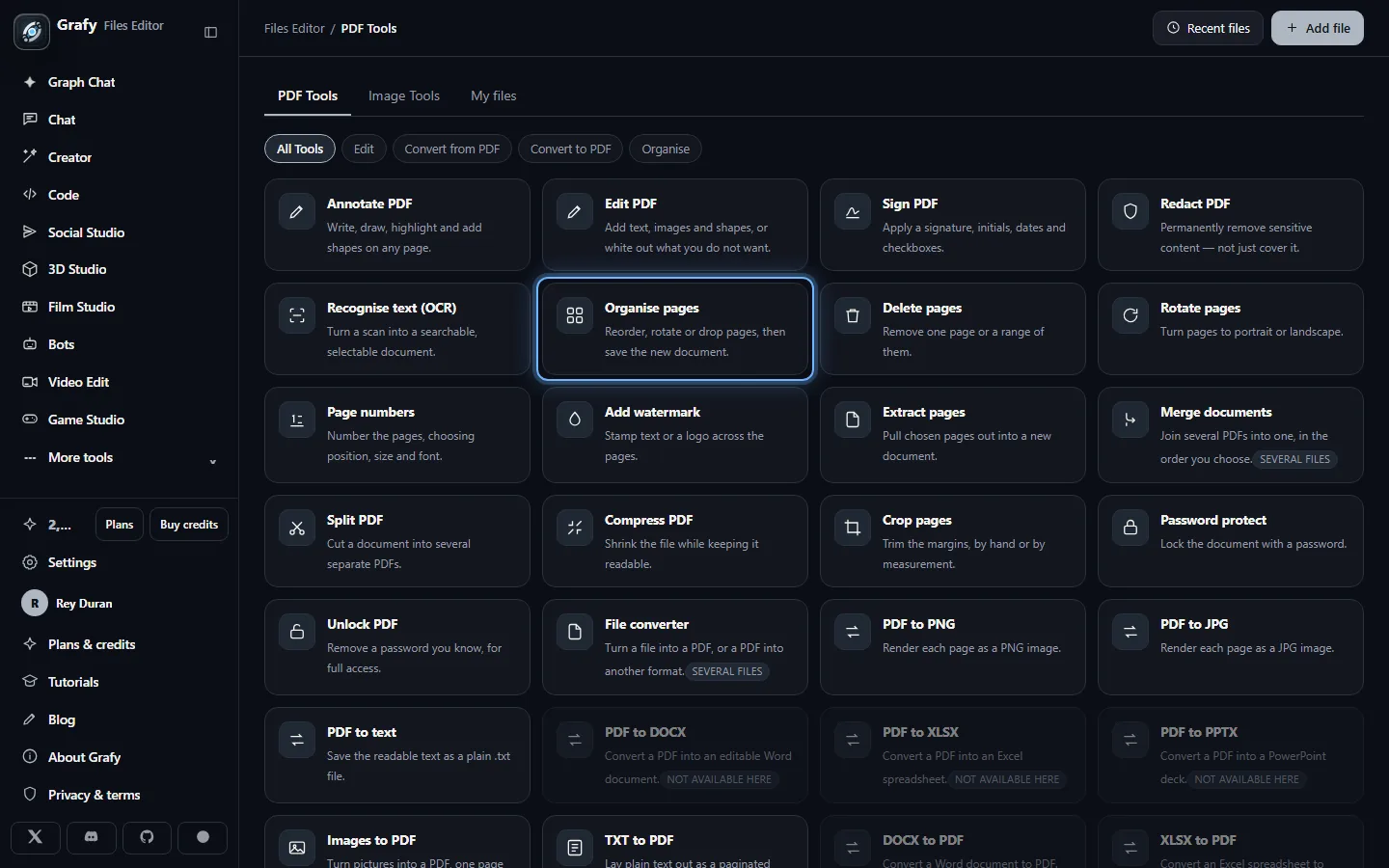
Files Editor — PDF and picture tools
More app guides
Eleven more apps, each with a walkthrough, its options and limits, what it costs, and a short FAQ.
Bots — an assistant that answers from your content
Cast — characters that stay the same character
Prepare — get a file ready to publish
Operator — an autonomous run with a ceiling
Scribe — an AI paper studio
Trip Planner — honest fares, then a budget plan
Watch — a standing question about the web
Reader — an AI reading room
3D Agent — it plans first, then runs
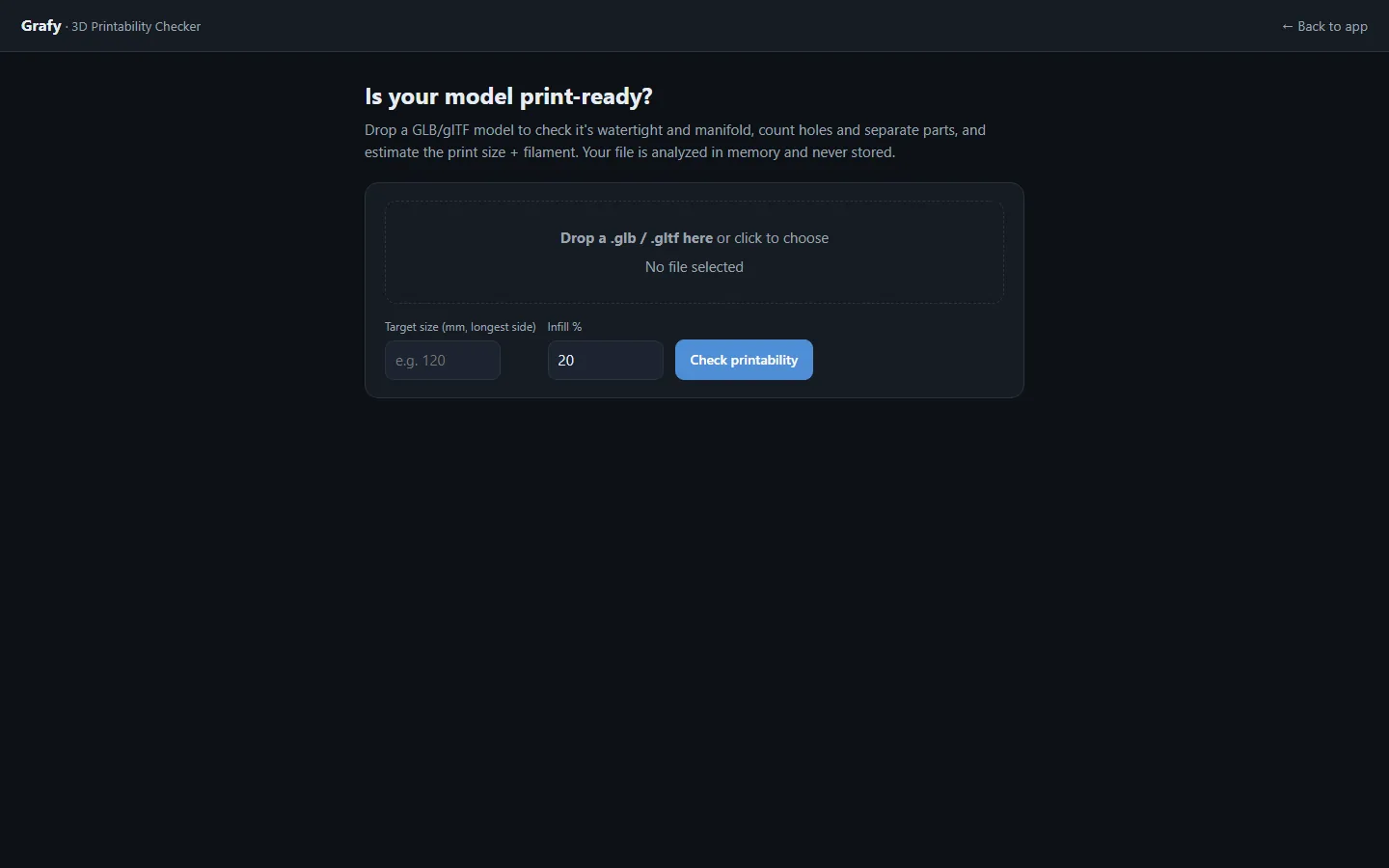
3D Printability — a verdict before you slice
Animation — a paragraph becomes motion
Free tools — no account needed
Standalone utilities that run right in your browser. Everything here is free and works without signing in.
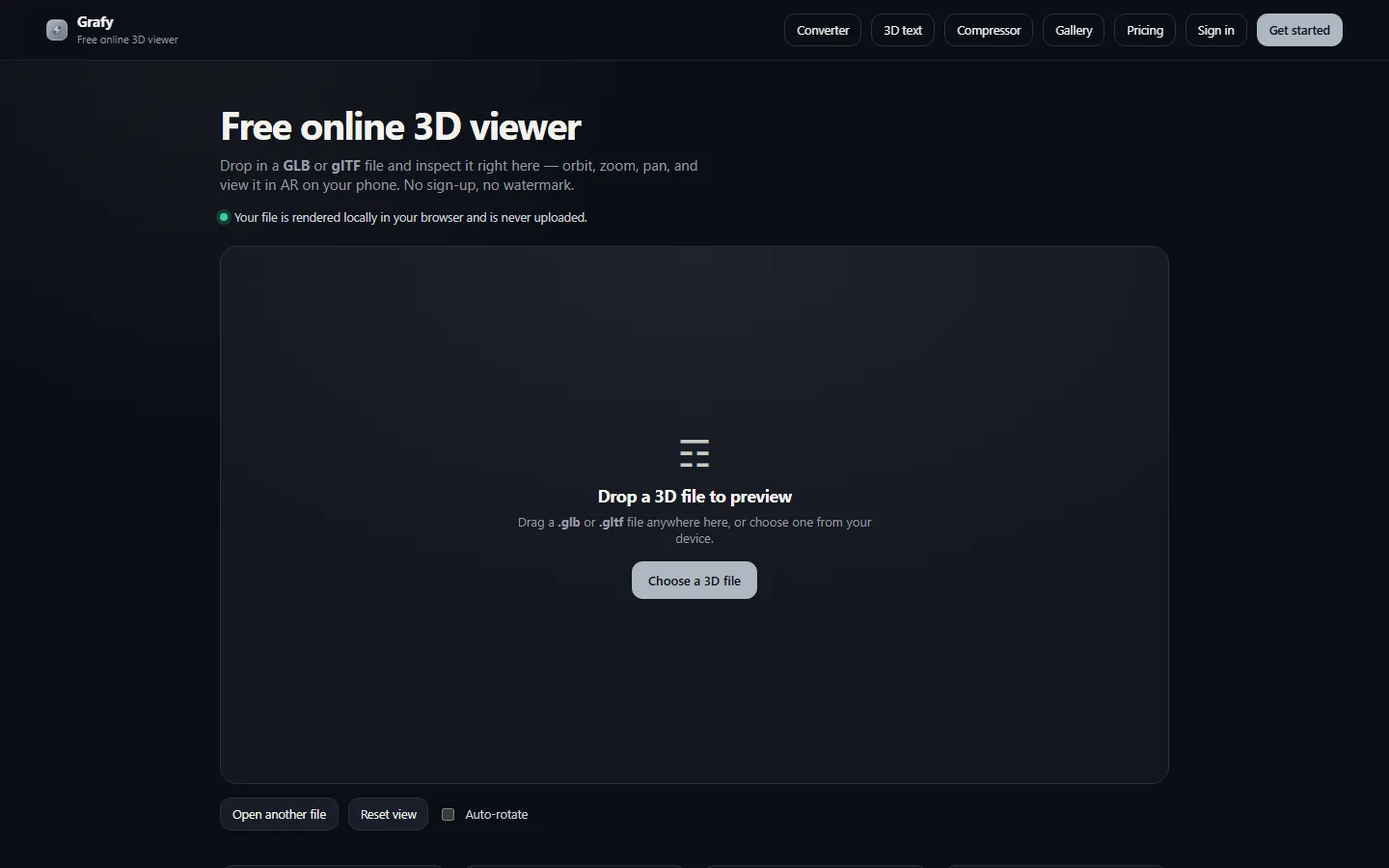
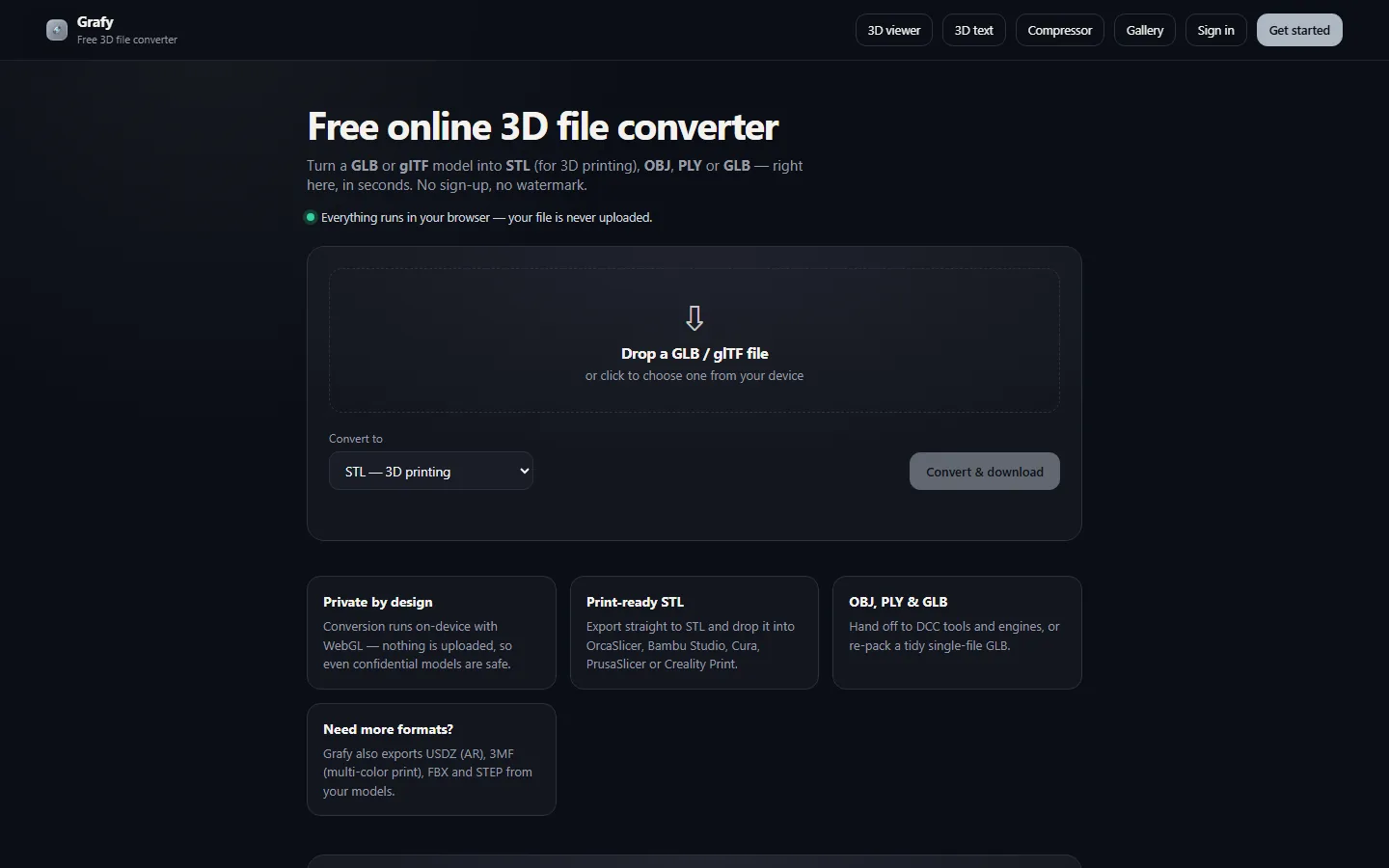
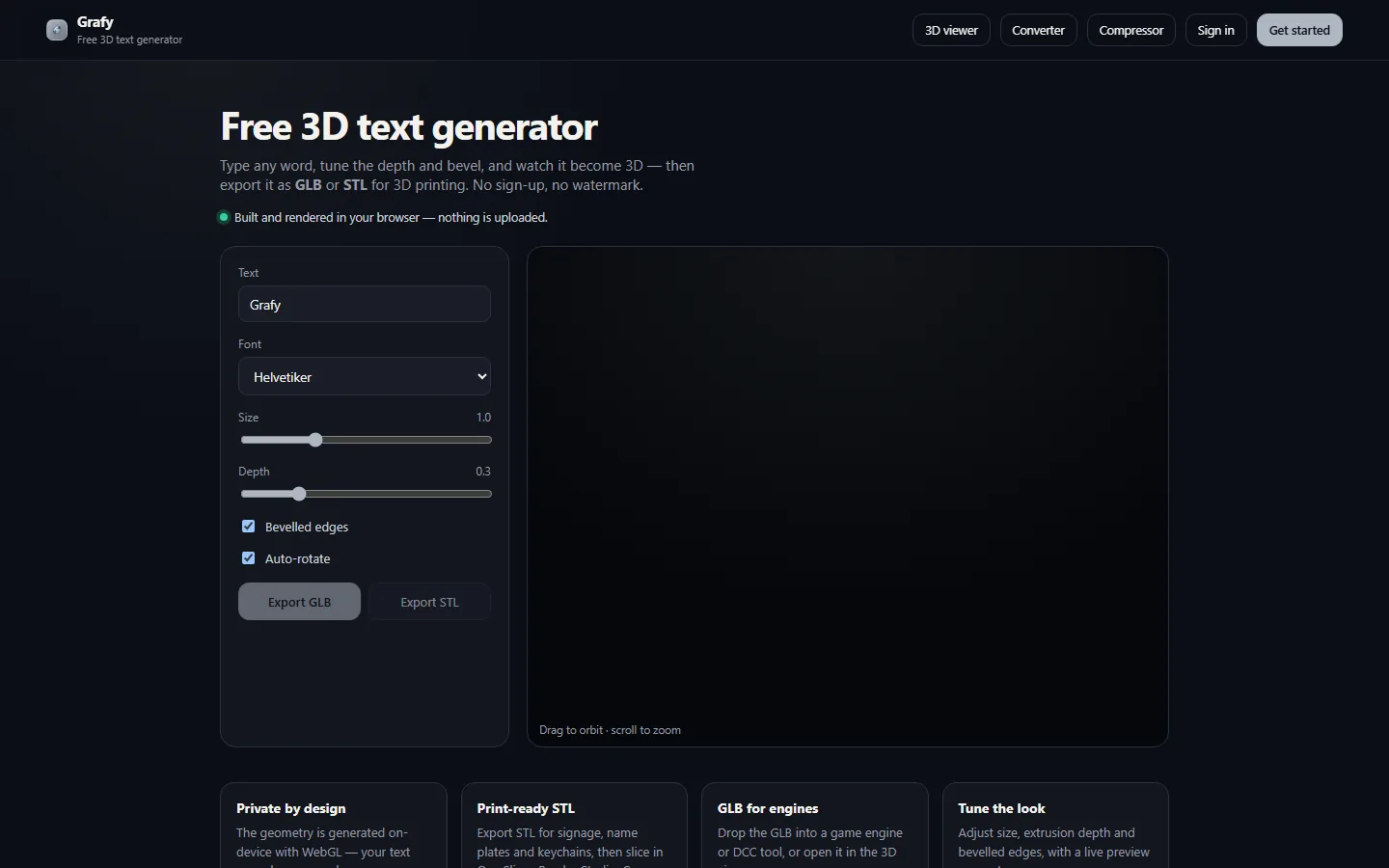
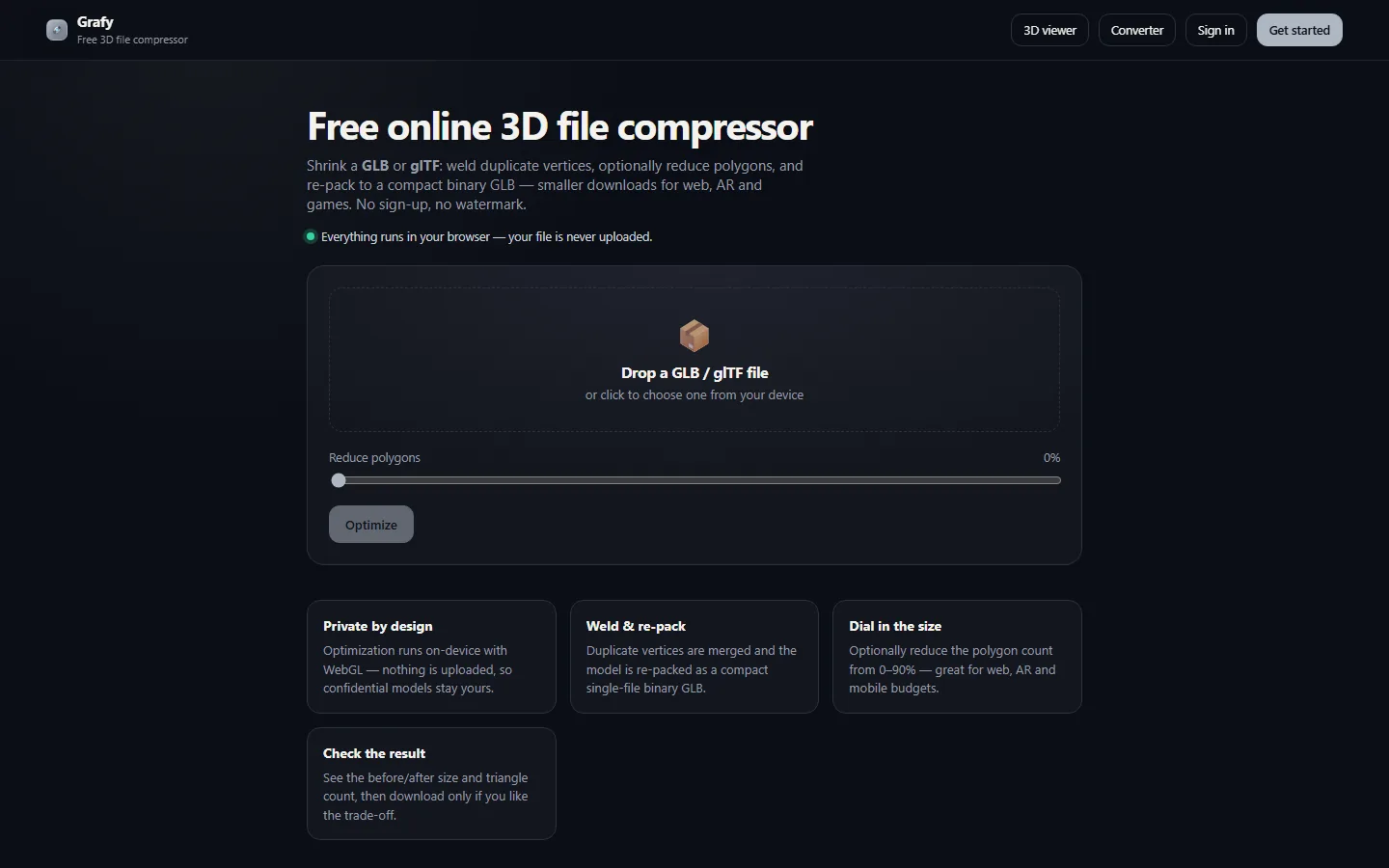
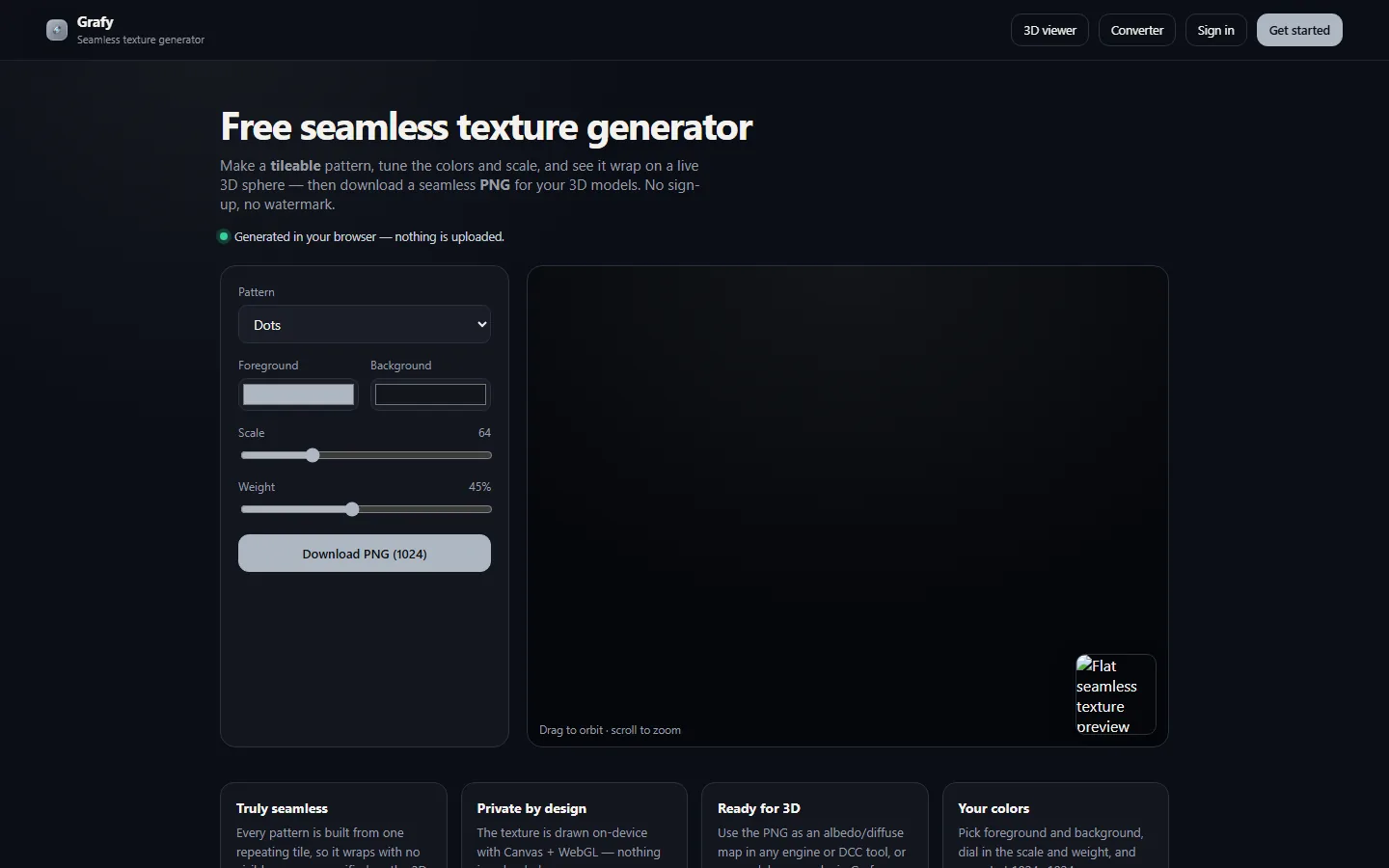
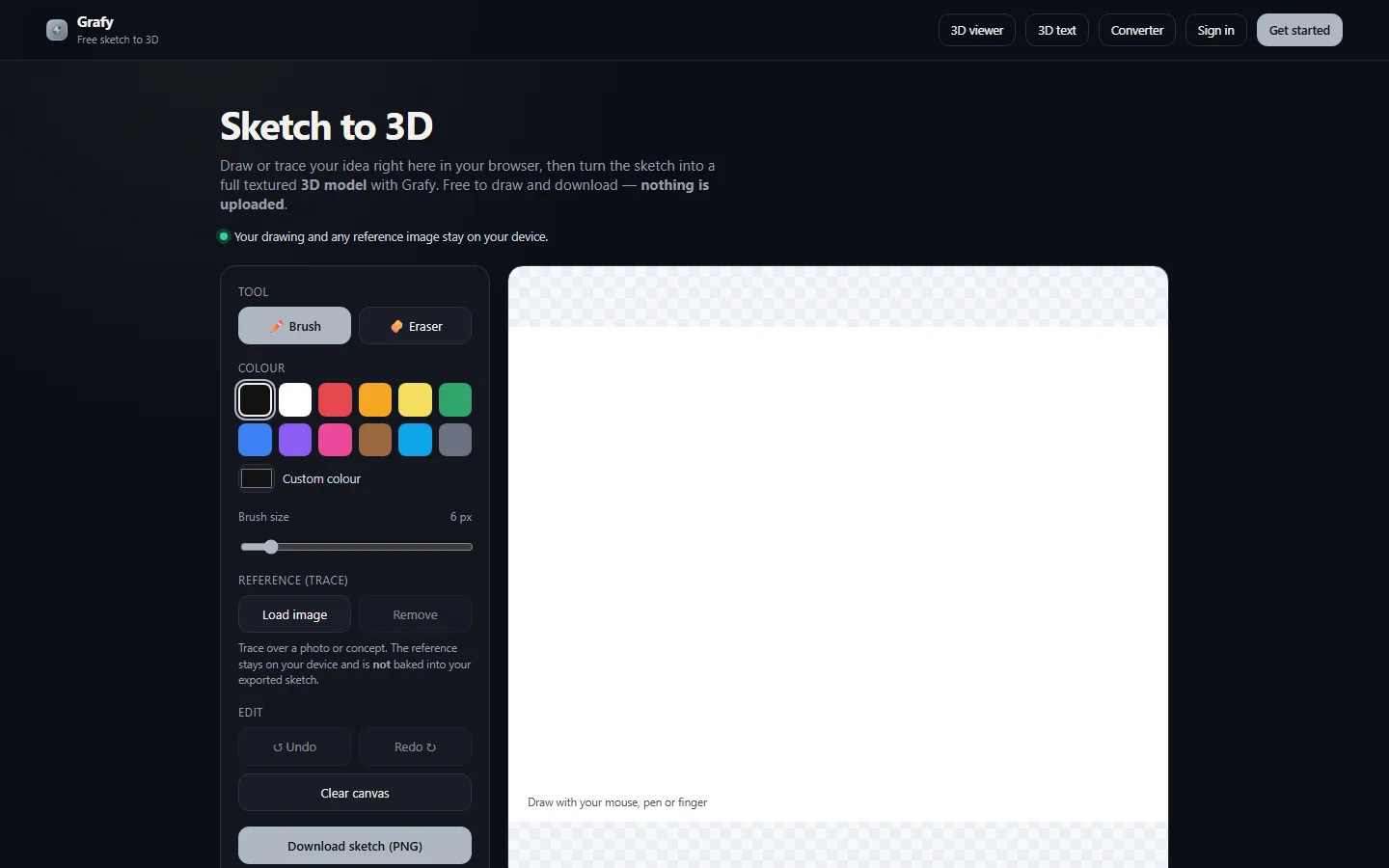
Screenshots show the current Grafy interface with sample outputs. Questions or ideas? Find us through the links in the sidebar.