Community — a gallery where every piece teaches
Open Community →The public face of Grafy: images, video and 3D models shared by the people who made them. It's free to browse without an account — and every piece carries its full prompt, so the wall doubles as a prompt library.
Walkthrough: find a look, make it yours
The wall
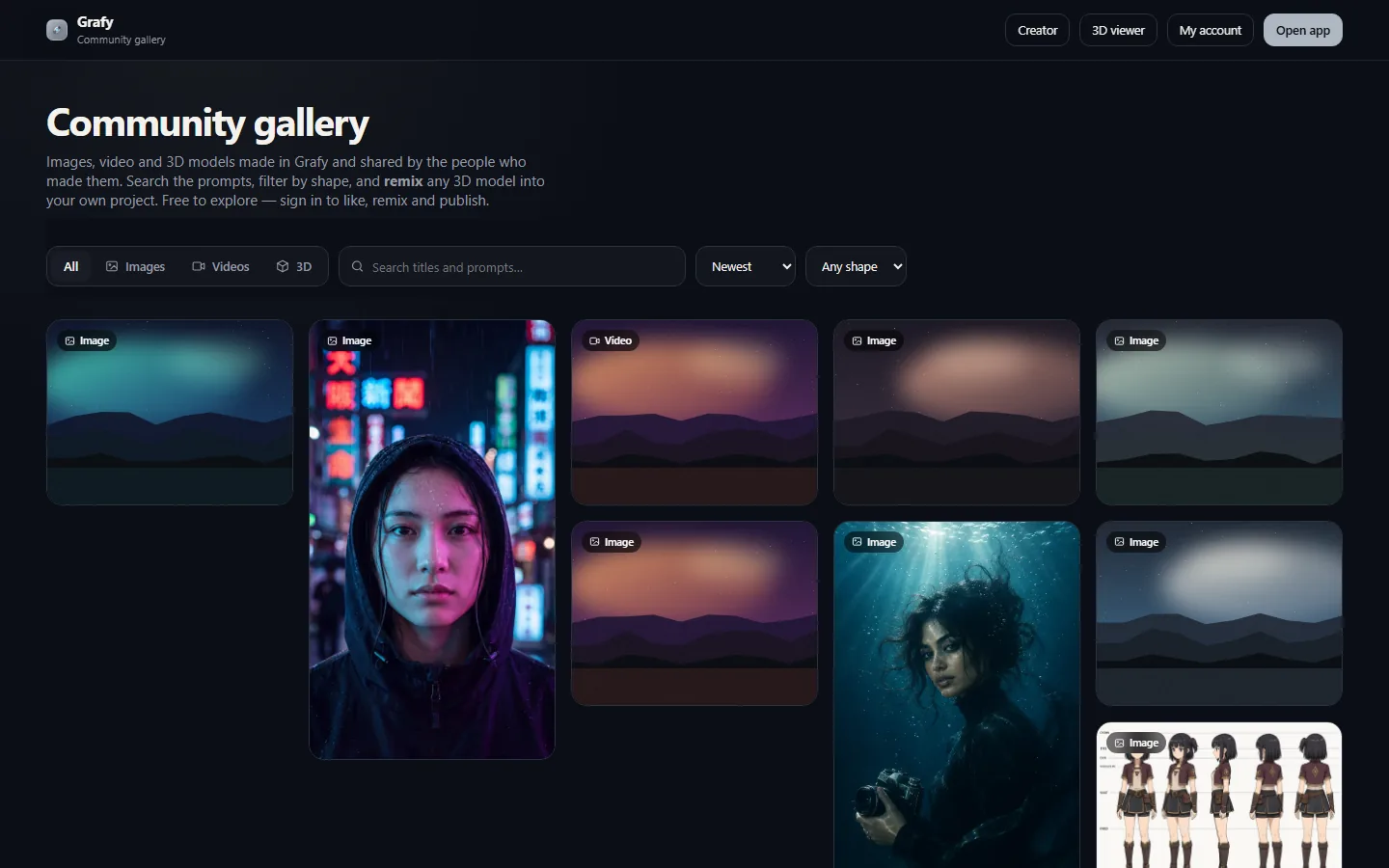
A masonry of published work with kind badges, like counts and creators. Filter by media type, sort, and narrow by shape.
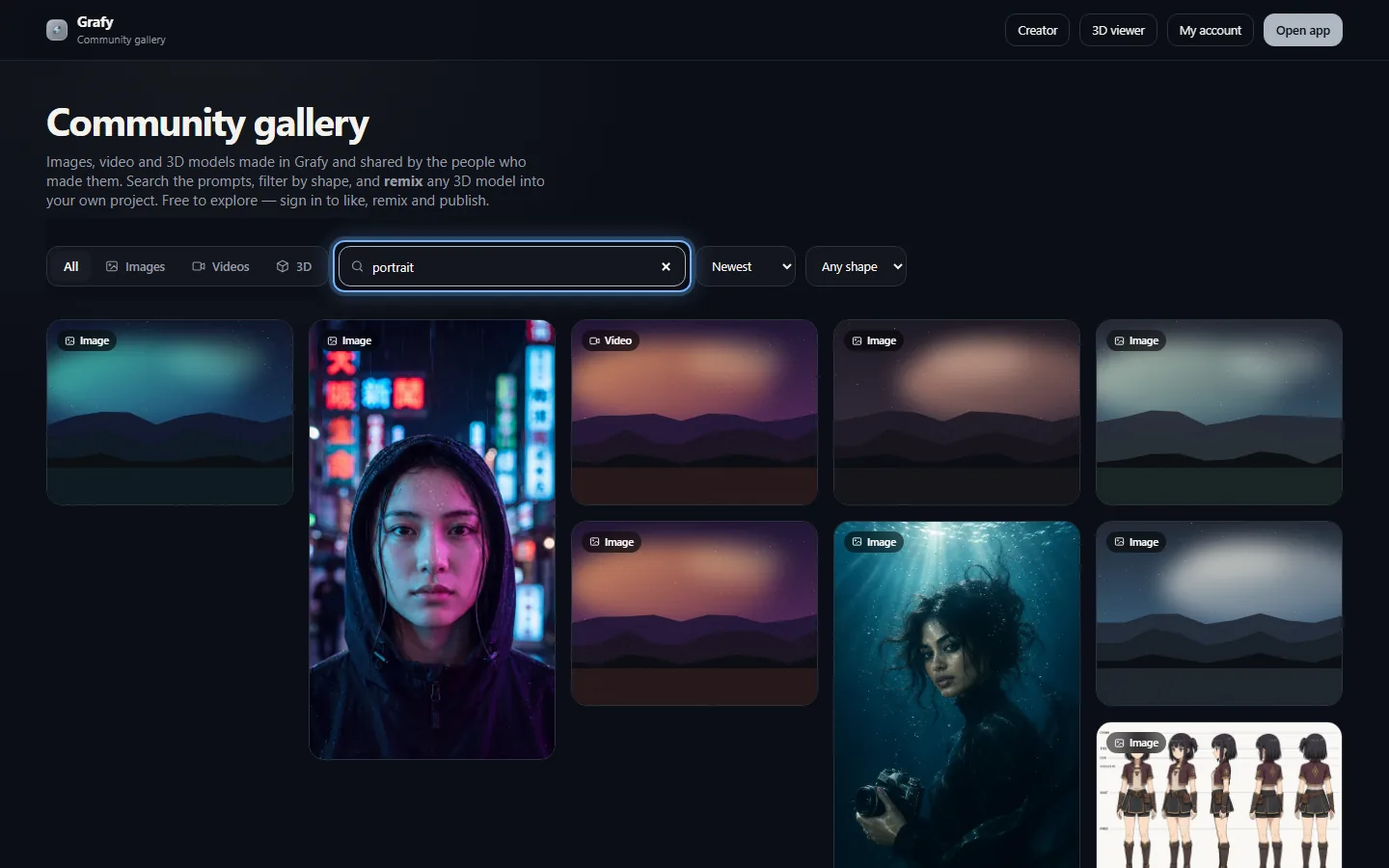
Search the prompts
Search matches titles and prompts — find a look you love and read exactly how it was asked for.
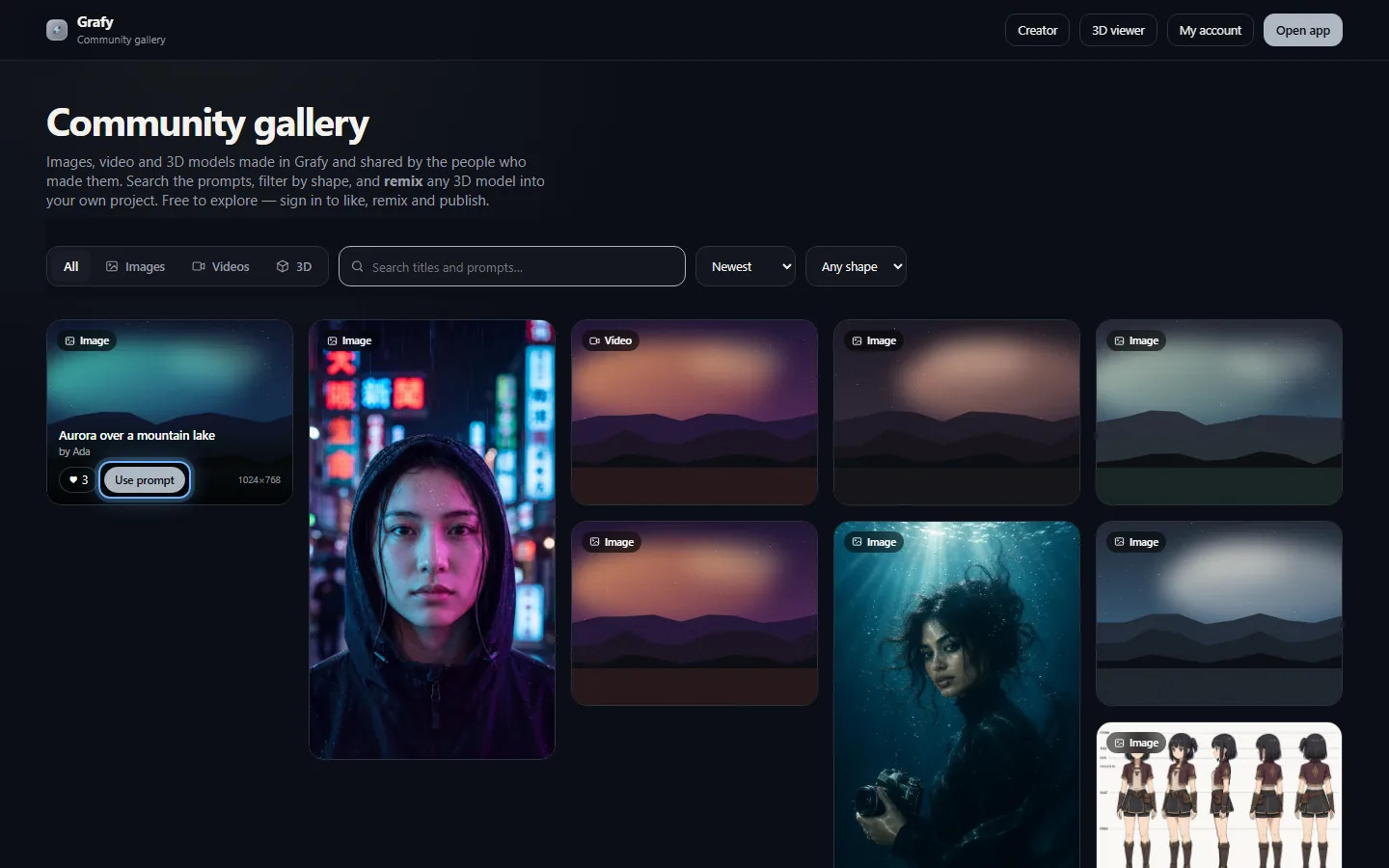
Use prompt → make it yours
One click hands the full prompt to Creator; 3D models get Remix, which opens the mesh in 3D Studio.
Going deeper
Browsing & filters
The wall holds three media kinds — images, video (hover-to-play with posters) and 3D models rendered in an interactive viewer right on the card, AR-openable on phones. The segment filter narrows to one kind; sort switches between Newest and Top (most liked); the shape filter picks portrait, landscape or square. All of it travels as real query parameters, so a filtered view is a shareable link and search engines can walk the whole gallery.
Prompts as recipes
Publishing shares the how along with the result: each card shows its title, creator and the complete prompt, with dimensions on image cards. The search box matches inside prompts, which turns the gallery into a searchable cookbook — query a technique (“rim light”, “ukiyo-e”, “turnaround”) and study every published piece that used it.
Publishing, likes & remixing
Anything you make can be published from its result card in Creator, Graph Chat or 3D Studio — and unpublished later; you keep control of your own wall. Browsing is anonymous; liking and remixing ask you to sign in. Use prompt drops an image's recipe straight into Creator's composer, and Remix opens a published model in 3D Studio as your own working copy, ready to re-material, rig or print-check.