Film Studio — a whole film, stage by stage
Open Film Studio →One topic becomes a finished, narrated film through an editorial pipeline: research → script → cast → voice → timeline → keyframes → clips → music → final cut. The premise is approve cheap things before paying for expensive ones — review a still before a clip renders, and a script line before it is voiced.
Walkthrough: topic to final cut
All films, one shelf
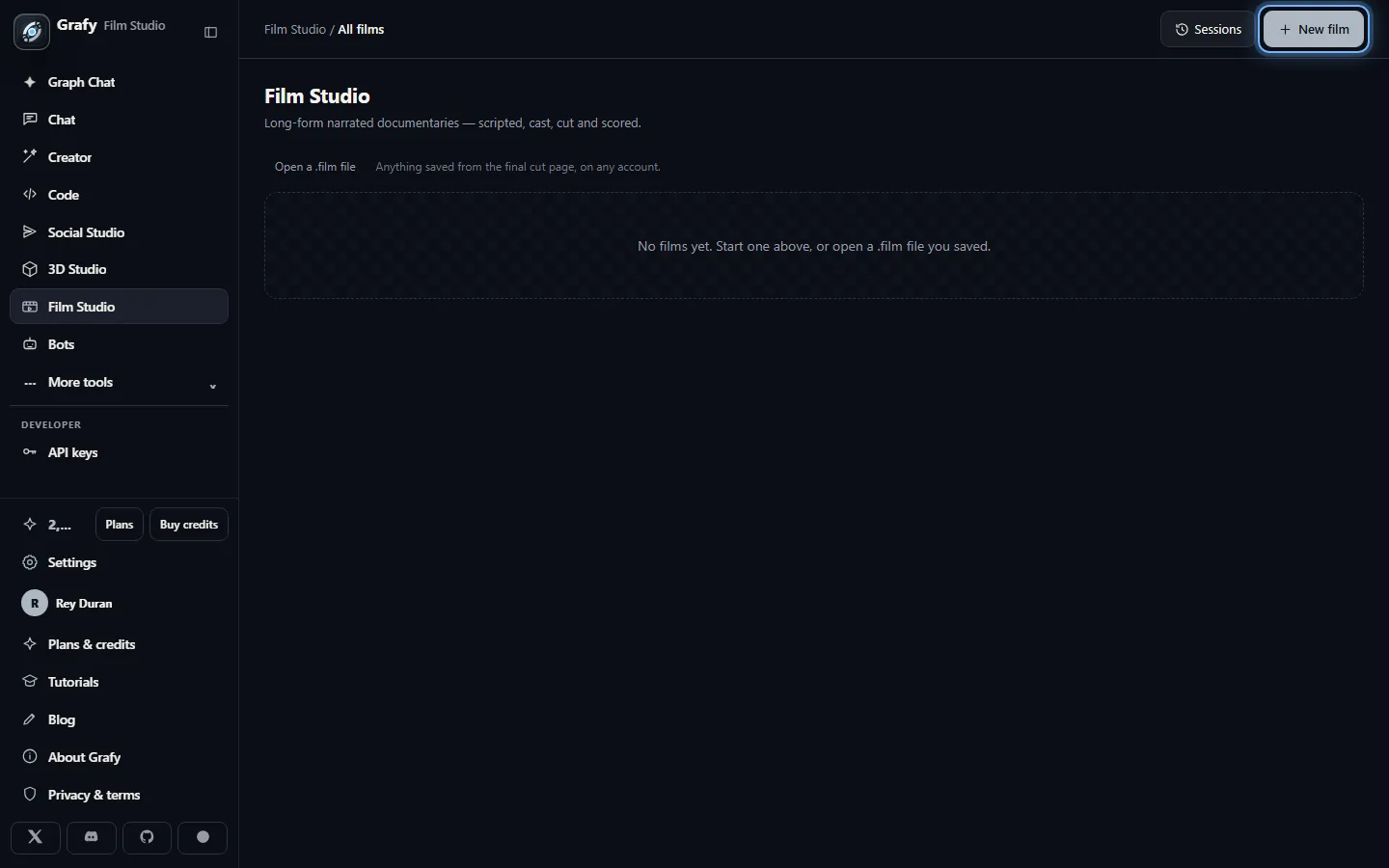
The landing page lists your films with their stage, plus Open a .film file — a film exports as one portable bundle you can re-open anywhere. Start with New film.
One topic in, a plan out
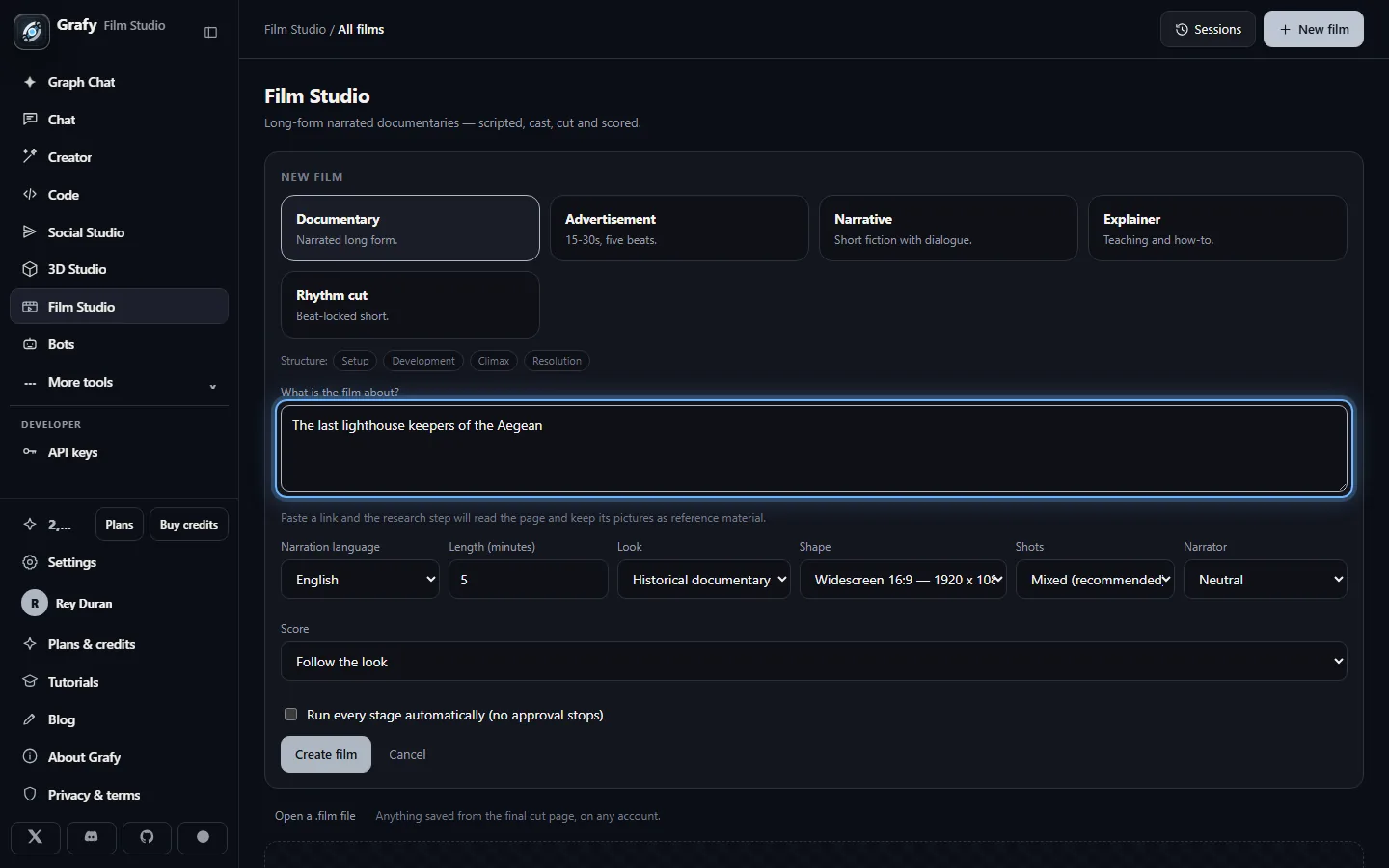
Pick the kind, type the topic, choose length, look and delivery shape. That's the entire brief; the studio drafts everything else.
Pipeline, timeline, workbench
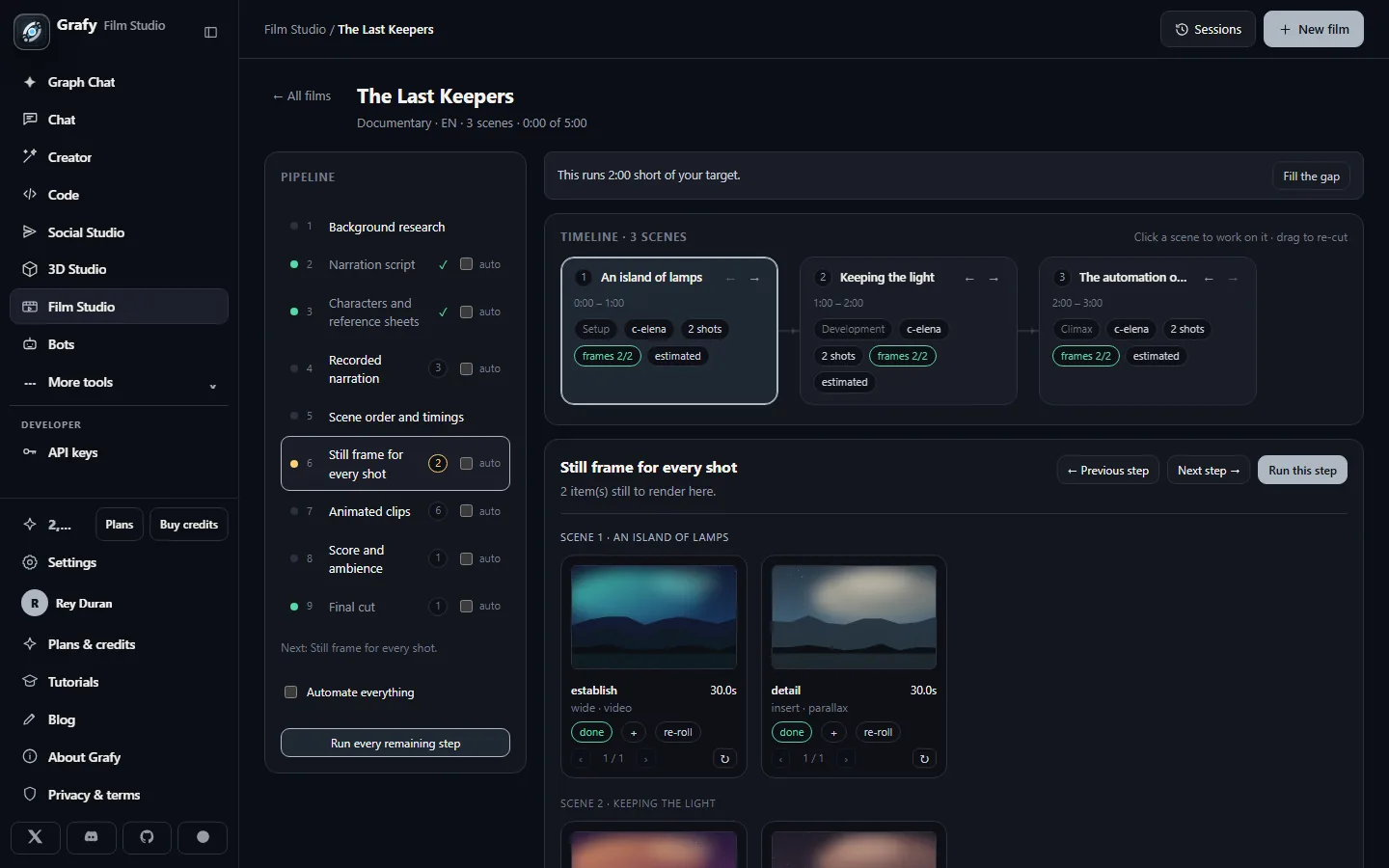
Nine stages on the left with done-ticks and outstanding counts; the scene timeline on top with acts, characters and timings — drag to re-cut the running order.
Decide how hands-on to be
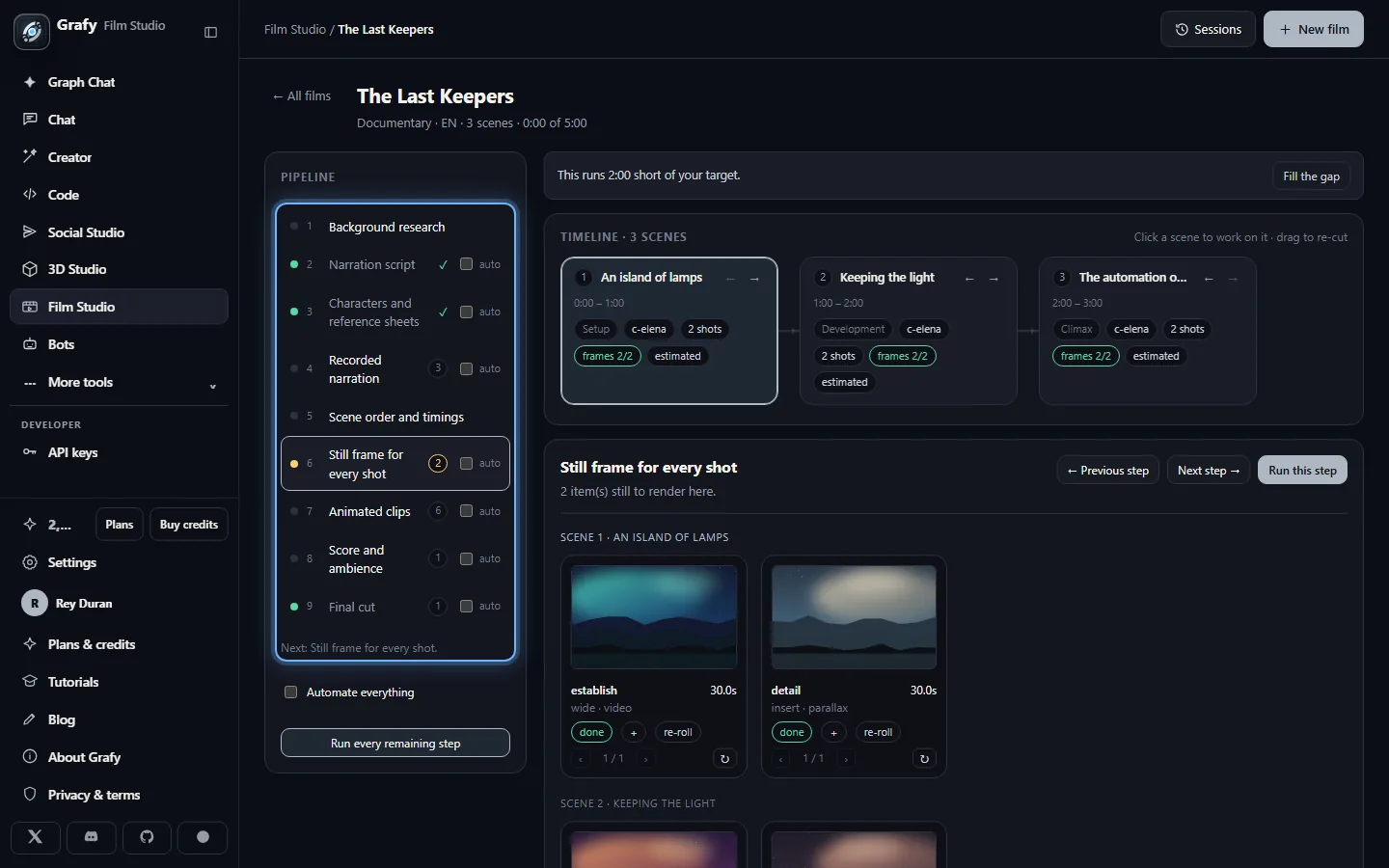
Every stage has an auto checkbox; Automate everything turns the studio into a one-click film factory, or keep approval where it's cheapest to change your mind.
Fill the gap
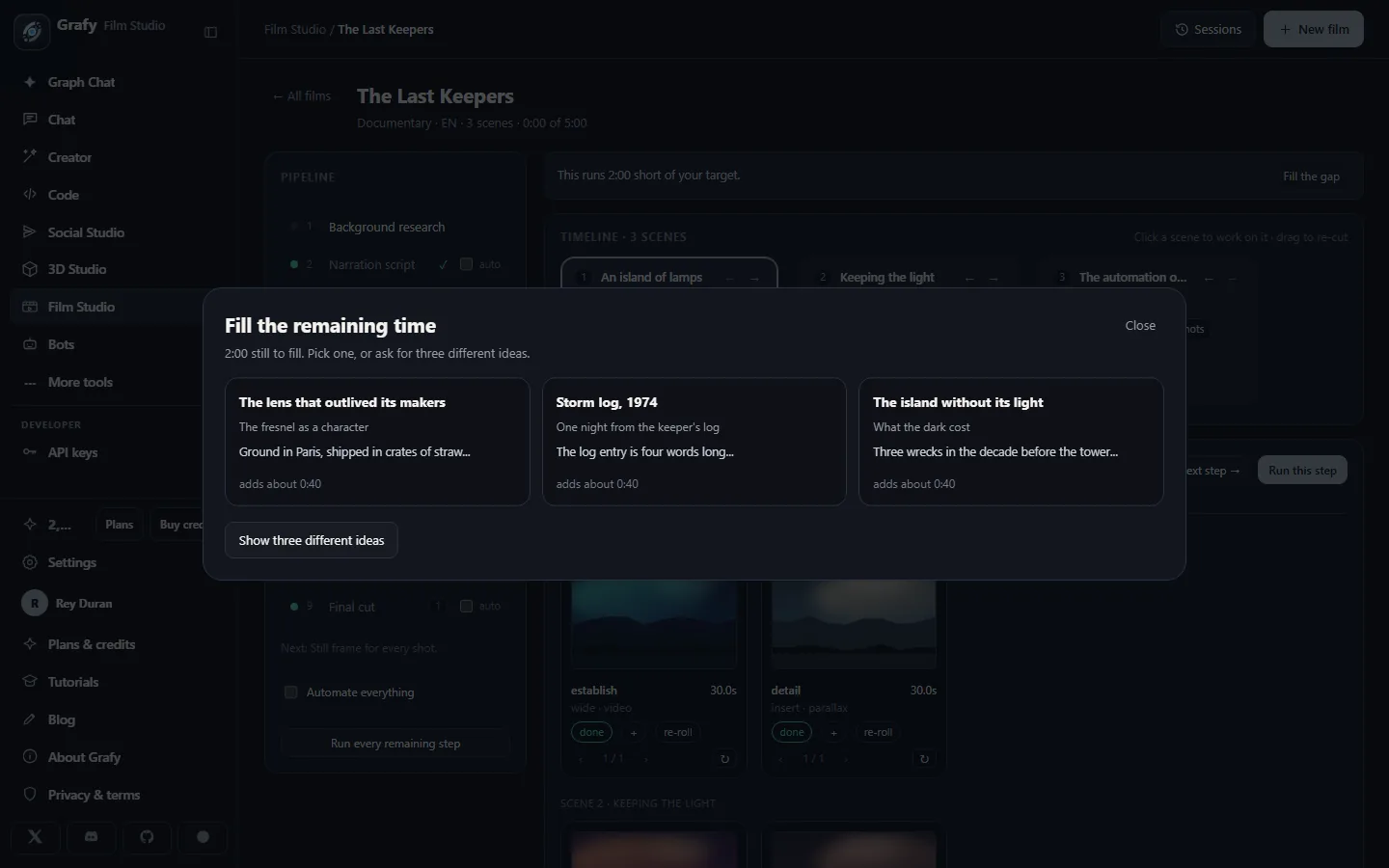
Running short of the target length? The studio pitches new scenes — each with a title, an editorial angle, draft narration and the time it adds. Pick one or ask for three different ideas.
Approve stills before motion
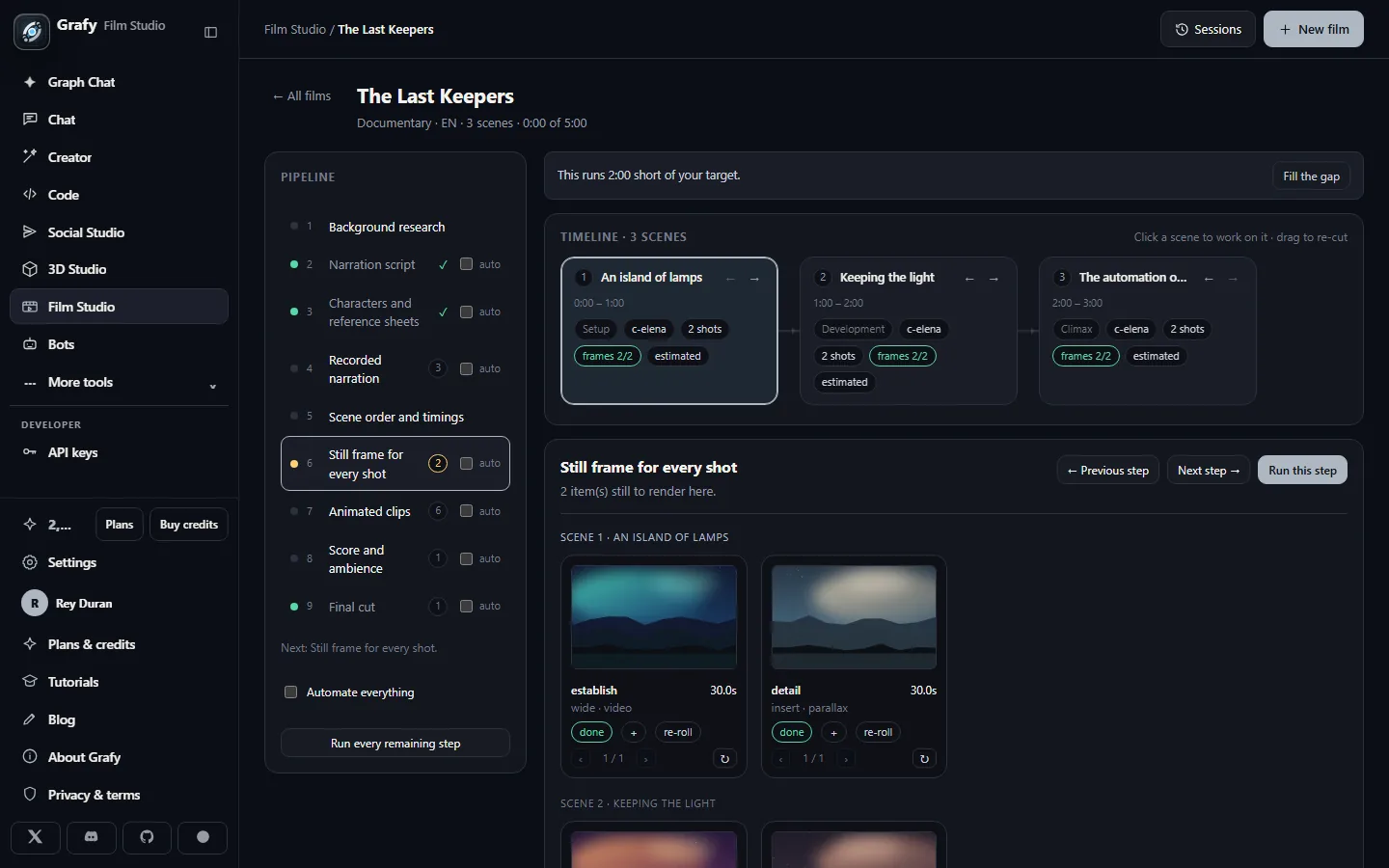
One still per shot, grouped by scene with role, size and duration. Approve, tweak or re-roll — only approved stills go on to clip rendering, where the real credits go.
A cast that stays on model
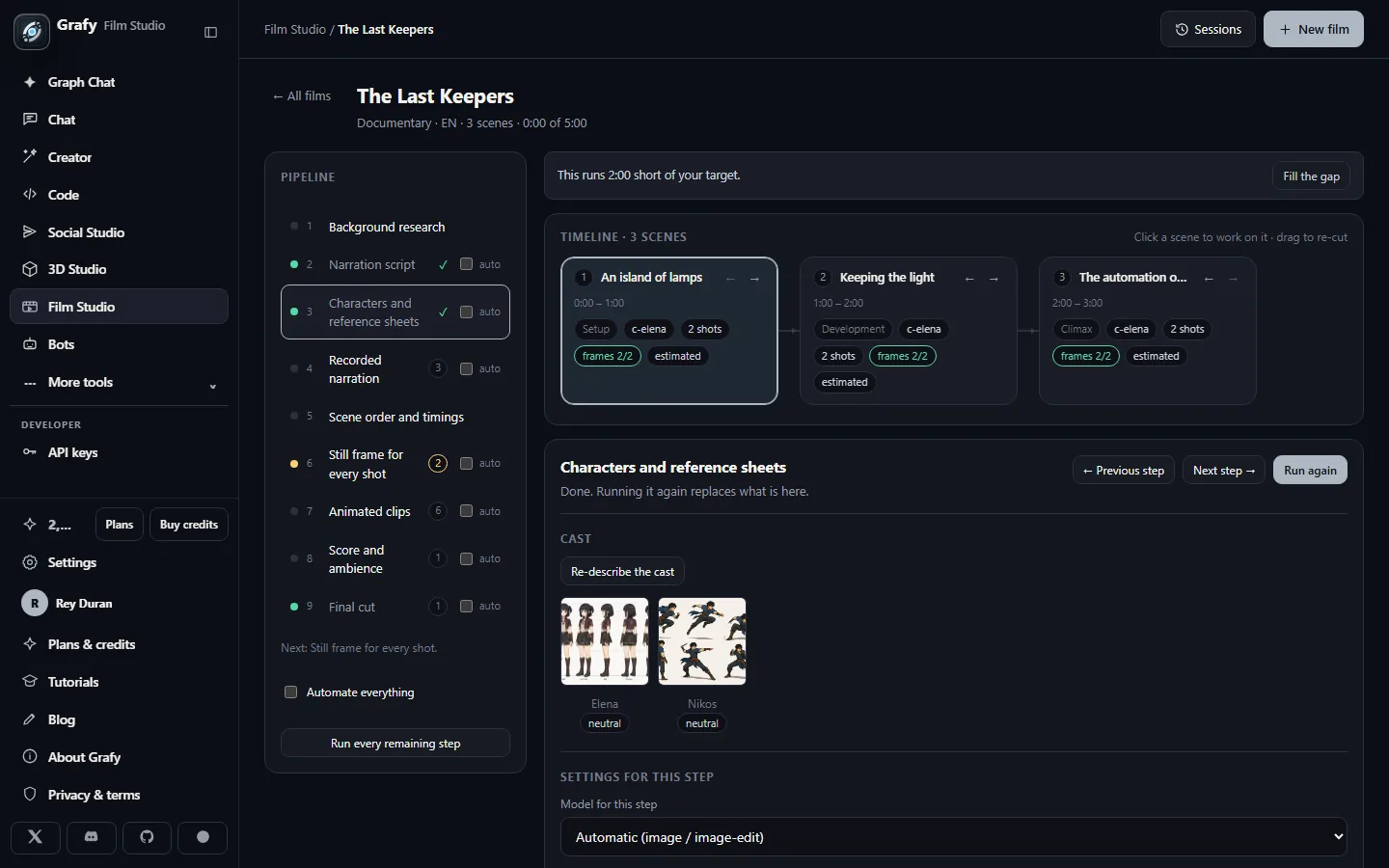
Versioned reference sheets lock every shot to the same faces.
The final cut
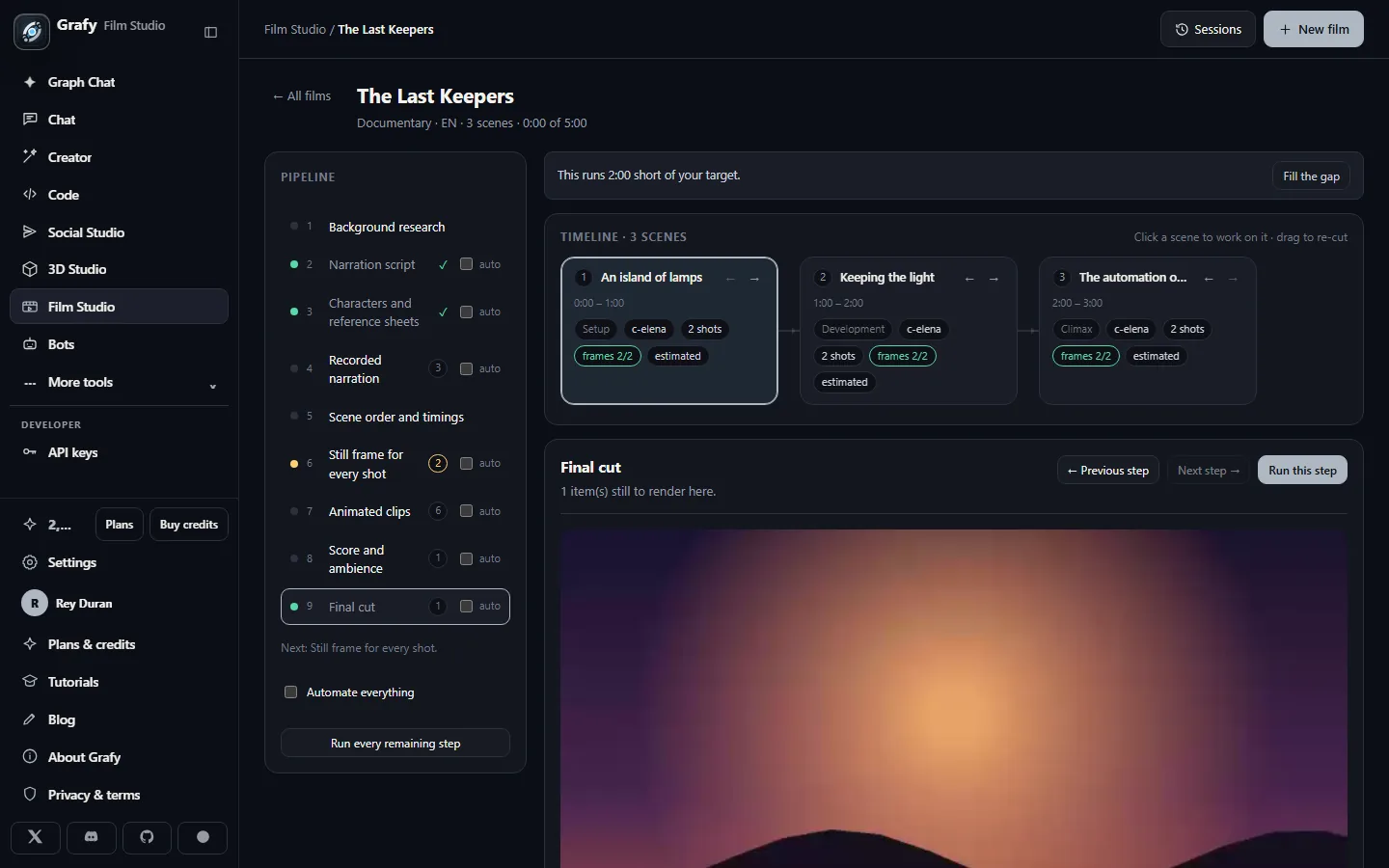
Narration, score and subtitles assembled into one film, ready to play, download or share with a watch link.
Going deeper
The five film kinds
Each kind carries its own act structure, timing unit and spoken form — the studio plans against it rather than forcing one shape on everything:
- Documentary — narrated long form in minutes; Setup → Development → Climax → Resolution.
- Advertisement — 15–30 seconds in five beats: Hook → Agitate → Solution → Proof → Call to action.
- Narrative — short fiction with dialogue and narration, per-scene speakers, and a five-act dramatic arc.
- Explainer — teaching structure (Objective → Context → Steps → Worked example → Recap) with captions on by default.
- Rhythm cut — a beat-locked short whose timing comes from the music, not the voice (see below).
Looks, voices, scores & shapes
The craft menu is curated rather than infinite: visual styles (historical documentary, epic cinema, narrative drama, modern explainer, creator-style and product-commercial advert looks, kinetic VFX), a small voice cast (neutral / warm / deep narrators), score moods matched to subject, and delivery shapes that mean real pixels — widescreen 16:9 (1920×1080), vertical 9:16 (1080×1920) and portrait 4:5 (1080×1350). Every stage can also pin its own model (text for script, image for keyframes and cast, video for clips, music for score) in the stage's settings.
Gates & auto-run
Each stage is a gate: it runs, then either waits for your approval or flows on. The auto checkboxes choose per stage; Automate everything chains the whole pipeline; Run every remaining step fires from wherever you are. A run locks the settings it's using (you'll see controls disable), reports progress on the stage rail, and can be hidden while you keep working — it's the same background-job machinery as the rest of Grafy, so leaving the page doesn't stop the render.
Cast sheets, versions & staleness
Characters get reference sheets — a turnaround (five views, the strongest identity lock) or a single portrait (cheapest) — and every shot that features them is rendered against the sheet. Sheets are versioned: re-describe the cast and dependent shots are marked stale rather than silently drifting, with a counter of what needs re-rendering. The same invalidation runs through the whole pipeline — change a scene's narration and its recorded voice, timings and clips flag themselves stale, so you always know exactly what a change will cost before re-rendering it.
Subtitles
The subtitle panel drives a live preview rendered with the real
fonts, so line-wrapping on screen matches the burn. Choose font, size,
weight, colors, outline or box or shadow backing, position and margins,
maximum width and line count — with smart line-breaking on by default.
Deliver them burned into the picture, as a separate
.srt, or both (see Delivery below).
Rhythm cuts & adverts
Rhythm cuts lock the edit to the music: pick a tempo (steady 105 / drive 120 / fast 140 BPM or custom), and cuts land on downbeats with beat-friendly transitions (jump zoom, blur whip, flash, glitch). In-shot motion effects — reverse, time warp, beat pulse, push in, orbit — can anchor on the subject, a third, or the frame centre.
Adverts add platform presets (Reels/Shorts vertical, Meta feed 4:5) with their length windows, campaign objectives, hook patterns with drafted opening lines, per-beat on-screen captions, and a sound-off checklist — because feed ads must work muted.
Delivery: exports, watch links & .film bundles
The final-cut page hands over everything an editor or a platform wants: the finished MP4 (subtitles burned if you chose to), the clean master without burn-in, and the .srt alone for caption uploaders. Watch links publish a cut to anyone — no account needed, view-counted, revocable and rotatable, with downloads optional. And the whole project saves as a single .film bundle you can archive, send, or duplicate to cut a vertical version without touching the original.