3D Printability — a verdict before you waste filament
Open 3D Printability →Upload a model and get one report: is it ready or does it need repair, is it watertight, are the normals consistent, how many open edges and separate parts it has, its triangle and vertex counts, its volume and bounding box, the specific issues found, a recommendation, and — if you say how big you want it — an estimate of how much filament it will take. It is arithmetic over geometry, so it costs nothing.
Before you start: You need a model. If you do not have one, make one in 3D Studio or plan a build with the 3D Agent, and open a .glb you already have in the free 3D viewer to check it is the file you think it is.
What the check makes
One report, on one page, in three parts: the verdict table, the issues and recommendation, and the size and filament estimate.
- Verdict — ready, or needs repair.
- Watertight, Consistent normals, Open edges, Separate parts, Triangles, Bounding box.
- Issues — the specific problems, named.
- Recommendation — what to do about them.
- Part split — how the mesh divides into separate shells.
- Estimate — scaled size and filament for PLA, PETG and ABS, plus material volume, when you give a target size.
Nothing is stored. The file is analysed in memory on the server and never written to disk, which is also why there is no history to come back to — the report lives on the page you are looking at.
Walkthrough: three inputs and a verdict
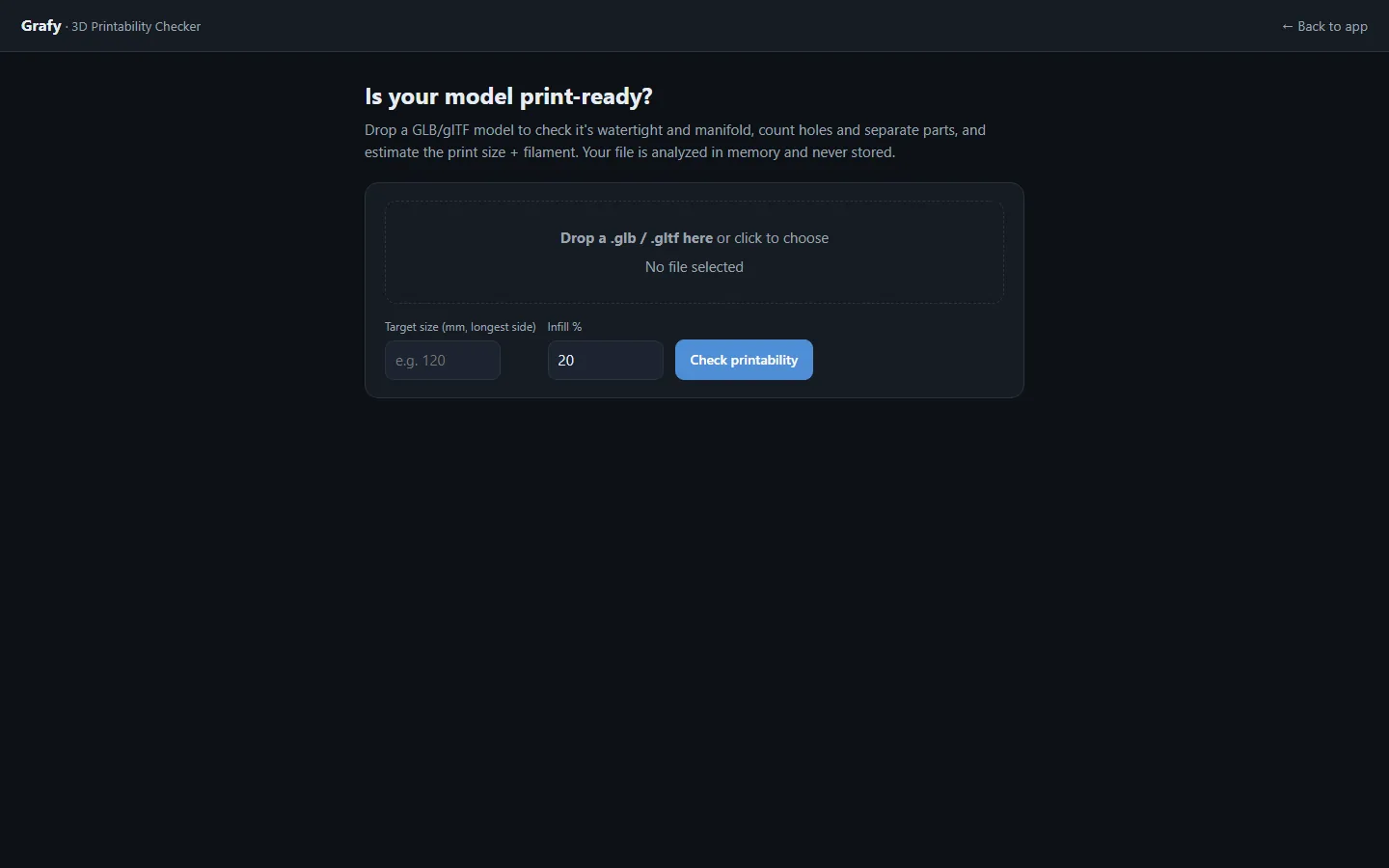
Drop in a .glb or .gltf
Up to 64 MB. A larger file is refused rather than truncated.
Type a target size, if you know it
Target size (mm, longest side), from 1 to 10,000. This is optional, and it is what turns the report from a geometry check into a filament estimate.
Set the infill
Infill % from 0 to 100, default 20. It only affects the material estimate, not the verdict.
Press Check printability
Read the verdict table first, then the issues, then the recommendation. The estimate is last because it only matters once the geometry is sound.
Fix what it found
The page ends with a link into the app, where you can create a model or repair this one — the check tells you what is wrong, and 3D Studio is where it gets fixed.
Options
There are exactly three inputs, and that is deliberate. This is a geometry check, not a slicer:
- The file — GLB or glTF.
- Target size (mm, longest side) — 1 to 10,000, optional.
- Infill % — 0 to 100, default 20.
There are no printer profiles and no material presets. The three filament densities are fixed constants — PLA 1.24, PETG 1.27 and ABS 1.04 grams per cubic centimetre — so the estimate is a sanity check on how much plastic the shape needs, not a substitute for your slicer's own numbers.
Limits
- 64 MB upload cap; a bigger file is refused outright.
- GLB and glTF only. An STL or an OBJ has to be converted first — the free 3D converter does that.
- The verdict is ready only when all three of watertight, consistent winding and zero open edges hold. Any one of them failing makes it needs repair.
- No export, no undo and no sharing: the report is not saved anywhere, because the model is not saved anywhere.
- A signed-in account is required, even though the check itself is free and on the free plan.
What it costs
Nothing. No model call, no credits, on every plan including free. The whole report is measurement — counting triangles, testing whether the surface closes, multiplying a volume by a density — and Grafy does not charge for arithmetic.
Frequently asked questions
Do I need an account?
Yes, you need to be signed in — but the check is on the free plan and costs no credits. Your file is analysed in memory and never stored.
Can I upload an STL?
Not directly; the check takes GLB and glTF. Convert it first with the free 3D converter, then come back.
What makes a model "ready" rather than "needs repair"?
All three of: the surface is watertight, the face winding is consistent, and there are zero open edges. That is a deliberately strict rule — a mesh that fails any of them will give your slicer something to guess about.
Is the filament estimate accurate enough to buy a spool on?
It is a good sanity check and not a slicer. It uses fixed densities — PLA 1.24, PETG 1.27, ABS 1.04 g/cm³ — and your infill percentage, and knows nothing about walls, supports, brims or your printer's flow.
Where does my file go?
Into memory on the server and nowhere else. It is never written to disk, and there is no report history for the same reason.
My model has several separate parts. Is that a problem?
Not automatically — the report counts them and shows the split so you can decide. Loose parts are often intentional; they are only a fault when you expected one solid object.