Onlook launches open-source visual editor for real code
Onlook has released an open-source, AI-first tool that allows designers to visually edit live codebases. Discover how it bridges design and engineering.
 Source: Hacker News — front page
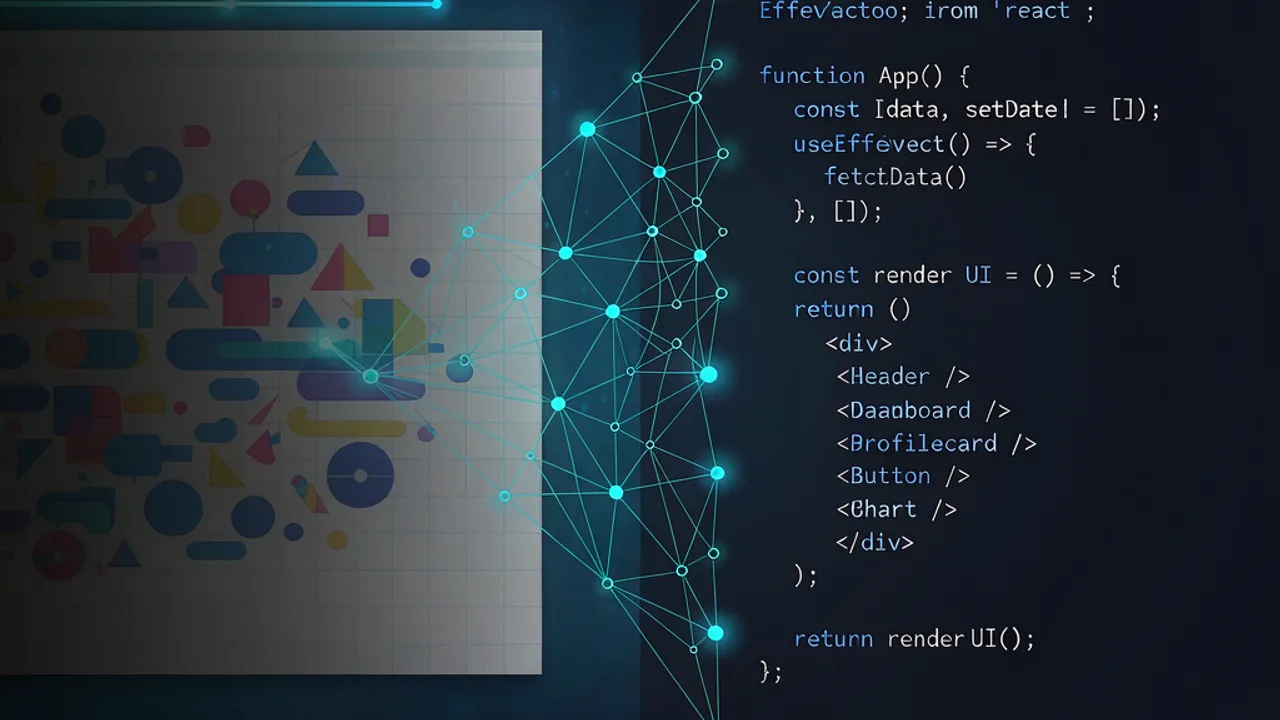
Onlook has launched an open-source, AI-first developer tool designed to bridge the gap between visual design and production code. By allowing users to manipulate live applications on an infinite canvas, the tool aims to transform how designers and engineers interact with real codebases.
What is Onlook and how does it work?
According to the project's documentation, Onlook is a local-first desktop application that functions as a visual-first canvas for code. Unlike traditional design tools that produce static mockups, Onlook operates directly on a user's existing Git repository.
When a user opens a project, the application runs the local development server. This allows the actual running app to appear within frames on an infinite canvas. Users can then shape the interface visually, and the tool translates these visual changes into edits within the real source files. This workflow ensures that what is designed is the actual product, rather than a prototype that requires manual reconstruction by a developer.
How does the AI integration function?
Onlook takes a "bring your own agent" approach to artificial intelligence. Instead of providing a proprietary model, the tool allows users to connect existing accounts, such as Claude Code or ChatGPT/Codex.
According to the developers, the integrated agent can perform several tasks: it can listen to descriptions of desired changes in a chat interface, arrange canvas variations, manage different states or flows, and even convert specific design frames into standalone artifacts. Because the agent is connected to the user's own account, it can edit the real files in the repository based on the context of the elements selected on the canvas.
What are the primary features for designers?
For those focused on the visual aspects of development, Onlook offers several specialized capabilities. It provides a side-by-side view of mobile, tablet, and desktop frames, allowing for responsive design testing in real-time.
Users can also export their work as self-contained artifacts, including HTML, PNG, JPEG, or PDF formats. This is intended to facilitate quick handoffs or sharing of design ideas through messaging tools. Additionally, the tool supports a "safe worktree copy" mechanism, which is designed to ensure that the original project folder remains untouched during the design process.
Which technologies power the platform?
Onlook is built using a modern web and desktop stack. The desktop application itself is constructed with Electron and React 19, utilizing Astryx for its design system and React Flow for canvas management.
On the project side, the tool leverages Git for direct repository interaction and uses node-pty to manage local development servers and shells. The development environment is supported by tools such as Bun and Turborepo. The software is released under the Apache 2.0 license, making it available for others to fork and customize.
How does this relate to the AI development workflow?
Onlook represents a shift toward "visual engineering," where the boundary between a design file and a codebase becomes increasingly porous. This trend suggests a future where the distinction between "designing a UI" and "writing the CSS/component logic" is handled by agentic workflows that operate on the source of truth.
While Onlook focuses on the visual-to-code bridge for web repositories, developers looking to experiment with complex logic or multi-model coding workflows can utilize Grafy Code. While Onlook provides a visual canvas for styling and layout, Grafy Code serves as a dedicated AI coding studio where users can build and run code through a more traditional, albeit highly augmented, development environment.
Frequently asked questions
Is Onlook a web-based tool?
No, Onlook is primarily a local-first desktop application built with Electron. While there was a previous web-based version (v1), the current recommendation is to use the desktop app to ensure that your code stays on your local machine and can interact directly with your local development server and Git repositories.
Does Onlook provide its own AI models?
Onlook does not ship its own proprietary AI models. Instead, it is designed to work with agents you already own. You can connect your existing Claude Code or ChatGPT/Codex accounts, allowing the agent to perform code edits and design tasks within your project using the models you are already accustomed to using.
Can Onlook work with any web framework?
Yes, Onlook is designed to be framework-agnostic. Because it works by running your project's own local development server, it can support any web framework or language that your specific dev server is already capable of running, provided the project is a Git repository on your machine.
Source: https://github.com/onlook-dev/onlook/
Source: Hacker News — front page — Launch HN: Onlook (YC W25) – An open-source developer tool for designers
More news
OpenComputer launches as open-source Devin alternative
DiggerHQ has released OpenComputer, an open-source coding agent designed to be faster than Devin and capable of self-hosting in private clouds.

OpenAI's Dean Ball warns of the 'Silent Consensus' on human primacy
Dean Ball of OpenAI argues that a growing, unspoken acceptance of AI-driven governance could lead to the loss of human authority over civilization.

Quantization preserves quality in low-resource translation
A pilot study shows that post-training quantization maintains translation quality for Hausa, Swahili, and Yoruba while significantly saving memory.