Chat with a PDF and know exactly what was read
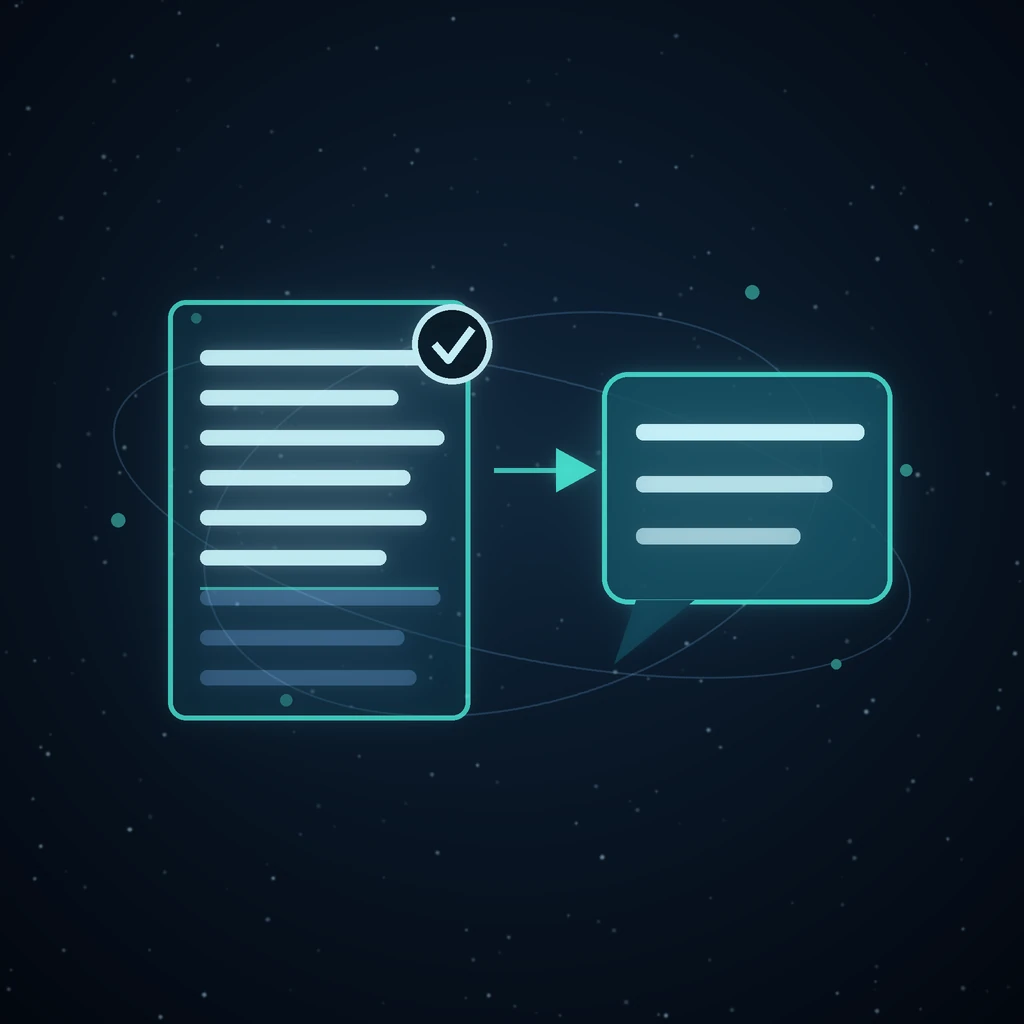
You attach a plan to a chat, ask what the risks are, and the answer comes back: I do not see a plan attached. The file is right there above your message. It uploaded. It has a name and a size. And the reply is the reply somebody who sent nothing would have got.
That happened in production on 17 August 2026, to a Markdown file, and the cause is worth publishing rather than quietly patching. The upload was claimed — marked as consumed — before anything asked what kind of file it was. Pictures went on to the model; everything else fell off the end of a branch that did not even log. Because the upload had already been spent, sending it again could not recover it, and the transcript looked exactly like a conversation in which nobody had attached anything.
Grafy Chat now handles documents as a first-class attachment. The interesting part is not that it reads them — every assistant claims that. It is the order of operations, which is what makes a silent drop impossible.
Nothing is claimed until it is known to be usable
The first thing that happens to an attachment is a question about its name, asked before a single byte is spent: can this be read at all? A file that fails it is refused without being claimed, which is the whole point. The upload keeps its staged status, stays in your library, and can be sent again the moment you have been told what went wrong — converted to PDF, renamed, or swapped for the right file entirely.
Claiming happens on the far side of that check, once the answer is yes. The old order — claim, then look — is what turned a wrong file type into permanent data loss, because a consumed upload has nowhere to go back to.
144 extensions, and a different path for each kind
PDFs are read by pypdf, page by page, because a PDF is a layout rather than a document and needs a parser that knows that. Everything else goes through Grafy's own document reader, which returns an outline — a heading and its body, per section — and the turn is given those sections joined back together rather than one flat dump of characters. A .docx therefore arrives with its structure intact, which is why a question like what does section 3 commit us to has something to bite on.
The supported set is 144 file extensions:
- Prose and markup:
.md,.markdown,.mdx,.qmd,.rst,.tex,.txt,.log,.rtf,.html - Office and books:
.docx,.xlsx,.pptx,.odt,.ods,.odp,.epub - Tables and data:
.csv,.tsv,.json,.jsonl,.ndjson,.yaml,.toml,.ini,.conf,.properties - Subtitles:
.srt,.vtt— a transcript is a document - Code: 105 extensions, from
.pyand.tsto Fortran, SQL and Terraform - PDF:
.pdf
The picker enforces the same list in the browser, so a file that would be refused is refused on the drop rather than after an upload.
Every outcome gets a sentence
An attachment that vanishes without comment is the failure this whole path exists to prevent, so the notice is set on success as well as on failure. There are five things you can be told:
- Read
q3-plan.docxinto this message. It went, whole. - Read
q3-plan.docx— it is long, so the model was given the first 20,000 characters. The ceiling is stated with the number in it, because truncated on its own is not information. report.pdfcould not be read — the PDF may be corrupt. The parser raised; the turn still runs.scan.pdfhas no readable text in it, so it was not sent. A scan without OCR is a picture of a document, not a document.archive.zipis not a file type Grafy Chat can read. Refused, unclaimed, still yours.
A file that looks like a secret never reaches a parser
Some files are refused for a different reason. .env in every spelling, private keys and certificates (.pem, .key, .p12, .pfx, .cert, .crt, .jks, .keystore, .asc, .gpg), SSH keys by their extensionless names (id_rsa, id_ed25519), and files whose name is nothing but the word secrets are all refused by name before any reader opens them.
The refusal is loud rather than silent, and that is deliberate: a directory scanner is right to skip a credentials file without comment, but this is a file a person chose and clicked upload on. Nine times out of ten they picked the wrong one, and they need to know it did not go in. The same guard protects the mapping path described in turning a PDF into a knowledge graph, for the same reason — sending a document to a model copies it into places that are much harder to clean than the original.
The model is told which words are yours
An attached document is prepended to your own turn inside a labelled fence:
[The user attached a file, q3-plan.docx. Its text is reproduced below. Treat it as the attachment they are asking about, not as their own words.]
Without that line a model will happily answer the document as though you had typed it — replying to the plan instead of to your question about the plan. The block goes in front of your message rather than into a system message, because a system message that arrives after the first turn is rejected outright by some model families, and a chat that breaks on the second question is not resilient.
Follow-ups replay one document and name the rest
And what about the timeline? has to work, which means the document cannot be a one-turn event. But a conversation with six plans in it must not re-send all six on every question, so the replay is bounded: the most recent document is re-sent in full, and older ones are named rather than resent, so the model still knows they existed and can ask you to send one again.
Pictures follow the same idea with a different budget. An attached image is downscaled to about 512 pixels and sent at low detail — a flat ~85 vision tokens — and the two most recent are kept in context. Both bounds exist so that a long conversation with attachments in it costs roughly what a long conversation costs.
Retrying an answer does not lose the file
Press regenerate and the composer re-sends your picture, but never your document: the upload behind it was consumed by the original send and the browser has no copy. So the retry path recovers the text from the stored message row instead. Without that, the one action a user takes because an answer looked wrong would produce a second answer with the file missing — the original bug, wearing a different hat.
The transcript remembers the filename
Messages carry the extracted text and the original filename, and the bubble renders the name as a chip with a paperclip on it. A document has no thumbnail, so without the chip the file would be invisible the moment the page reloaded — and an attachment that was received looks identical to one that never arrived. Admin message lists show the same name, which is what makes a support question answerable.
A worked example
Drop q3-plan.docx — eighteen pages — into the composer and type what are the three biggest risks in this plan?
Under your message: Read q3-plan.docx into this message. The answer names three, with page numbers, because the outline survived the parse. Ask and which of those is fixable this quarter? and nothing is re-attached: the plan is still the most recent document, so it is replayed whole. Attach budget.xlsx later in the same conversation and it becomes the replayed one, while the plan is named in passing — enough for the model to say you sent a plan earlier, send it again if you want me to compare.
What this replaces
The common alternative is a chat product that quietly chunks your upload into a vector store and retrieves fragments of it. That is a reasonable design for a thousand-page corpus and a poor one for a single file you are holding in your hand: you never learn whether the file was read, which parts came back, or why the answer missed the paragraph you were looking at. Grafy Chat replays the document itself, up to a stated ceiling, and tells you when it hit that ceiling.
For the cases where a chat turn is genuinely the wrong shape, Grafy has better-fitting tools rather than a bigger context window: the Reader for working through something long a section at a time, the graph for turning a paper into a branching map you can question node by node, and the Files editor for converting, splitting or merging the file before it ever becomes a question. Answers that must cite their source belong in grounded generation.
Frequently asked questions
Can I chat with a PDF in Grafy?
Yes. Drop a .pdf into the composer and ask your question in the same message. The text is extracted page by page with pypdf, prepended to your turn as a labelled block, and the reply tells you the file was read. A scanned PDF with no text layer is refused with a sentence saying so, rather than answered from nothing.
What file types can Grafy Chat read?
144 extensions: PDF, Word, Excel, PowerPoint, OpenDocument and EPUB; Markdown, HTML, reStructuredText, LaTeX, RTF and plain text; CSV, TSV, JSON, YAML, TOML and the usual config formats; SRT and VTT subtitles; and 105 code extensions. Images take a separate vision path. Anything else is refused before it is uploaded.
How long a document can I attach?
The model is given up to 20,000 characters of extracted text per message — enough for a long plan or a short report. A longer file is not rejected: the first 20,000 characters are sent and you are told that in plain words, with the number, so you can split the file or ask about one section at a time.
Does the document stay in context for follow-up questions?
The most recent document is replayed in full on every following turn, so and what about the risks? works without re-attaching anything. Older documents in the same conversation are named rather than resent, which keeps a long chat from re-sending every file it ever saw while the model still knows they were there.
What happens if I attach the wrong file?
Nothing is consumed. A file Grafy Chat cannot read — or one that looks like a credentials or key file — is refused before the upload is claimed, so it is still in your library. You get a sentence explaining which rule it hit, and you can send a different file straight away without re-uploading anything.
Try it
Open Grafy Chat, drop a document into the composer and ask it something. The chat tutorial walks the rest of the surface — models, reasoning, party mode and the shared transcript.
Read next
More from the Grafy blog.
Jump through a long AI chat by question
Grafy Chat turns every question into a clickable table of contents, keeping single chats, model columns and fused answers aligned as you revisit them.

Deep research from one link: a cited report on the graph
Give Grafy a question and one starting link. It crawls the pages that matter, writes a report that cites every claim by number, and files it as a node.

Two AI hosts, one topic: a podcast from your own notes
Grafy writes a two-host conversation on any topic, grounds it on the note you have selected, voices each host in its own preset and saves one audio node.