Two AI hosts, one topic: a podcast from your own notes
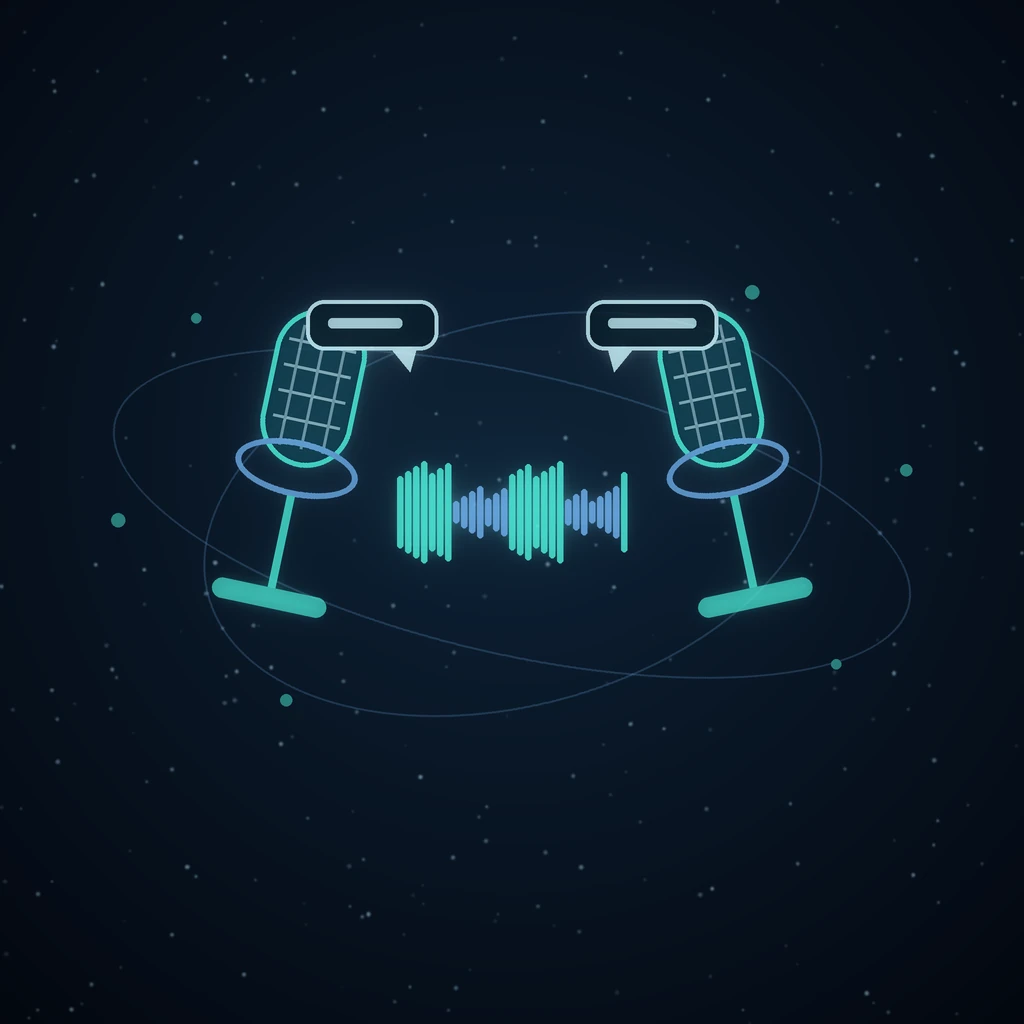
Reading a twelve-page report is work. Listening to two people talk it through on the way to the station is not, which is why the audio-overview format caught on so quickly. Most of the tools that make one hide the script, choose the voices for you, and keep the result inside their own app.
In Grafy the podcast is a node on the graph. You choose what it is grounded on, you can read every line the hosts said, and the audio file sits next to the research it came from.
Where the button is, and what it asks
The Podcast chip is in the composer of the graph editor, next to Research and Explainer. Its panel asks for a topic of up to 2,000 characters, and if you had already typed something in the prompt box it is copied in as a starting point. Below that are two voice menus, one per host, and a length. Host A defaults to Warm and host B to Bright; the other options are Neutral and Deep. Length is Short, Medium or Long, which are four, six and nine exchanges, an exchange being one back-and-forth between the hosts.
The hosts are called Alex and Jordan unless you say otherwise. The panel does not expose the names, but the endpoint behind it accepts other names of up to 40 characters, and any number of exchanges from 3 to 12, so a script or an Operator run can ask for a longer episode than the menu offers.
The note you have selected becomes the script's source
This is the part that separates a podcast from a party trick. If a text node is selected when you press Create podcast, its stored text, up to 6,000 characters, is handed to the scriptwriter as background notes, with the instruction to summarise them in its own words rather than read them out. A deep research report, a section of a PDF you mapped into a knowledge graph, a transcript, or the answer to a question you asked a document all qualify.
Only text nodes count. If the selected node is an image, a clip or an audio file, the grounding is empty on purpose, so a stale prompt from an unrelated generation cannot leak into the conversation. With nothing selected, the hosts talk from the topic alone and are told to keep claims general and invent no statistics.
The practical workflow follows from that: research first, then podcast. Run deep research on the site you trust, select the report, and the hosts discuss what was actually found rather than what a model remembers about the subject.
The script has rules, and they exist for the parser
The scriptwriter is told to produce one turn per line in the form Name: what they say, using only the two host names as labels. No narration, no stage directions, no headings, no bullet points. Each turn is one to three sentences of spoken language. Host A opens by welcoming listeners and naming the topic; the episode closes with a short sign-off.
Models do not always obey, so the parser is forgiving. Bold or italic markers around a name are stripped. A bracketed stage cue such as [laughs] is removed. A line that does not start with a speaker label is appended to the turn before it, and a title or preamble before the first labelled line is dropped. Host A, Speaker 1 and similar aliases are accepted. Any single turn is capped at 900 characters, and the whole script at 40 turns. If nothing parses into a turn at all, the run stops with The podcast script couldn't be generated and nothing is charged.
Four voices, and how they are produced
The four presets are Neutral, Warm and Bright, all female American voices, and Deep, a male American voice. Which engine speaks them depends on the speech provider a deployment has configured: a hosted neural voice where one is set up, with Warm mapped to Aoede and Deep to Charon on Google's Gemini voices, or to af_sarah and am_adam on the Kokoro model, and a plain machine voice as the last resort when nothing better is available. The presets always resolve through the same voice catalogue the rest of Grafy uses, so a Warm host sounds like Warm narration elsewhere.
The spoken language is detected from the script itself. Ask for an episode about a Spanish topic in Spanish and the provider is asked for a Spanish voice, where it has one, instead of an American voice reading Spanish text.
One choice matters more than the others: give the two hosts presets that are audibly different. Warm and Deep are the safest pairing. Two voices of the same range make a conversation hard to follow with your eyes closed, which is where a podcast is usually heard.
Stitched into one file
Each turn is synthesised on its own, with its host's preset, and the progress card counts them: Voicing turn 7 of 18. A turn that fails to synthesise is skipped and logged, and the rest of the episode continues. When the last turn is done the clips are resampled to the highest sample rate among them, 0.35 seconds of silence is placed between consecutive turns, and everything is written as a single 16-bit PCM WAV file. If the whole episode produced no audio, the run fails with The podcast audio couldn't be produced and, again, nothing is charged.
What the node keeps
The result is an audio node with the category AI podcast, a purple P glyph, and the topic as its instruction. Its detail carries the topic, both hosts with the preset each used, the number of turns and every turn as a name and a line. The first 4,000 characters of the transcript are stored as the node's summary, so the conversation is readable on the canvas, and the node records the model that wrote the script.
That transparency is the point. An episode that says something surprising can be checked line by line against the note it was grounded on, and the note, if it was a research report, carries its own numbered sources. Nothing in the chain is a black box.
A worked example
Start from the deep research example: a report on the EU AI Act's obligations for general-purpose model providers, produced from the site that organises the regulation. Select that node, click Podcast, and enter:
- Topic: What the AI Act means for a small company shipping a support chatbot
- Host A voice: Warm
- Host B voice: Deep
- Length: Long
The card moves through Writing the script, Voicing the hosts and the per-turn count, then lands as an audio node beside the report. A Long episode is nine exchanges, so expect around eighteen turns of one to three sentences each. Alex opens by naming the topic, the two work through what the report found, and Jordan or Alex signs off. The exact lines depend on the report and the model; the structure does not.
Two things are worth knowing before you press the button. The script is generated and voiced in one run, so there is no step where you edit it before synthesis. To change what the hosts say, change the topic or the note they are grounded on and run again. And a shorter, sharper topic produces a better episode than a long one, because the topic is the hosts' brief and the note is their material.
What it costs, and which plan
A successful episode is charged once, as an audio generation, priced from the model that wrote the script. There is no separate per-turn charge for the voices. A run that fails at the script stage or produces no audio is not charged. On the subscription page, the AI podcast is listed from the Pro plan.
Compared with an audio overview elsewhere, and with recording it yourself
The audio-overview features in note-taking apps are good at the same trick, and they differ from this in three ways. They do not show you the script, so a mistake is something you notice by ear or not at all. They choose the voices. And the result stays in their app, where it cannot sit beside the report, the clip and the social post that belong to the same piece of work.
Recording two people yourself is better and slower. It is the right answer for an episode you will publish under your name. The generated version is for the report you need to absorb on the train, the briefing you want a colleague to hear rather than read, and the draft you want to listen to before deciding whether the idea deserves real hosts.
Grafy's other audio tools are neighbours rather than substitutes. Music and narration covers the single-voice voiceover and the score. Type the words, and an AI sings your song is the song model. The narrated film and the Explainer chip beside Podcast are the same idea with pictures, and the Explainer grounds on a selected note in exactly the same way. If you already have a finished script and only want it read aloud, the Files Editor's text-to-speech reads it in a named voice.
Frequently asked questions
Can I write the podcast script myself?
Not in this run. The script is generated and voiced together, and you steer it through the topic and the note you have selected. For a script you have already written, the Files Editor's text-to-speech reads it in a named voice.
Can the hosts have different names?
In the panel they are Alex and Jordan. The endpoint behind it accepts any two names of up to 40 characters, along with the number of exchanges, so a script or an automated run can name the hosts after your show. The names appear in the transcript stored on the node.
What languages does it speak?
The language is detected from the generated script rather than set in advance. If the topic and the grounding note are in Spanish, the scriptwriter writes Spanish and the speech provider is asked for a Spanish voice where it has one. Coverage depends on the configured provider; the four presets are American English voices by default.
How long is an episode?
Short, Medium and Long are four, six and nine exchanges, which come out at roughly eight, twelve and eighteen turns of one to three sentences each. The endpoint accepts three to twelve exchanges, and no episode exceeds forty turns. Running time depends on how much each host says, so it is not fixed in advance.
What format is the audio, and where does it go?
One WAV file, 16-bit PCM, with 0.35 seconds of silence between turns. It is saved as an audio node in the session, with the full transcript in the node's detail, and it downloads from the node like any other audio result. Convert it with your usual tool if you need a smaller file for distribution.
Open the graph, select the note you want discussed, and press Podcast.
Read next
More from the Grafy blog.

Deep research from one link: a cited report on the graph
Give Grafy a question and one starting link. It crawls the pages that matter, writes a report that cites every claim by number, and files it as a node.

How to Compress GLB Files for Web and AR
Compress GLB files for web and AR: reduce mesh complexity, understand texture limits, compare the result, and test loading and appearance on real devices.
AI Image to 3D Printing: From Photo to STL
Turn an AI-generated 3D model into an STL: choose a clear photo, inspect geometry, check printability, set scale, and review your slicer before printing.