Multi-step image editing without losing your original
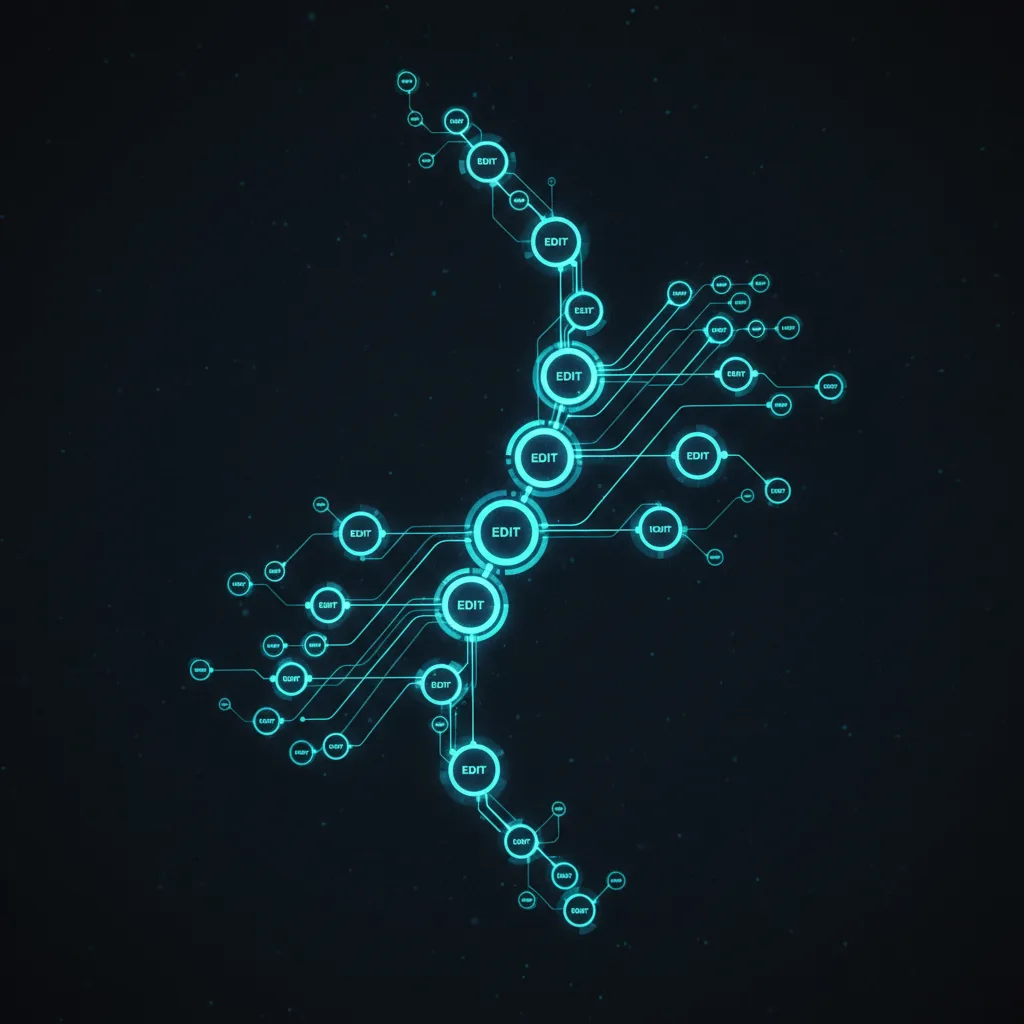
Most image tools make you choose: keep editing and lose the original, or save copies and lose track. Grafy keeps the whole chain.
Reversible by design
Each edit is a node hanging off the previous one. Undo is just moving up the chain; nothing is destroyed.
Branch a step
Like the relight but want to try a warmer version too? Branch off that step. Now you have both lighting takes from the same base, ready to compare.
Keep provenance
Because the steps are explicit, you always know how a result was made — which prompt, which model, which order. That is reproducibility you can actually point at.
Edit your first image on a canvas that remembers.
Read next
More from the Grafy blog.

Give an AI agent a goal and watch it work the graph
Describe an outcome and Grafy's agent plans the steps, runs them as nodes on the canvas, and leaves a trail you can inspect, correct and rerun.
Why a graph beats a chat thread for creative work
Linear chat forgets and flattens. A graph keeps every branch, version and idea side by side.

From a prompt to a short video on one canvas
Turn a still or a concept into a short clip and keep it next to the rest of your work.