From a prompt to a short video on one canvas

Video usually lives in a separate tool, disconnected from the image and idea it came from. In Grafy the clip is just another node on the same canvas.
Start from anything
Generate a key frame from a prompt, or use an existing image node as the seed. Either way the video hangs off its source so the lineage is clear.
Keep it in context
The clip sits beside the prompt, the reference image and any edits — so iterating means branching, not re-uploading files between apps.
Longer pieces
Stitch several segments into one sequence, all tracked on the graph. Make a short clip and see it stay where it belongs.
Read next
More from the Grafy blog.

One topic in, a narrated film out
Film Studio plans a whole film in stages — script, cast, keyframes, clips, score — and asks you to approve the cheap things before it pays for the expensive ones.
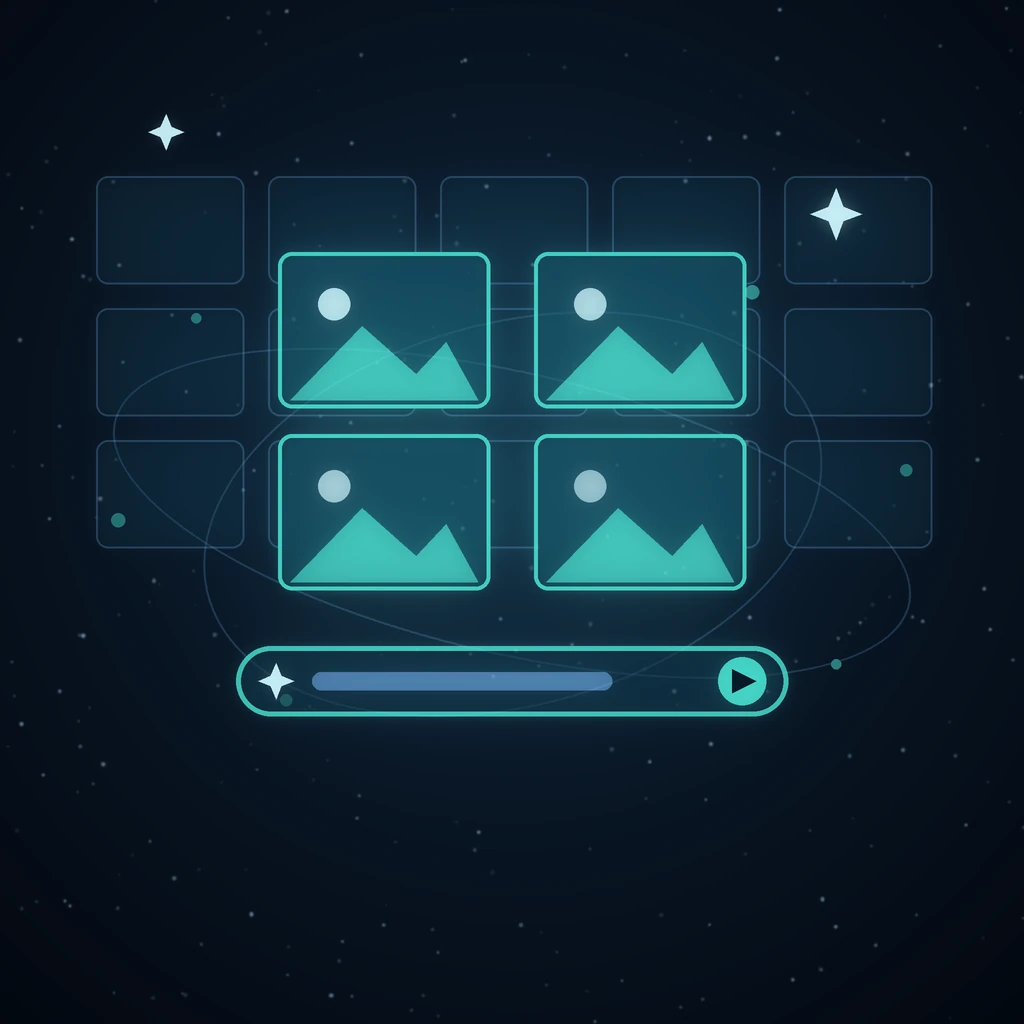
Four takes at once, from a wall of starting points
Creator is the fast lane: several hundred curated looks prefill the composer, one submit fans out into four sibling jobs, and every session reopens as a graph.

Give an AI agent a goal and watch it work the graph
Describe an outcome and Grafy's agent plans the steps, runs them as nodes on the canvas, and leaves a trail you can inspect, correct and rerun.