Four takes at once, from a wall of starting points
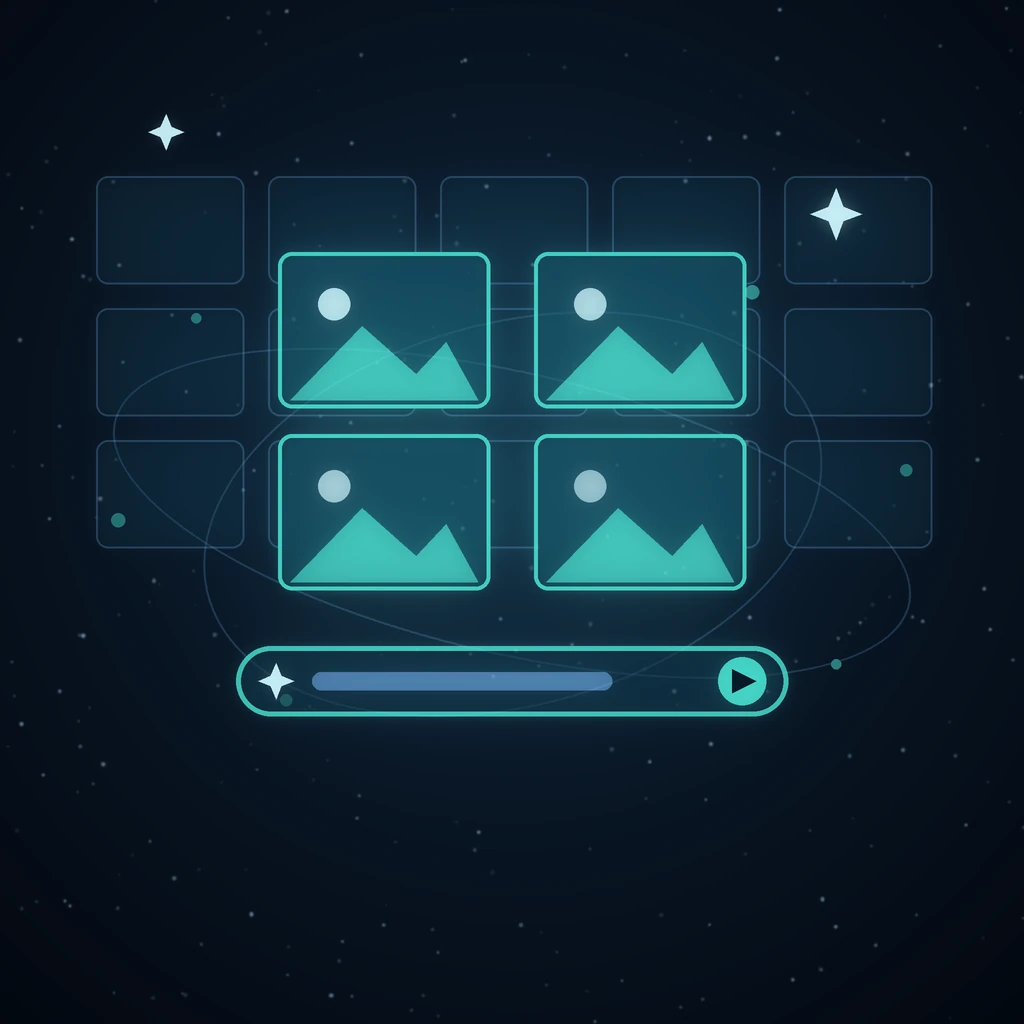
The blank prompt box is the worst part of generative tools. Creator replaces it with a wall of several hundred curated looks — a starting point, never a template — and a composer that can ask for four takes at once.
The composer is the whole app
One input, then chips for everything that matters: image, video or parallax mode, the routed model, the aspect, the quality tier and how many results you want. Quick actions — product shot, animate image, editorial poster, style variations — set several of them at once.
A wall of starting points
The Discover board is a living catalogue of looks you can filter by image or video, or by kind: Your photo (a style applied to a reference photo you bring), From scratch, and Character sheet (turnarounds, expression grids, pose cycles for keeping someone on-model). Search it by meaning rather than by keyword, hover a “your photo” tile for its before/after wipe, and click to drop the whole prompt into the composer — where nothing is locked and everything is editable.
Four at once, then keep the winner
Set the count to four and one submit fans out into four sibling jobs. The composer never blocks, so you can queue the next idea while these render; the takes land in one grid under the prompt that made them. Keep the winner, re-roll the rest, or publish straight to the community wall.
Parallax from a single picture
Parallax mode splits one image into depth planes and re-stacks them, so a still gets a camera move with real separation between foreground and backdrop — and it stays an ordinary image node, so downloads, publishing and the library all keep working.
Nothing here is a dead end
Creator writes into the same session store as the graph workspace: anything you make in the fast lane reopens as a graph and branches further, goes to Film Studio as a keyframe, or into the next edit. Open Creator — or read the Creator walkthrough.
Read next
More from the Grafy blog.

Edit one image with several visual references
Combine several visual references in one Creator edit, keep every source attached to the result, and reopen the full recipe from History later, intact.

From a prompt to a short video on one canvas
Turn a still or a concept into a short clip and keep it next to the rest of your work.

Deep research from one link: a cited report on the graph
Give Grafy a question and one starting link. It crawls the pages that matter, writes a report that cites every claim by number, and files it as a node.