ChatGPT Desktop now auto‑forwards SSH agents to remote machines
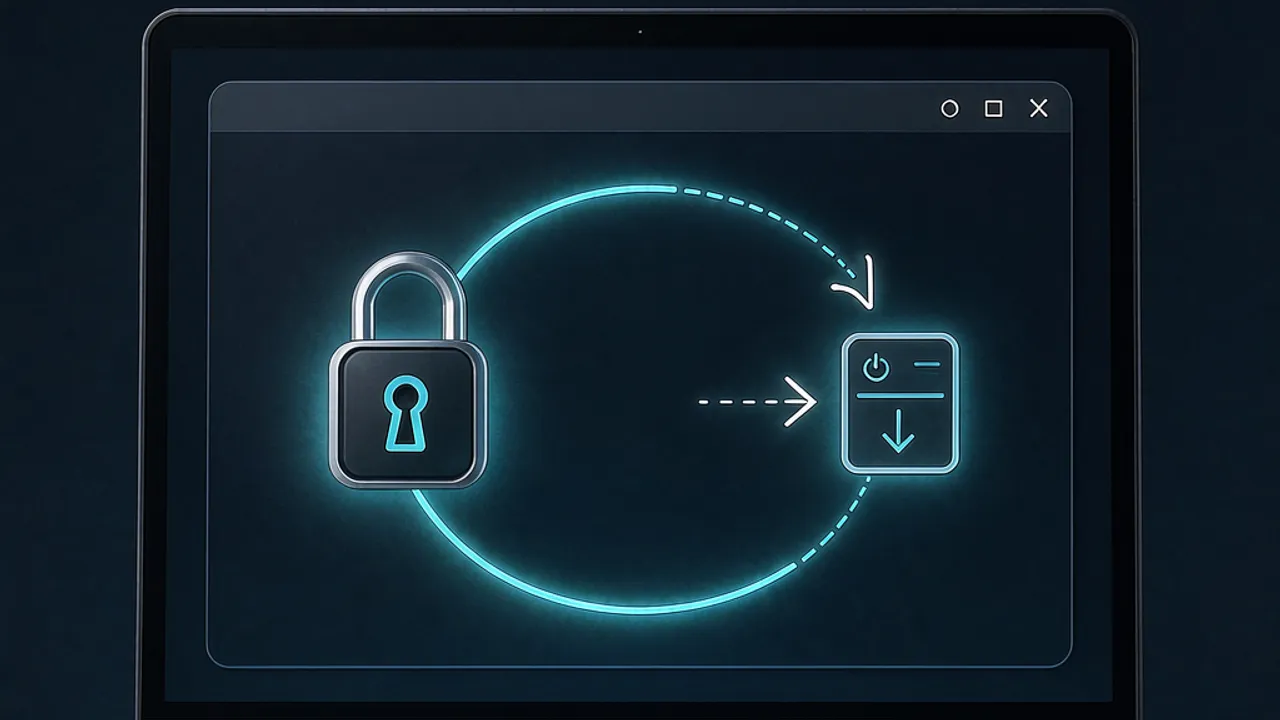
ChatGPT Desktop automatically forwards your local SSH agent to any remote host you connect to.
 Source: Hacker News — front page
What new capability does ChatGPT Desktop expose?
OpenAI’s desktop client for ChatGPT now includes a built‑in SSH‑agent forwarding feature. When you open a remote terminal from the app, the client automatically tunnels the SSH agent running on your local machine to the remote host. In practice, this means any process on the remote side can request signatures from your local SSH keys, effectively letting the remote machine act as if it possessed your private credentials. The change was highlighted in a Hacker News discussion, where a user posted a link to a GitHub pull‑request discussion as proof of the behavior (https://github.com/openai/codex/pull/28131#discussion_r3410013180)【source】.
How does the forwarding work under the hood?
ChatGPT Desktop leverages the standard SSH‑agent forwarding protocol (the -A flag in OpenSSH) but embeds the logic inside the app’s own remote‑execution layer. When you launch a remote session, the desktop client creates a Unix‑domain socket that mirrors the local SSH_AUTH_SOCK. The remote environment receives a forwarded socket that points back to your local agent. Any ssh, git, kubectl, or other tool that queries the agent will receive a response signed by your local key, without the private key ever leaving your machine. This is technically convenient for workflows that involve frequent pushes to private repositories or deployment commands from a cloud VM.
Why are security experts uneasy about this design?
Security professionals point out that automatic agent forwarding removes a deliberate step that users normally have to opt into. Forwarding means the remote host can impersonate you to any service that trusts your SSH key—GitHub, internal Git servers, or even other SSH hosts you have access to. Commenters on the Hacker News thread warned that the convenience "removes friction" that is essential for security hygiene. Without a prompt or whitelist, a compromised remote VM could silently use your credentials to exfiltrate code or elevate privileges. The consensus is that any auto‑forwarding should be gated by explicit user approval per session, something the current desktop client does not provide.
How are developers reacting to the change?
The discussion on Hacker News gathered a range of reactions. Some users expressed disappointment that OpenAI prioritized ease of use over defensive controls, noting that similar issues have arisen with Docker Desktop and dev‑container tools that also auto‑inject SSH sockets. Others suggested mitigations: using macOS Secure Enclave‑backed keys that require a Touch‑ID confirmation for each signing request, or hardware tokens like YubiKey with touch‑required signatures. A few participants shared personal tooling—scripts that monitor or replace the forwarded socket with a read‑only stub—to regain control. The overall tone is cautious, with many urging OpenAI to add per‑request approval dialogs or configurable whitelists.
What can you do today to protect your keys?
If you rely on ChatGPT Desktop for remote development, consider the following practical steps:
- Use hardware‑backed keys – Store SSH keys in the macOS Secure Enclave or a YubiKey. Both require a biometric or touch confirmation for each signature, preventing silent misuse.
- Restrict forwarding in your SSH config – Add
ForwardAgent noto~/.ssh/configfor hosts you do not trust, and override it only for specific sessions. - Run a dedicated agent for the desktop client – Launch a separate
ssh-agentinstance with a throw‑away key pair that only has access to the repositories you need during a session, then discard the key afterwards. - Monitor agent activity – Tools like
ssh-add -landssh‑add -Lcan list keys currently loaded; combine them withauditdrules to log signature requests. - Leverage Grafy to experiment safely – You can spin up a sandboxed VM inside Grafy Code (/code) and test the forwarding behavior without exposing your personal keys. By using a temporary key pair inside the sandbox, you get hands‑on insight while keeping your production credentials isolated.
How does this story connect to Grafy?
Grafy offers a suite of AI‑enhanced tools that can help you both understand and mitigate the risks introduced by automatic SSH‑agent forwarding. The Grafy Code environment lets you write, run, and debug scripts that interact with SSH agents in a contained container, making it easy to prototype safe workflows. If you need to explore the security implications of a remote command that uses your forwarded agent, you can paste the command into Grafy Chat (/chat) and ask the model to explain each step, or you can upload relevant logs to Grafy Files for quick analysis. While Grafy does not provide its own SSH‑agent forwarding feature, the platform’s sandboxed coding environment gives creators a risk‑free playground to test and harden their own automation pipelines.
Frequently asked questions
Does ChatGPT Desktop forward my SSH agent to every remote host by default?
Yes. According to the Hacker News discussion, the desktop client automatically forwards the local SSH‑agent whenever you open a remote session, without prompting for per‑host approval.
Can I disable the forwarding feature in ChatGPT Desktop?
The current version does not expose a user‑visible toggle. The only workaround is to prevent the app from launching remote sessions that require SSH, or to configure your SSH client (~/.ssh/config) with ForwardAgent no for the affected hosts.
Will using a hardware security key stop the remote host from signing with my credentials?
A hardware‑backed key (e.g., macOS Secure Enclave or YubiKey) still forwards the agent, but each signing request requires a physical confirmation (Touch ID or button press). This adds a manual barrier that stops silent misuse, though the remote host can still trigger the request.
Source: https://news.ycombinator.com/item?id=50422628
Source: Hacker News — front page — ChatGPT Desktop forwards your SSH agent to remote machines
More news

ChatGPT silently passes data between connectors, bounty wants ID
ChatGPT routed a follow-up call through a different connector without telling the user, and a researcher declined a bounty requiring ID. Read on.

ChatGPT Can Now Create Animated GIFs From a Prompt or Photo
ChatGPT can now create animated GIFs from a prompt or an uploaded photo, with speed and frame controls. Here is what Images 2.6 adds and how to try it.
Claude Code settings files leak thousands of secrets on GitHub
Security researchers discovered over 100,000 public Claude Code settings files on GitHub.