Project memory: an AI that remembers your decisions
Three weeks into a project, the model is the only one in the room who does not know anything. You settled the narration voice on a Tuesday, established that one figure in the source document is a projection rather than a filing, and threw out the teal grade after the client saw it. None of that is in the prompt, so you type it again. And again, slightly differently each time, which is how two of your outputs end up contradicting each other.
Project memory is a persistent, queryable record of what you have made and decided, kept alongside the project it belongs to — and, crucially, actually read by the things that generate. It is not a notes panel that only a human ever opens.
Four kinds of entry, and a closed vocabulary
An entry is one of four kinds, and the list does not grow: Decision, Milestone, Fact, Note. Decisions and facts capture what was settled or learned; a milestone captures what was made; a note is the catch-all that stops the other three being stretched.
A closed vocabulary is a deliberate constraint rather than a missing feature. The kind is a prefix on the text that gets embedded and on the line the model reads, so it has to mean the same thing every time. Fifteen user-invented categories would make the retrieval worse, not richer.
A title runs to 200 characters and a body to 4,000. An entry with neither is rejected: an empty memory carries no signal and would only pollute retrieval. Give it just a body and the first line becomes the title, so lists stay scannable.
Capture recent work instead of writing it all down
The reason most memory features stay empty is that they ask you to do the writing. Capture recent work reads the project's most recent nodes and distils each into an entry: a milestone for produced media, a fact for a synthesised answer to a document question.
What it takes from a node is real signal or nothing — the node's own instruction, its category label, or the auto-pilot tool that produced it, plus the richest description available (a summary, a caption, alt text, a transcript) and the model that made it. A node with no usable label and no descriptive detail is skipped rather than captured as scaffolding. That refusal is what stops the list filling with rows reading “Made image”.
Capture is idempotent per node: nodes already captured are tracked and skipped, so pressing it twice adds only what is new. It looks at the last twelve nodes by default and can be asked for up to fifty.
What the model actually sees
This is the part worth being concrete about, because “the AI has memory” is usually where the explanation stops.
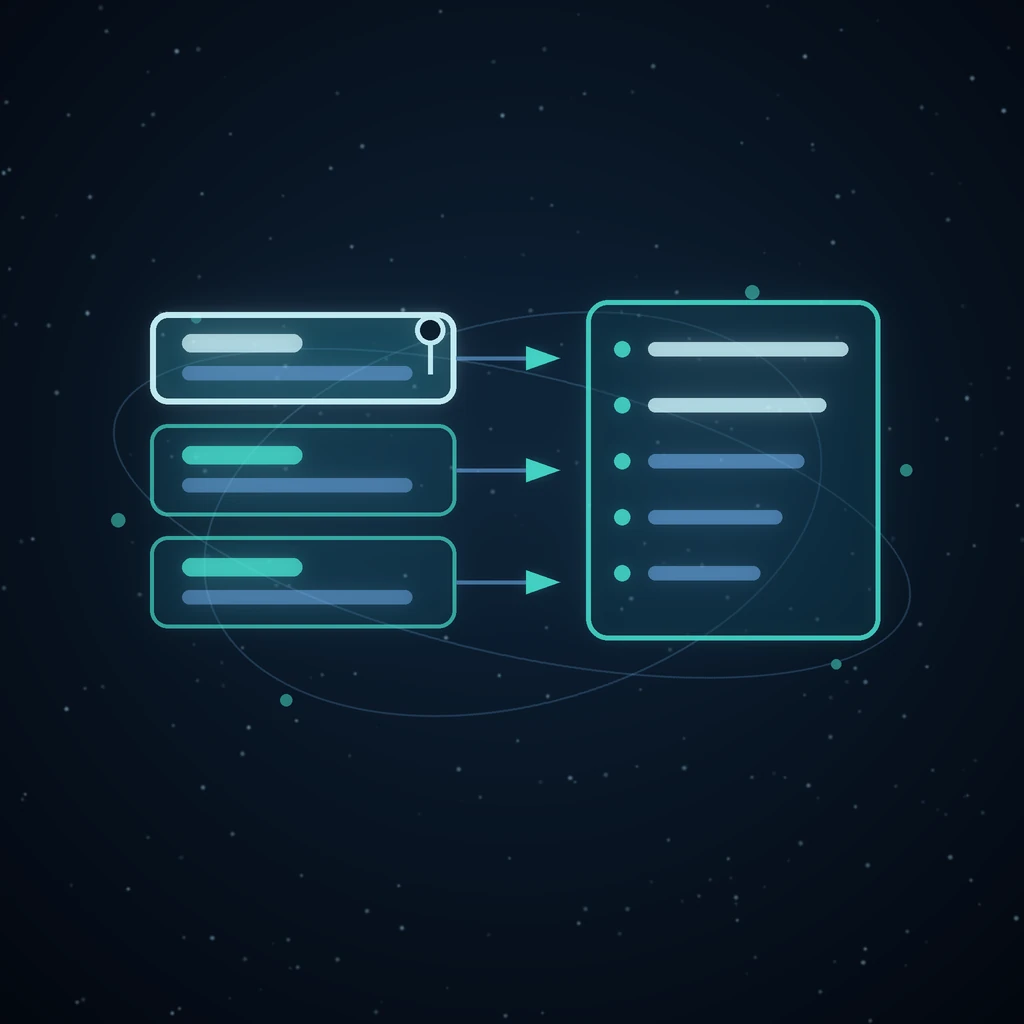
Before a planner or chat call, the first six entries — pinned first, then most recently updated — are rendered into a block that opens Project memory — what the user has made and decided so far: and then one line per entry: the kind in brackets, the title, and the body after a dash. One entry is clipped at 280 characters so a single long note cannot dominate, and the whole block stops at 1,500 characters — it does not summarise the overflow, it stops, which is why the ordering matters.
If the lookup fails for any reason, the block comes back empty and the prompt is built without it. Memory is an enhancement to a prompt, never a precondition for one, so a memory outage can slow you down but cannot break generation.
Pinning is the budget control
Entries come back pinned first, then most recently updated. With a six-entry, 1,500-character budget, pinning is not decoration — it is how you decide which three or four things the model is guaranteed to see on every call for the rest of the project.
The useful pins are the ones that are true all month and easy to violate: the voice, the aspect ratio, the thing the client already rejected, the fact that one number in the source is not what it looks like.
Where the memory is read
Two places, both of which generate rather than display:
- The auto-pilot, in both its planning pass and its execution pass — so the agent working your graph plans around decisions you made before it started, instead of re-litigating them.
- The document chat, so asking a question of a mapped PDF is answered in the light of what this project already established about that document.
Entries are also embedded into the semantic index as their own memory source the moment they are written, so a new note is retrievable immediately rather than after the next full reindex, and it shows up in Semantic search beside your nodes and library files.
Recall is semantic, and scoped to one project
Recall runs a memory-scoped semantic search and then keeps only this project's entries — it over-fetches deliberately and filters, so a match ranked well globally cannot push a local one out of the answer.
That scoping is the design decision most worth defending. Recall answers what did I decide here, not what have I ever decided. A global memory that quietly imports a choice you made on a different project is the failure mode that makes people stop trusting memory features, and it is worse than no memory at all, because you cannot see the sentence that changed the answer.
A worked example
A documentary project, three weeks in. Four entries:
[Decision] Narration stays in second person— pinned[Milestone] Rendered the 12-shot keyframe board[Fact] The 2019 figure is a projection, not a filing[Note] Client dislikes the teal grade
Now ask the auto-pilot to draft the next scene. The plan it writes does not open with “In 2019 the company reported…”, because the fact is in front of it. The narration it drafts is in second person without you saying so. The colour note survives a week of you not thinking about it.
The first three entries were not typed by hand — the milestone and the fact came from Capture recent work reading nodes that already existed. The decision and the note were typed, because a decision usually is not a node.
Editing and forgetting
An entry can be edited, re-kinded, pinned or unpinned, and each of those re-indexes it so retrieval matches what it says now rather than what it used to say. Deleting one removes its rows from the semantic index across every model segment — the memory is gone from search as well as from the list.
Forgetting has to be as easy as remembering. A decision you reversed is worse than a decision you never recorded, because the model will keep acting on it long after you have moved on.
Compared with pasting your notes into every prompt
Pasting works, and it is what most people do. What it costs is consistency: the paste drifts, gets shortened when you are in a hurry, and is absent entirely from any call you did not personally type — every auto-pilot step, every scheduled run, every question your colleague asks in the same project.
A custom-instructions field is the other common answer, and it is global by construction. It cannot hold “the 2019 figure in this document is a projection”, because that sentence is wrong everywhere else.
Project memory sits where the work is: scoped to the project, written once, ordered by what you pinned, and read by the machine rather than by you. It is the same principle as keeping a graph instead of a chat thread — the context is a durable object you can inspect and edit, not a scroll of messages you hope stayed in the window.
Frequently asked questions
Does the AI remember across all my projects?
No, and that is deliberate. Memory is scoped to one project, and recall filters results to that project even when a stronger match exists elsewhere. Cross-project recall is a well-known way for a model to confidently apply a decision that was never made about the work in front of it.
How much of my memory actually reaches the model?
Up to six entries and 1,500 characters, with any single entry clipped at 280 characters. Pinned entries come first, then the most recently updated, and the block simply stops when the budget runs out. That is why pinning matters: it decides what is guaranteed to be in every prompt.
Do I have to write the entries myself?
Only for decisions. Capture recent work distils recent nodes automatically — a milestone for produced media, a fact for a synthesised answer — and skips anything with no real label or description, so it never fills the list with empty rows. It is idempotent, so pressing it repeatedly only adds what is new.
Can I delete something the AI has already learned?
Yes. Deleting an entry removes it from the list and drops its chunks from the semantic index, so it stops reaching prompts and stops appearing in search. Editing an entry re-indexes it immediately, so a corrected note is corrected everywhere.
Is this the same thing as a bigger context window?
No. A context window holds whatever you last sent it. Project memory is a durable record you curate — four kinds, pinned ordering, editable, searchable — and it is injected into calls you never typed, including every step of an autonomous run. The window is capacity; this is what gets put in it.
Where do the entries show up besides the prompt?
In Semantic search, as a memory source alongside your nodes and library files, indexed the moment they are written. That makes an old decision findable by meaning rather than by scrolling — the same retrieval that powers turning a document into a map you can question.
Open the graph and press Project memory in the session menu. Two pinned decisions is enough to feel the difference on the next thing you generate.
Read next
More from the Grafy blog.

An AI coding studio that installs packages and runs your code
Grafy Code pairs a real editor with an AI assistant that can plan, edit across files and run your code — installing the packages it needs on a server sandbox.

Deep research from one link: a cited report on the graph
Give Grafy a question and one starting link. It crawls the pages that matter, writes a report that cites every claim by number, and files it as a node.

Two AI hosts, one topic: a podcast from your own notes
Grafy writes a two-host conversation on any topic, grounds it on the note you have selected, voices each host in its own preset and saves one audio node.