Watch the web and hear only when an answer changes
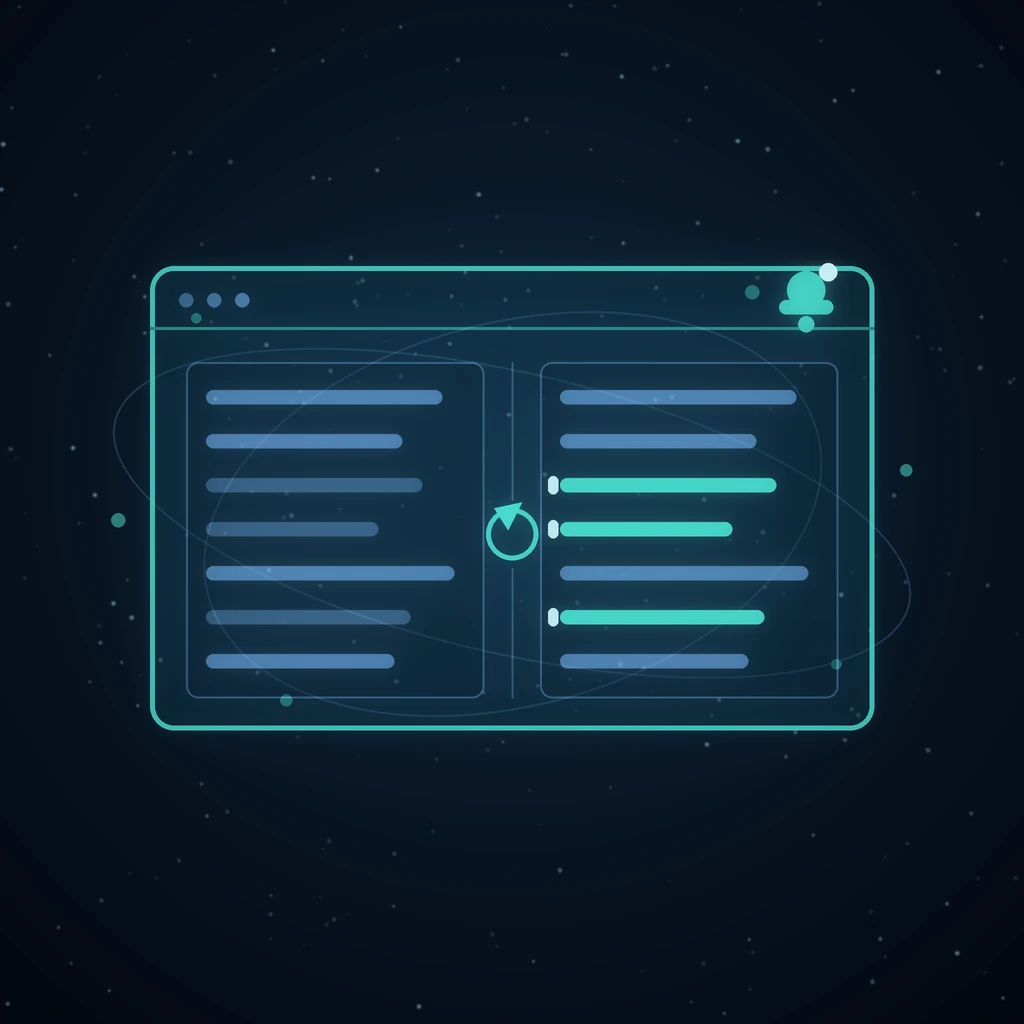
Checking whether a price, a policy or a competitor's page has moved is a task with a terrible ratio: you re-read the same words twenty times to catch the one week they are different. Watch inverts it. You describe what you care about once, and it tells you when the answer stops being the answer it was.
A subject, not a URL
A watch takes a question and where to look for it: a set of sites you name, or the open web. The first run is the baseline — the answer as it stands today. Every later run is compared against it, and what you are shown is the delta, not the page.
Boolean search for the things one keyword cannot find
A subject line is often too blunt. A watch can carry a structured query beside it: groups of terms ANDed together with NOT exclusions, ORed across groups — disjunctive normal form, built in a form with a live preview of the expression.
In web mode each OR group is run as its own engine search and the results are unioned, with the snapshot budget split so every branch is actually represented rather than the first one eating it. NOT terms are enforced against the text that was captured, not against the engine's advisory exclusions — because “advisory” is exactly what those are. In sites mode the whole expression goes to the crawler, and a page is only dropped when every group rejects it. The standing question handed to the summarizer carries the expression too, so the summary is answering the query you actually wrote.
A timeline you can walk
Runs stack newest-first, each one showing how many things moved. Open any run to see that comparison; open the history slide-over from the top bar to browse every watch you have started and jump straight into its timeline. The panel dismisses on Escape and dims the page behind a scrim, and it respects a reduced-motion preference rather than sliding regardless.
Alerts that show the change, not a link to it
When something moves, the notification bell in the shared chrome picks it up — it lives on every surface, on every plan. The email is an HTML change alert that shows how the baseline moved, in the highlight theme you picked, so you can triage it from your inbox without opening a tab.
Costs that cannot run away
A standing crawl is a standing bill, so the watch runner reuses the pipeline scheduler's claim discipline: a due tick and a manual run can never both charge the owner for the same work. Watches are capped per user, which bounds both the crawl and the model spend no matter how enthusiastic the week gets.
Why a baseline is the whole design
Monitoring tools usually show you the current state and leave the comparison to you. That is backwards: the current state is the thing you already had, and the comparison is the thing you wanted.
Capturing a baseline on the first run turns every later run into a diff. What you receive is not “here is the page” but “here are the three lines that moved”, which is a message you can act on from a notification rather than a task you have to schedule time for.
Boolean queries, and why NOT is enforced locally
A subject line is often too blunt for the thing you actually care about. The structured query lets you AND terms within a group, exclude with NOT, and OR across groups — disjunctive normal form, built in a form with a live preview of the expression.
The implementation detail that matters: NOT terms are enforced against the text that was captured, not handed to the search engine. Engine exclusions are advisory, and a result that slipped past one would otherwise reach your diff and look like a change. Checking locally is slower and correct.
In web mode each OR group runs as its own search and the results are unioned, with the snapshot budget split so every branch is represented rather than the first one consuming it. In sites mode the whole expression goes to the crawler and a page is dropped only when every group rejects it.
What it costs to leave running
A standing crawl is a standing bill, so there are two structural limits rather than a warning in the documentation.
The runner reuses the pipeline scheduler's claim discipline, which means a due tick and a manual run can never both charge the owner for the same work — the ordinary race in any scheduled system, and the one that produces surprise invoices. And watches are capped per user, which bounds both crawl volume and model spend regardless of how enthusiastic a week gets.
Where Watch fits against the other tools
Watch answers has this changed? on a schedule. Two neighbours answer different questions on the same kind of material:
- Grafy Bots crawls a site into a knowledge base and answers questions from it, for other people, continuously.
- Document ingest maps a file you already have into a graph you can interrogate once, in depth.
If you find yourself opening the same page every Monday, that is Watch. If you find yourself explaining the same page to other people, that is Bots.
Frequently asked questions
How often can a watch run?
On the schedule you choose when you create it, and you can also run one manually at any time. The claim discipline means a manual run and a scheduled tick that land together cannot both be charged — one claims the work and the other stands down.
Does it monitor sites, or the whole web?
Either. Name a set of sites and the crawler stays within them, or point it at the open web and each OR group of your query runs as its own search with the snapshot budget divided between branches.
What do the alerts look like?
The notification bell in the shared chrome picks up changes on every surface and every plan. The email is an HTML change alert showing how the baseline moved, rendered in the highlight theme you picked, so most changes can be triaged from the inbox without opening the app.
Can I see previous runs, not just the latest?
Yes. Runs stack newest-first with a count of what moved in each, and the history slide-over from the top bar lists every watch you have started so you can jump straight into any timeline. It dismisses on Escape, dims the page behind a scrim, and respects a reduced-motion preference.
Can I watch a page that needs a login?
The crawler fetches what a public visitor can fetch, so pages behind authentication are out of scope. For a source you can already export — a report, a statement, a dashboard CSV — ingesting it as a document and comparing versions on the canvas is the better route; see comparing two graphs.
What happens when a page changes layout completely?
You get a large diff, which is the correct answer — a redesign genuinely is a change. The standing question given to the summariser carries your query expression, so the summary still answers what you asked about rather than describing the new navigation menu.
Start a watch on something you keep re-checking.
Read next
More from the Grafy blog.

Deep research from one link: a cited report on the graph
Give Grafy a question and one starting link. It crawls the pages that matter, writes a report that cites every claim by number, and files it as a node.
Two AI hosts, one topic: a podcast from your own notes
Grafy writes a two-host conversation on any topic, grounds it on the note you have selected, voices each host in its own preset and saves one audio node.
How to Compress GLB Files for Web and AR
Compress GLB files for web and AR: reduce mesh complexity, understand texture limits, compare the result, and test loading and appearance on real devices.