Google's Gemini Now Edits Docs and Files in Chats
Google's Gemini now generates and edits Docs, PDFs, Sheets and slides in chats. The Verge explains what changed and what is limited. Read more.
Google has added native file generation and editing to its Gemini chat product, according to The Verge. The update, reported on Oct. 29, 2026, lets users produce and revise PDFs, Google Docs, Google Sheets, slide decks, Markdown files, plain text files, and code without leaving the Gemini chat interface. The announcement matters because it signals a broader shift: AI assistants are being designed not just to answer questions, but to produce artifacts that people can edit, expand, and share.
What did Google announce for Gemini file editing?
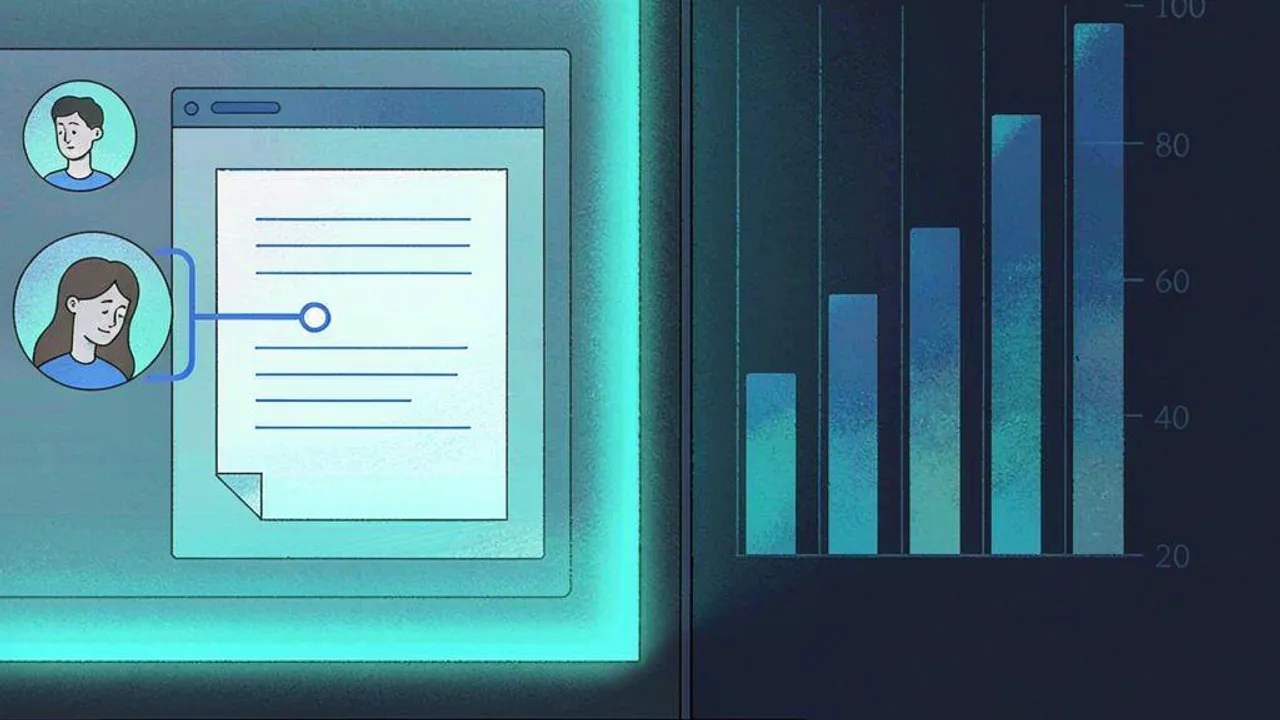
According to The Verge, the new file editing capabilities became available starting today for all Gemini users. The report said PDF previews and editing work on both the web and mobile, while all other file formats are available only in the web version for now. The Verge also said Google had added support for generating and downloading files in Gemini earlier this year, but the new capability lets people tweak those files without leaving the app. The report described a workflow in which users can expand documents to edit them in full-screen mode and highlight text in files to ask Gemini questions or prompt changes. For example, a user could highlight a table and ask Gemini to turn it into a graph, according to the source. The original report is at https://www.theverge.com/ai-artificial-intelligence/1022519/google-gemini-file-editing-documents-pdfs.
The update does not mean every document type is equally mature. The Verge's reporting suggests the feature is broader than a simple chat answer, but it still has limits. The source said all Gemini users have access, yet PDF editing works on web and mobile while other formats are web-only for now. That split is important for understanding the rollout. It also indicates that Google is iterating on the assistant's file capabilities in public, through product posts and reporter updates.
Why does in-chat AI file editing matter?
The Verge frames the change as an evolution from generation to editing. That distinction may sound small, but it affects how people use AI for drafts, documentation, data summaries, and presentations. A user who wants a slide deck can now potentially generate it and then request revisions inside the chat. A researcher who creates a PDF can ask for structure changes or content updates. The source notes that Gemini already had integrations in Google Workspace apps, such as the Gemini bar in Google Docs, and that Anthropic had launched a similar feature earlier this year for Claude chats. Those details suggest the race is not only about generating files, but about controlling them conversationally.
The report's emphasis on highlighting text and asking for changes points to iterative work. The ability to expand documents to edit them in full-screen mode suggests the chat interface may be a control point rather than the final surface. The example of turning a highlighted table into a graph is one of several possible uses for model-assisted document editing. According to The Verge, the feature builds on earlier generation support, which makes editing a natural next step.
For creators, the practical question is whether the assistant can handle style, structure, and feedback loops. For developers, the question is whether code files can be generated and revised cleanly. For researchers, the question is how well the system handles citations, tables, and long documents. The Verge did not answer all of these, but the announcement raises them.
What is available now and what is limited?
Availability has some limits. The Verge reports that all Gemini users have access starting today, but PDF previews and editing work on both the web and mobile, while other file formats are only in the web version for now. The source did not say whether the editing features work equally across formats. It said Google added generation and downloading earlier this year. The report also described highlighting text and asking questions or making changes. That means the feature may be most immediately useful for users who stay in Gemini and work with supported formats. The Verge's report is the main source for these details.
The distinction between PDF and other formats may matter. PDF editing on web and mobile is broader than the rest. The Verge's feed summary noted that all other file formats were only in the web version for now. That limitation could affect mobile users or workflows that rely on spreadsheets, slides, Markdown, TXT, or code. The source did not provide a timeline for expanding to mobile. It also did not detail whether editing is manual, assisted, or model-driven.
The story's context matters too. Google had already added generation and download support earlier in the year. The new editing capability is therefore an incremental step, but a meaningful one. It suggests Google sees file creation as part of the assistant's role, not just a side feature. The Verge's reporting frames the change as available to all Gemini users at launch, with format and platform differences.
How can Grafy users work with AI-generated files?
Grafy's product map does not include a Google Docs editor, so the news is not a direct feature comparison. Still, the story connects to Grafy's broader mission of multimodal AI creation. For a creator who needs images or video, Grafy Creator may be more relevant. For file conversion and PDF handling, Grafy Files is the closer app. For managing prompts and outputs over time, Grafy Graph can help. The Grafy News Desk perspective: if your AI workflow still depends on exporting between apps, the lesson is to decide which single surface should own the artifact. Grafy Chat could be the starting point for that prompt, while dedicated tools handle the final format.
For developers, the appeal is code generation and modification inside the assistant. For creators, the appeal is faster iteration on visual or document assets. For researchers, the appeal is working with PDFs and papers. Grafy's Reader app could be relevant for research, but the source story is about Gemini. The Grafy News Desk could see this as a sign that AI platforms are competing on artifact creation, not just chat. In Grafy, a user could use Chat to draft a prompt, Creator to make visual assets, Files to handle PDFs, and Graph to track versions.
The practical takeaway is not that every AI tool should become a document editor. It is that file-aware AI may reduce friction between intent and artifact. The Verge's report gives a snapshot of one implementation. Grafy users who want similar control can look at the apps that fit their medium. The connection is genuine, but it is analogical rather than direct.
Frequently asked questions
Can Gemini edit Google Docs files directly now?
According to The Verge, Gemini users can now generate and edit Google Docs, PDFs, Sheets, slides, Markdown, TXT and code in chats. The report says all Gemini users have access starting today, but PDF editing works on web and mobile while other formats are web-only for now.
Why is in-chat file editing a bigger deal than simple generation?
Because generation alone creates a file you must then manage. The Verge describes editing through highlights and chat prompts, such as asking Gemini to turn a highlighted table into a graph. That moves the assistant closer to iterative work. The limitation is that not all formats or platforms are covered yet.
How could a creator or researcher use AI file editing?
A writer, researcher or creator might use chat-based editing to revise drafts, summarize documents, or reshape data. The Verge notes the feature builds on earlier generation support and existing Workspace integrations. For teams comparing tools, the practical question is whether in-chat editing reduces friction enough to become a default workflow.
Source: The Verge — AI — You can generate and edit Google Docs files directly in Gemini chats now
More news

Google Opens Gemini and Search to More Apps
Google launched a Connected Apps Platform to link more third-party apps to Gemini and Search. It could reshape how AI agents change app discovery.

Google Launches Gemini 4 Carbon in Cybersecurity Push
Google launched Gemini 4 Carbon, touting a significant cybersecurity leap and top benchmark results. Here’s what it means for AI coding and agents.

Google launches TorchTPU to lure PyTorch apps away from Nvidia
Google has released TorchTPU, an open-source version of PyTorch that makes it easy to move AI apps to its Tensor Processing Units.