Hugging Face Releases TRELLIS.2 Fine-Tuning Guide
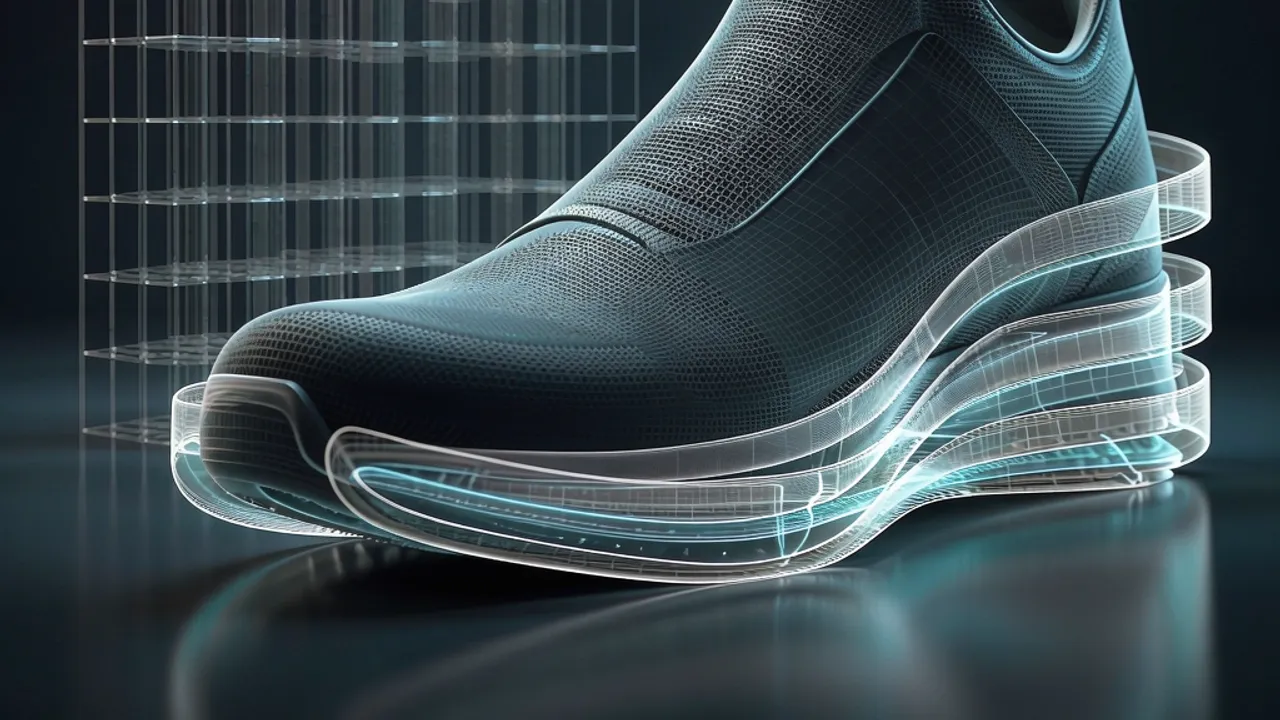
Hugging Face published LoRA fine-tuning scripts and containers for TRELLIS.2, using a footwear dataset to show how 3D generation can be adapted.
 Source: Hugging Face Blog
Hugging Face has published a practical fine-tuning guide for TRELLIS.2, a 3D generation model, according to Hugging Face Blog. The release matters because it gives creators and developers a reproducible way to adapt a general 3D model to narrow assets such as footwear, instead of relying only on pretrained output.
What did Hugging Face publish?
The guide provides fine-tuning scripts and container images for adapting TRELLIS.2 to a user's own 3D assets, according to Hugging Face Blog. The materials can run on Hugging Face Jobs or locally through Docker, assuming the dataset is uploaded to the Hugging Face Hub. The workflow uses LoRA through Hugging Face's PEFT library and explains which pipeline components to train or freeze. Users need a Hugging Face token and access to DINOv3, because that model is gated. The containers separate preprocessing from fine-tuning, which helps manage dependencies.
Why does TRELLIS.2 need task-specific fine-tuning?
TRELLIS introduced a unified latent representation that can be decoded into different 3D outputs, while TRELLIS.2 improved the model's handling of 3D structure, according to Hugging Face Blog. A general-purpose model can still miss details that matter for a specific application. The blog notes that 3D generation is used in robotics, simulation, media, and entertainment, where strict rules and standardized representations are hard to enforce. File formats such as GLB and PLY and representations such as NeRFs and 3D Gaussian splatting each have tradeoffs. The guide uses a subset of the Google Scanned Objects dataset containing 188 footwear objects, drawn from 1,030 objects. In early tests, the pretrained model usually produced shoes that looked correct, but the soles were wrong. The experiment asks whether LoRA adapters can make the soles more accurate without retraining the whole model.
Which TRELLIS.2 components were adapted?
TRELLIS.2 runs through five stages: background removal, image encoding, coarse structure prediction, detailed geometry generation, and material generation, according to Hugging Face Blog. BiRefNet removes the image background, and DINOv3-L encodes the image into feature tokens. The sparse-structure flow DiT predicts a coarse latent of size , and a VAE decoder turns it into a occupancy grid. The shape flow DiT then creates geometry through O-Voxel, a sparse voxel format, at a resolution of . O-Voxel keeps only surface voxels; each voxel stores local geometry and material attributes, and the model uses approximately of the voxels in the grid, so empty space does not consume compute. The sparse-structure flow DiT is dense, while the shape and texture flow DiTs are sparse transformers. The guide adds LoRA adapters only to the sparse-structure flow DiT and the shape flow DiT. It leaves the texture flow DiT frozen because the dataset has diffuse color maps with baked lighting, not the separate material maps needed for that stage. The final pipeline exports a textured mesh as a GLB file.
Why use LoRA for a small 3D dataset?
The footwear subset is small, with 188 shoes, so the guide favors LoRA over full fine-tuning, according to Hugging Face Blog. LoRA trains small adapter matrices while keeping the original model weights frozen. That reduces trainable parameters and the memory needed for gradients and optimizer state. Full fine-tuning would cost more and could overwrite useful learned priors. The configuration trains approximately 9.3 million adapter parameters across the two targeted DiTs. It uses rank 8 adapters in the attention and feed-forward layers of the sparse-structure flow DiT, and rank 16 adapters in the attention layers of the shape flow DiT. Higher rank gives the adapter more capacity to learn.
How does the training workflow run?
The preprocessing container uses Blender to render 16 views of each object, and those views become conditioning images for LoRA training, according to Hugging Face Blog. Blender runs without a display through xvfb-run. For the 188-object footwear set, preprocessing took approximately 1 hour on an a100-large job. The training container loads the prepared dataset and a configuration preset or file. It records metrics with Trackio and offers two modes: ss for the sparse-structure flow DiT and shape for the shape flow DiT. Two Docker images are supplied, one for preprocessing and one for fine-tuning, so users can run the workflow on their own GPU instead of cloud hardware. The Hugging Face Jobs commands can run detached, request specific hardware, set a timeout, and pass the token as a secret. Preprocessing can skip finished objects, and training can continue from the newest checkpoint.
How does this relate to Grafy?
For creators, the guide is a reminder that AI-generated 3D assets may need task-specific refinement before they are production-ready. In Grafy, the closest product surface is 3D Studio, which is for generating and editing 3D models, but the Hugging Face workflow is a developer-side training pipeline rather than a one-click Grafy feature. Developers who want to study or modify code around such pipelines can use Grafy Code as an AI coding studio. The practical lesson is that choosing what to freeze can matter as much as choosing what to train, and Grafy News does not claim that Grafy provides TRELLIS.2 fine-tuning containers, Hugging Face Jobs integration, or LoRA training for 3D models.
Frequently asked questions
What did Hugging Face publish?
Hugging Face published a guide with fine-tuning scripts and containers for adapting TRELLIS.2 to custom 3D assets, according to Hugging Face Blog. The workflow uses LoRA adapters, supports Hugging Face Jobs or local Docker, and includes preprocessing steps for turning meshes into training-ready representations.
Why did the guide fine-tune only some TRELLIS.2 components?
The guide added LoRA adapters only to the sparse-structure flow and shape flow components because they control coarse shape and detailed geometry. It left the texture flow component frozen because the test dataset had diffuse color maps with baked lighting, not the separate material maps needed for safe texture training.
Can the workflow run outside Hugging Face Jobs?
Yes. The guide says the same containers can be run locally with Docker, while Hugging Face Jobs is used as a cloud option. Users need access to the gated DINOv3 model, a Hugging Face token, and meshes uploaded to the Hub before starting the preprocessing and training steps.
Source: Hugging Face Blog — The Definitive Fine-Tuning Guide for 3D Generation Models
More news
SPRA-LoRA Freezes LoRA Adapters to Cut Federated Fine-Tuning Costs
A federated LoRA method freezes and resamples adapter matrices and uses rank-aware learning rates, cutting client overhead by half. It proposes SPRA-LoRA.
Frontier3DBench Tests Whether Coding Agents Build 3D Worlds
Einsia's Frontier3DBench tests whether coding agents can build 3D objects, scenes and working worlds; GPT-6.1-sol led overall. See what it means.

HiLo Ships 1.6% of LoRA Adapter Bytes, Syncs Rollout Workers
Uppsala researchers replace LoRA adapter broadcasts with compressed gradients, cutting sync traffic to 1.6% of adapter bytes. Why it matters.