An AI workflow with no export step in the middle
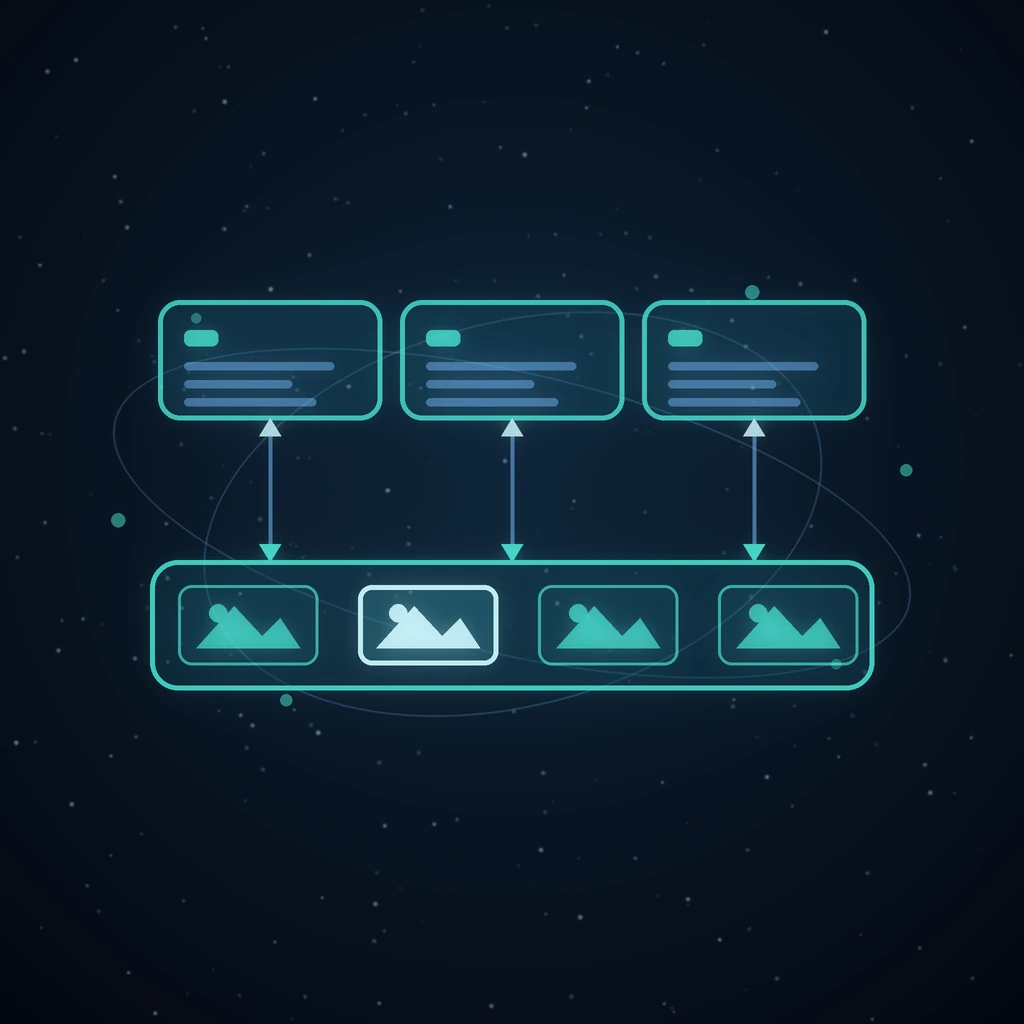
Count the downloads in a normal AI project. The image tool gives you render_final_v3.png. You upload it to the video tool, which gives you output(1).mp4. That goes into the editor, which wants the music, which is in a fourth tab, which exports track.wav. Six files, four uploads, and by Thursday nobody can say which version of the logo is in the cut.
None of that work is creative. It is filing. Grafy removes it by making the handoff the product rather than an afterthought: one session history, one asset library, one balance, and specific wired routes between the apps that would otherwise make you export and re-upload.
The three things every app shares
There are only three, and everything else follows from them.
- One account and one balance. The left drawer is the same component on every surface, and it reads the same account. There is no per-app plan and no per-app wallet.
- One session history. Work in any app lands in a session with thumbnails and full lineage. A Creator feed can be reopened as a graph; a 3D node opens in 3D Studio; Film Studio renders into a session like everything else.
- One asset library. Any result can be saved to it, and the library picker appears across the apps — as the reference picker in Chat, the media picker in Social Studio, My files in the Files Editor, and the model picker in Game Studio.
A session keeps working after you close the tab
Jobs run on the server, not in the tab. A generation that is mid-flight when you switch apps, close the laptop or lose the connection carries on and records its result in the session it belongs to, and the surface re-attaches to it when you come back — the running card returns at its real percentage rather than starting over.
That is what makes a multi-app workflow bearable in practice. Rendering a film takes long enough that you would rather be doing something else in the meantime, and "something else" here means another Grafy app rather than another tab you have to babysit. Film Studio says it plainly: a run can be hidden while you keep working, and leaving the page does not stop the render.
The asset library is the only shelf there is
Every app writes into the same library and reads out of it, which means a file has exactly one home and one name. A render from Video Edit lands there as an ordinary asset, and Graph Chat, Social Studio and everything else can pick it up without knowing where it came from. A file added through the Files Editor is immediately usable in Graph Chat and Creator — nothing is trapped in the app that made it.
The Files Editor is the clearest case of the idea: My files is not a private scratch folder, it is the asset library seen through a document lens, with Recent, Favourites and a Deleted bin you can restore from. Same shelf, different window. File tools that remember where you left off is the post about what that buys you.
A worked example: one topic, five apps, nothing downloaded
Say the thing you actually want is a ninety-second explainer with a proper score, cut vertically for a feed, and a still from it posted to LinkedIn.
- Film Studio takes the topic and drafts a script, a cast, keyframes and clips. Approve the stills, render the shots, and the film exists as a session.
- Music Studio is commissioned from inside Film Studio. The commission arrives as a bar over your workspace with the target length already on it; Use it as the score renders your arrangement to fit and hands it straight back. That render is free.
- Video Edit imports the film. Every rendered shot arrives end to end on a video track, the narration lined up beneath it, and the score on a third track already ducked to a bed level under the voice. The clips are references to the film's own renders, so nothing is copied and nothing can drift out of sync with the source.
- Re-cut it, set the canvas to vertical, and render to MP4. The result is an asset in your library.
- Social Studio composes the post with a network-accurate preview and picks the still straight out of your Grafy sessions — or generates a new one in place, because the compose form embeds the same image engine as Creator.
Five apps. Zero downloads, zero uploads, and one credit balance charged along the way.
The handoffs that are wired, not improvised
"They share a login" is a much weaker claim than the one being made here. These are specific routes with their own buttons:
- Film Studio → Video Edit: Import from Film Studio lists your film projects and lays one out as a rough cut on three tracks.
- Music Studio → Film Studio and Game Studio: either studio can commission a score to a target length; the arrangement is rendered to fit and returned.
- Film Studio → Game Studio: Make it in Film Studio opens a narrative film pre-briefed with your game's story, the level's setting and its cast, so the film planner starts inside the same world. The finished video attaches as a level's opening cutscene and inlines into the playable build.
- 3D Studio → Game Studio: Use your own model takes a
.glbfrom your library and makes it a character's model, kept as a version like any render. - Community → Creator and 3D Studio: Use prompt drops a published image's full recipe into Creator's composer; Remix opens a published mesh in 3D Studio as your own working copy.
- Anything → Prepare: reshape or upscale a library file and the result is saved as a new file; the original is never touched.
One balance, and a price before you commit
A workflow that spans five apps could very easily become a bill you only understand afterwards. Two things stop that. Every composer shows a live estimate before you send, and every stage in the staged apps prices its own work before it runs — which is what makes a re-render a decision rather than a surprise. Afterwards, the usage dashboard itemises each charge by day, modality and model.
The free parts stay free across the whole chain: the Music Studio sequencer and its WAV export, the game build stage, the deterministic brief readers, the level mini-map preview. In a five-app run those add up to a surprising share of the clicks. Lowest-cost mode is the other half of this — spending the cheapest model that can actually answer.
What a change costs: staleness instead of silent drift
The real hazard in a chained workflow is not cost, it is a change three steps back that quietly invalidates everything after it. Grafy's staged apps answer that with explicit staleness rather than silent drift.
Re-describe a film's cast and every shot rendered against the old reference sheet is marked stale, with a counter of what needs re-rendering — so you know what a change costs before you pay for it. Change a scene's narration and its recorded voice, its timings and its clips flag themselves. The Game Studio does the same with a sharper edge: editing a level layout invalidates only the free rebuild, because layouts are data; adding a new mechanic to the design document marks every layout stale, because they were planned against the old rules. Reproducible creative workflows covers why reversibility is the thing that makes any of this safe to touch.
Sharing without asking anyone to install anything
The last handoff is to a person, and it has three shapes. Sessions share by signed link or by collaborator email, as viewer or as editor. Chat conversations share to teammates, with pending invites for people who have not joined yet. And a finished film mints a watch link that needs no account at all — view-counted, revocable, rotatable, with downloads optional.
A game skips even that: the playable build is one HTML file with the engine, the layouts, the sprites and the music inlined, so it plays from a mail attachment with no server involved. Describe a game, then play it in your browser.
Where an export is still the right answer
This is not an argument that files are obsolete. When the next step is somebody else's tool, an export is exactly right, and Grafy is deliberate about handing over the formats those tools ask for: the clean master and the separate .srt from a film, MP4, WebM or GIF from the editor, WAV and .lrc from Music Studio, OBJ, STL, PLY, FBX, STEP, USDZ and 3MF from 3D Studio, and whole projects as .film and .game bundles that re-open anywhere.
The claim is narrower and more useful: you should not have to export to get from your first step to your second one.
What this replaces
The usual answer to this problem is automation glue — a workflow builder wiring five SaaS APIs together, with a folder in cloud storage as the shared shelf. It works, and it costs you two things. Someone has to maintain the wiring, and the glue only ever moves files: it cannot carry the lineage, so nothing downstream knows that this cut was made from that version of the cast sheet. Staleness marking is impossible when the shared surface is a folder.
The other answer is one giant app that does everything mediocrely. Grafy is neither: separate apps with their own depth, standing on the same session store, the same library and the same balance. Why a graph beats a chat thread makes the same case one level down, about a single session rather than a whole workspace.
Frequently asked questions
Do I have to download a file to move it between Grafy apps?
No. Every app reads and writes the same asset library and the same session history, and the picker for it appears inside each app. The specific routes — a film into the video editor, a score into a film, a mesh into a game — are buttons in the app that needs the file, not an export followed by an upload.
What happens to a render if I close the tab?
It keeps going. Jobs run on the server and record their result into the session, and the surface re-attaches to anything still running when you come back, showing the real progress rather than restarting. That is what lets you leave a film rendering and go and cut something else in the meantime.
If I change something early on, how do I know what it broke?
The staged apps mark the downstream work stale rather than silently re-using it. Re-describe a film's cast and every shot rendered against the old sheet is flagged with a count of what needs re-rendering; add a new mechanic to a game's design document and every level layout is marked stale. You see the cost of the change before you pay it.
Is there one bill, or one per app?
One. There is a single credit balance across every app, every composer shows a live estimate before it spends anything, and the usage dashboard itemises the charges afterwards by day, modality and model. Several capabilities never charge at all, including the Music Studio sequencer and WAV export and the Game Studio build stage.
Can I share the result with someone who has no account?
Yes, two ways. A finished film publishes as a watch link that needs no sign-in and can be revoked or rotated, with downloads optional. And a playable game build is a single self-contained HTML file — engine, levels, art and music inlined — so it runs from a mail attachment with no server at all.
Try it
Make something in Creator, save it to the library, and open Video Edit or Social Studio to see it already there. The tutorials walk the same ground app by app, and the map of every app is the companion to this one.
Read next
More from the Grafy blog.

Deep research from one link: a cited report on the graph
Give Grafy a question and one starting link. It crawls the pages that matter, writes a report that cites every claim by number, and files it as a node.
Two AI hosts, one topic: a podcast from your own notes
Grafy writes a two-host conversation on any topic, grounds it on the note you have selected, voices each host in its own preset and saves one audio node.
How to Compress GLB Files for Web and AR
Compress GLB files for web and AR: reduce mesh complexity, understand texture limits, compare the result, and test loading and appearance on real devices.