Every app in Grafy and what each one makes
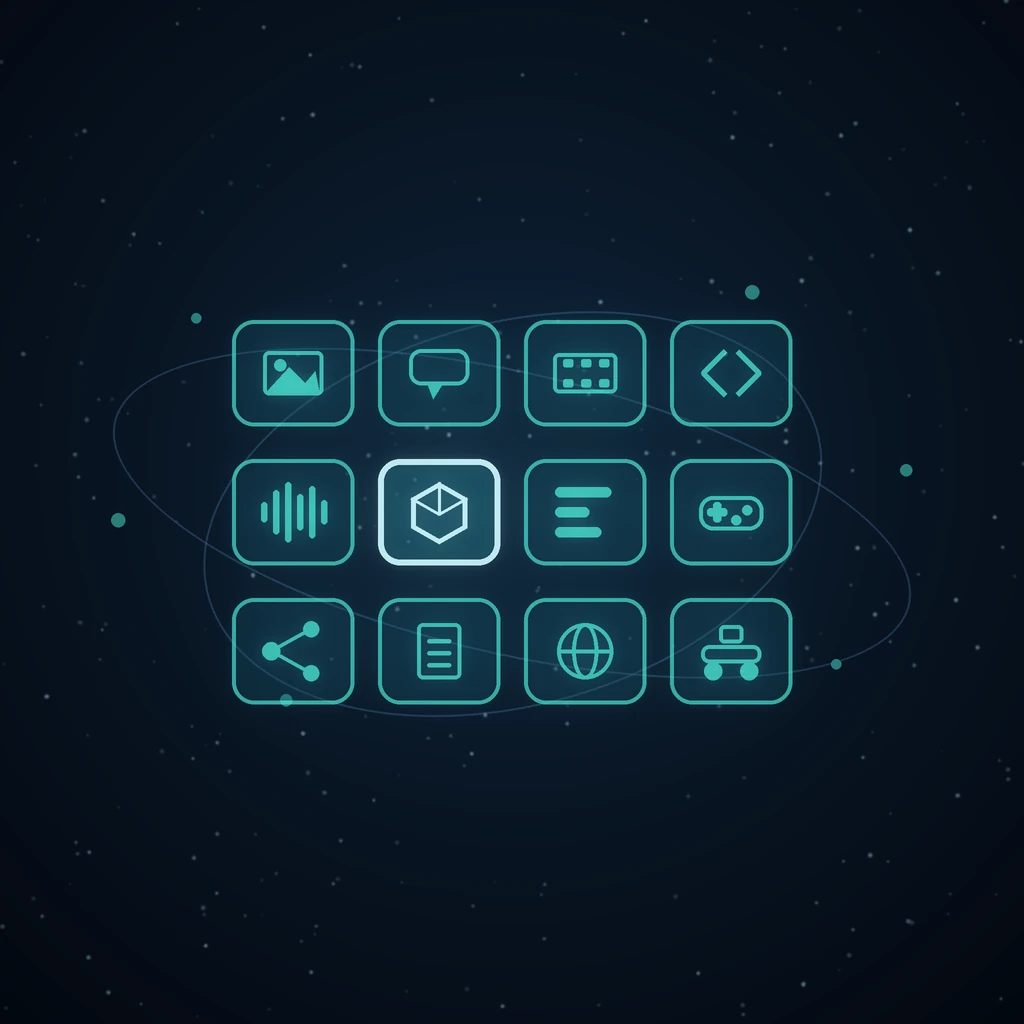
Nine browser tabs, six sign-ins, and a downloads folder where every third file has (2) in the name. That is what making something with AI usually looks like: one product writes the script, a second draws the frames, a third cuts them together, and the only thing the three of them share is your clipboard.
Grafy is twenty-two apps behind one sign-in, one credit balance and one asset library. This is the map — what each app actually produces, the formats it hands back, and which parts of it never cost a credit. Nothing below is a roadmap item; every one of these is a row on the rail today.
Two ways to make a picture, and they are not the same tool
Creator is the composer: one prompt box, a wall of hundreds of curated starting points, and a batch of up to four takes from a single submit so you choose rather than re-roll. It does video from the same box, and it does depth parallax — one still warped by its own depth map rather than a stack of cut-out layers, which is why it has no seams. The long versions are four takes at once and parallax without the seams.
Graph Chat is a different shape entirely. Every prompt, image, clip, text answer, sound and 3D model is a node you can branch from, compare against its sibling, or merge with another. An edit never overwrites: the follow-up is a child, so the original is still there ten steps later. That is the surface for work where you do not yet know what you are making — see why a graph beats a chat thread and merge, branch and exclude.
Drop a PDF onto it and you get something else again: a mind map built from the paper's own headings, each section summarised into a node you can question on its own. That is turning a PDF into a knowledge graph.
Words: a council of models, and a bot that only knows your content
Chat runs local and hosted models beside each other. Ask several the same question and each answer lands in its own column; the data fuser then writes one combined answer out of those columns instead of making you read four — the council, in full. Reasoning models show their working while they work, and the thinking is kept with the answer rather than thrown away (watch them think). Documents attach as documents: 144 file extensions, with a sentence under every message saying what was read, what was truncated and at what ceiling, and what was refused.
Bots is the opposite promise. Point one at your own pages and it answers from those and nothing else, then embeds on your site as a widget. An assistant that says I don't know about your refund policy is worth considerably more than one that invents a plausible answer — that is the whole post.
Code that runs in the tab you wrote it in
Code is a browser IDE, not a chat window with a code block in it: Monaco editing, a real file tree, git, and a sandboxed terminal that runs your code without a server round trip. The assistant works in three modes — Ask, Plan and Agent — so "explain this", "tell me what you would change" and "go and change it" are three different buttons rather than three different prompts. It can convene the same council of models Chat uses. An AI coding studio that actually runs your code covers the terminal and the git side.
A whole film, then a real cut of it
Film Studio plans in nine stages and in five kinds, each with its own act structure: documentary (setup, development, climax, resolution), advertisement (15–30 seconds across hook, agitate, solution, proof, call to action), narrative, explainer, and the rhythm cut, whose timing comes from the music rather than the voice. Delivery shapes mean real pixels — 16:9 at 1920×1080, 9:16 at 1080×1920, 4:5 at 1080×1350. Subtitles go burned in, as a separate .srt, or both. A finished cut publishes as a watch link that needs no account and can be revoked or rotated, and the whole project saves as one .film bundle. Start at one topic in, a narrated film out.
Video Edit is where that becomes an edit. Import from Film Studio lays every rendered shot end to end on a video track, the narration lined up beneath it, and the score on a third track already ducked under the voice — as references to the film's own renders, so nothing is copied. From there it is a real compositor: keyframes with four easings, glow, film-look grades, grain, chroma and luma keys, blur, motion tracking that hands back an actual motion path as position keyframes, and one ffmpeg pass out to MP4, WebM or GIF at three quality levels. Layers, keyframes and a real timeline.
A song you can open in a piano roll
Music Studio is two sides of one document. The free side is a step sequencer, a piano roll, sections (intro, verse, chorus, bridge, drop, outro), Web Audio playback in the page, timed lyrics that export as .lrc, vocal removal, and a WAV export of the whole arrangement. None of that costs a credit and none of it is opaque — the AI composer on this side writes pattern data, never audio, so every note it suggests can be opened and deleted.
The paid side reads the same document: hand the karaoke sheet to a hosted song model and it sings your words. Cover art, remixes of any clip the track owns, and audio beds live there too, each with its price on the card before you click. Compose it, then score your film with it and type the words, and an AI sings your song.
Geometry, not a picture of geometry
3D Studio generates a mesh from a prompt or a photo and drops it into a Babylon editor with orbit camera, gizmos, per-part selection and live PBR sliders. The AI actions each save a new node rather than overwriting: auto-rig fits a skeleton with skinning weights, animate applies one of 600+ motion presets across five categories, remesh rebuilds topology at a density a game engine or a slicer will accept, and texture repaints the same mesh in a described material. The print check reports watertightness, open edges, loose shells and estimated filament weight in PLA, PETG and ABS. Exports go out as OBJ, STL, PLY, FBX, STEP, USDZ and 3MF alongside GLB. From a photo to a 3D model you can actually edit.
Robotic Studio takes the same idea into hardware: requirements, a bill of materials, printable parts, wiring that refuses rather than warns when a rule is broken, a software stack, and then trials whose statistics decide acceptance. Design a robot, then prove it actually works.
A game that travels as one HTML file
Game Studio reads a paragraph — genre, look, level count, difficulty, music — deterministically and shows you every reading beside the control it filled before anything is spent. Eight genres run on four hand-written engines, so a genre is a set of rules the engine can honour rather than a new codebase. Level layouts are JSON validated against the engine's own schema, which is why rearranging a level costs nothing and never invalidates a rendered sprite. The design document downloads as Markdown, the build stage is free, and the playable result is a single HTML file with the engine, layouts, sprites, backdrops and music all inlined — it runs from disk or from a mail attachment. Godot and Unity project exports and a .game bundle come out of the same page. Describe a game, then play it in your browser, and game art that knows a coin from a character.
The unglamorous apps that save the most time
Files Editor is PDF, picture and audio work over the same library: organise pages by dragging thumbnails, crop by dragging a box stored as a fraction of the page, sign and annotate, number pages — and redact for real, deleting the text and image data underneath rather than drawing a black rectangle over copyable text. There are 41 conversion routes under /files, batch image converters to PNG, JPG, WebP, TIFF and HEIF, transcription from .m4a, .mp3, .wav, .aac, .ogg and .flac, and text-to-speech in named voices. File tools that remember where you left off.
Under More tools sit the small ones that quietly earn their place: the Reader for working through something long a section at a time, Watch for recurring web-change monitors that only speak up when an answer changes, the Trip Planner that marks a fare as a guess when it is one, Animation Studio for posing your own drawing, Prepare for reshaping or upscaling any library file into a new one, and Cast, the account-level character library the other studios read from.
Publishing: five networks, and a wall that shows its prompts
Social Studio connects Meta (a Facebook Page and its linked Instagram account arrive together), LinkedIn, Reddit, X and Threads. The composer swaps in each network's own post types and rules, previews accurately per network, and can generate the image in place using the same engine as Creator. The unified feed pulls recent posts from every connected platform into one column with likes, comment counts and permalinks, and comments are moderated there. Turn your best result into on-brand social posts.
Community is the public wall: images, video and 3D models, each card carrying its full prompt. The search box matches inside prompts, which turns the gallery into a searchable cookbook — query a technique and read every published piece that used it. Use prompt drops a recipe into Creator's composer; Remix opens a published mesh in 3D Studio as your own copy. Publish and remix.
What it costs, and what it replaces
Cloud generations cost credits and local models cost nothing, and every composer prices the work before you send it — the estimate names both the credits and the rough wait. The usage dashboard itemises every charge by day, modality and model afterwards, so a surprising week can be read rather than guessed at. Whole capabilities are permanently free: the Music Studio sequencer and its WAV export, the game build stage, vocal removal, the deterministic brief readers, the mini-map level preview, and the standalone browser tools that need no account at all — the 3D viewer, converter, compressor, text generator, texture generator and sketch-to-3D pad.
The alternative is the stack most people actually run: an image tool, a video tool, a music tool, an editor, a hosting account for the result, and a subscription to each. It works. What it costs is the seam — every handoff is an export, an upload and a filename you have to remember, and none of the tools can tell you which version of the logo went into which cut. Grafy trades some of the depth of a specialist app for the fact that the seam is not there; an AI workflow with no export step in the middle is the long version, and reproducible creative workflows is why reversibility matters once the seam is gone.
Frequently asked questions
What can you actually do with Grafy?
Generate and edit images and video, branch and merge them on a graph, chat with several AI models at once, write and run code, plan and render a whole narrated film, cut it on a real timeline, compose and sing a song, generate and rig 3D models, build a playable game, design a robot, edit PDFs and pictures, and publish to five social networks — from one account and one credit balance.
How many apps are there, and do I have to learn all of them?
Twenty-two, and no. A new account opens with just Chat and Creator on the rail; the others are added from the launcher when you want them, and hidden again when you do not. The rail is per-account, so the surfaces you never use stay out of the way instead of being permanent furniture.
Is any of it free?
Yes, and not as a trial. The Music Studio sequencer, arrangement, karaoke, vocal removal and WAV export cost nothing and are not plan-gated. The Game Studio build stage is free, so rebuilding after a layout change is free. All the deterministic brief readers are free because they are plain string matching, not model calls. And seven standalone browser tools — the 3D viewer, converter, compressor, text generator, texture generator, printability check and sketch-to-3D pad — need no account.
Can I get my work out in normal file formats?
Every app hands back ordinary files: PNG and WebP for pictures; MP4, WebM and GIF for video; WAV and .lrc from Music Studio; .srt from Film Studio; Markdown for a game design document; GLB, OBJ, STL, PLY, FBX, STEP, USDZ and 3MF from 3D Studio; and portable project bundles as .film and .game files that re-open anywhere.
Do the apps actually talk to each other, or just share a login?
They share a session history and an asset library, and the handoffs are wired rather than improvised: Video Edit imports a film's rendered shots as a timeline, Game Studio commissions a cutscene from Film Studio and a score from Music Studio, and Community hands a prompt to Creator or a mesh to 3D Studio. Nothing is exported and re-uploaded in between.
Try it
Open Creator if you want a picture in the next minute, Graph Chat if you want somewhere to think, and the tutorials if you want the guided version — every app has a step-by-step walkthrough with real screenshots.
Read next
More from the Grafy blog.

Deep research from one link: a cited report on the graph
Give Grafy a question and one starting link. It crawls the pages that matter, writes a report that cites every claim by number, and files it as a node.
Two AI hosts, one topic: a podcast from your own notes
Grafy writes a two-host conversation on any topic, grounds it on the note you have selected, voices each host in its own preset and saves one audio node.

How to Compress GLB Files for Web and AR
Compress GLB files for web and AR: reduce mesh complexity, understand texture limits, compare the result, and test loading and appearance on real devices.