Parallax without the seams: one picture, warped by depth
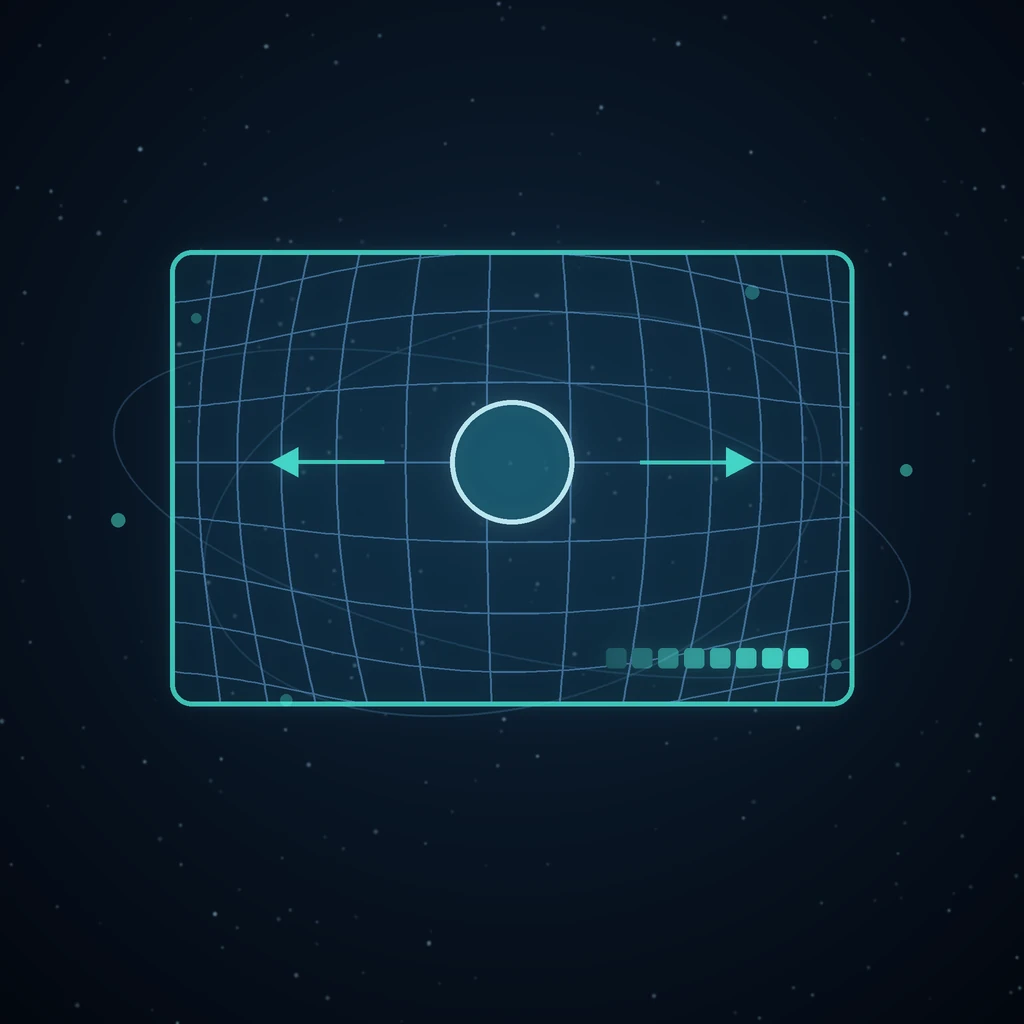
Give a still photograph a camera move and it stops being a still. The usual way to do that is to cut the picture into layers — foreground, subject, backdrop — and slide them at different speeds. It works right up until it does not, and then it fails in a way everyone can see: a halo around a shoulder, a seam through a face, a ghost copy of an arm, a painted patch where the backdrop was guessed.
The cut was the bug
Every artifact in the old pipeline traced back to one decision: matting the picture into pieces. Once you have cut a subject out, you owe yourself a matte edge that is perfect at every hair, and a backdrop painted in behind where the subject used to be. Neither is ever quite right, and each fix only moved the artifact to a different edge.
A warp has no cuts to get wrong. There is no matte, so there is no matte edge; nothing is removed, so there is nothing to paint back in.
At rest, it is the photograph
Photos are now stored untouched, with a depth map read off them. Because displacement goes to zero at rest, the frame you start from is the original pixels — not a reassembly of them. Motion can shift the picture, but it can never draw a line through a face, because there is no line to draw.
Scenes generated from an idea rather than a photo compose a single reference render first and then read depth from that, which means the whole matting, element-isolation and plate-repair chain is gone from the pipeline rather than merely improved.
One render per scene
The old approach paid for a render per layer, plus a plate. The new one pays for exactly one render per scene. Cheaper, and fewer things that can disagree with each other.
The same renderer in the app and in the export
A WebGL depth renderer draws the preview in the workspace and the exported bundle, so what you approve is what ships. Where WebGL is unavailable — or where the visitor has asked for reduced motion — both degrade to the plain photograph, which is a perfectly good thing to see.
And it publishes properly now
The community gallery understands the depth format: a scene's image, depth and optional plate maps are served through role-addressed routes, so a visitor never learns your stored asset names and cannot edit a URL into another file in the publisher's session. Legacy layer-stack scenes still render and export the old way — nothing you made before stopped working.
What a depth map is, and why it is not a matte
A matte is a decision: this pixel is subject, that pixel is background. Every decision has a boundary, and every boundary is somewhere the decision can be wrong — which is why hair, glass, motion blur and out-of-focus edges are where cut-out parallax always failed.
A depth map is not a decision. It is a value per pixel saying how far away that pixel is, varying continuously across the frame. There is no boundary because there is no classification. The hair does not need to be assigned to a side; it just has a depth, and neighbouring strands have similar depths, and the warp moves them by similar amounts.
That is the whole reason the artifacts disappeared rather than being reduced. They were not bugs in the matting; they were consequences of matting.
Idea scenes read depth from their own render
A scene generated from a prompt rather than a photograph could have been assembled from separately-generated elements. It composes a single reference render first and reads depth from that instead.
The result is that generated scenes and photographed ones take the same path through the pipeline. Element isolation, matting, plate painting and the vision plate check were not improved for generated scenes — they were removed, because a single picture plus a depth map has no use for any of them.
The same renderer previews and exports
A WebGL depth renderer draws both the in-app preview and the exported bundle. What you approve is what ships, which sounds obvious and is surprisingly rare — a preview computed differently from the final render is a preview that lies to you at the worst moment.
Where WebGL is unavailable, or where a visitor has asked for reduced motion, both degrade to the plain photograph. That is a perfectly good thing to see, and it is a better failure than a broken canvas.
When to warp and when to generate
Parallax gives you a camera move over a picture. A video model gives you a subject that moves. These are different jobs and the cost difference is large.
If you want the product to rotate, the person to turn, the water to flow — that is video generation. If you want a slow push into a landscape or separation between a foreground and a backdrop, warp it: cheaper, faster, and structurally incapable of redrawing your subject.
Frequently asked questions
Does parallax work on any photo?
It works best where there is genuine depth to read — a foreground subject against a receding background. A flat scan, a screenshot or a photograph of a wall has little depth variation, so the warp has little to work with and the result stays close to the still.
Is the output a video file?
The scene stays an ordinary image node, which is deliberate: downloads, publishing and the asset library all keep working exactly as they do for any image. The motion is rendered by the depth renderer at view time rather than baked into a clip.
What happened to scenes I made under the old layer pipeline?
Legacy layer-stack scenes still render and export the old way. Nothing you made before stopped working — the new format sits alongside the old one rather than replacing it retroactively.
Why did depth scenes publish as flat stills for a while?
The gallery only understood layer stacks, and a depth scene has no layers at all — it is one picture plus its maps. The scene view now recognises the depth format and serves each map through a role-addressed route, so a visitor never learns your stored asset names and cannot edit a URL to reach another file in the publisher's session.
Can I still use the old layered look deliberately?
Legacy layer scenes render and export the old way, so existing work — including anything already on the community wall — is unaffected, but new scenes use the warp. The layered look was never an aesthetic choice — it was an implementation detail whose artifacts people learned to tolerate, and there is no reason to reproduce them on purpose.
Does it cost less than it used to?
Yes, materially. The old pipeline paid for one render per layer plus a plate; the new one pays for exactly one render per scene. Fewer renders also means fewer things that can disagree with each other, which is the quality argument rather than the cost one — see publishing and remixing for what happens to a scene afterwards.
Make a parallax scene from a photo you already have.
Read next
More from the Grafy blog.

Deep research from one link: a cited report on the graph
Give Grafy a question and one starting link. It crawls the pages that matter, writes a report that cites every claim by number, and files it as a node.

Two AI hosts, one topic: a podcast from your own notes
Grafy writes a two-host conversation on any topic, grounds it on the note you have selected, voices each host in its own preset and saves one audio node.

How to Compress GLB Files for Web and AR
Compress GLB files for web and AR: reduce mesh complexity, understand texture limits, compare the result, and test loading and appearance on real devices.