From a photo to a 3D model you can actually edit
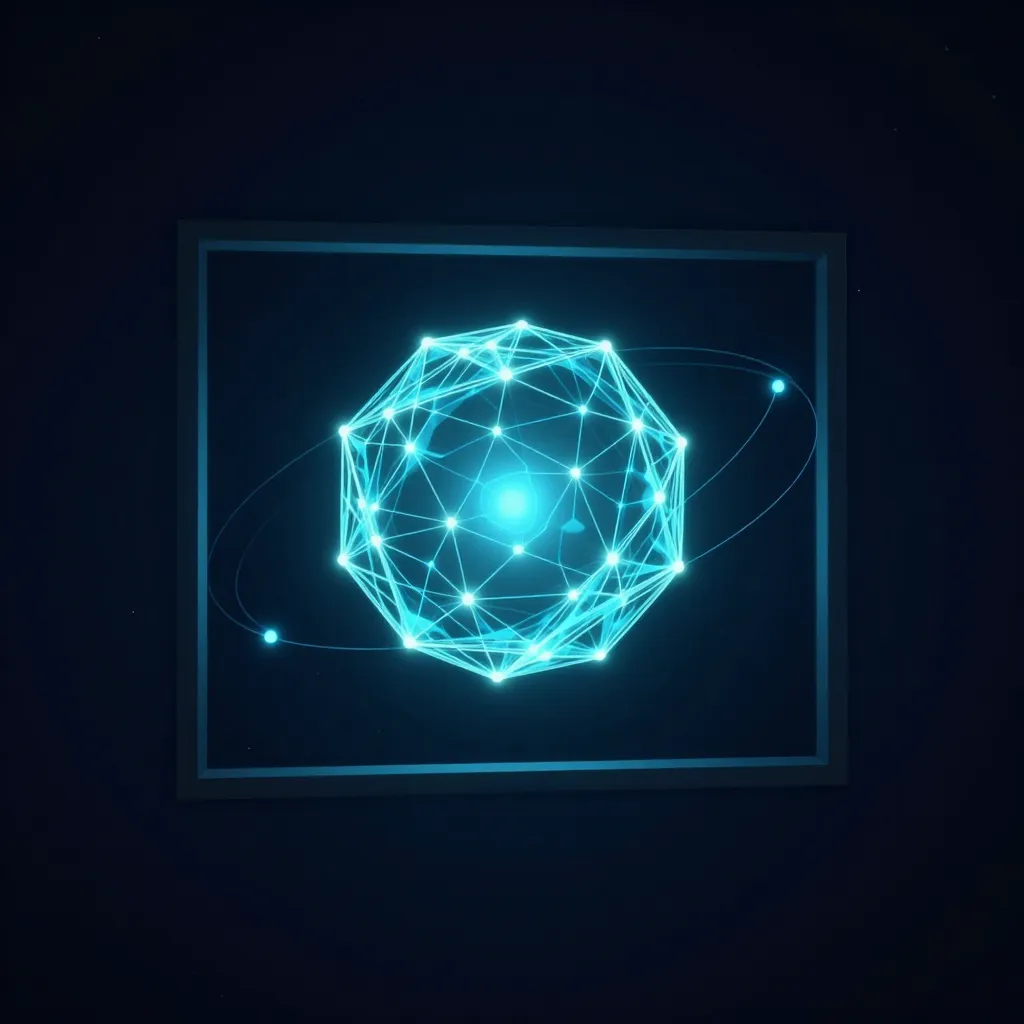
A flat picture of an object is a dead end the moment you need it from another angle. Grafy turns a single photo — or a text prompt — into a real, textured 3D model, then keeps editing it the way you edit everything else here: as nodes you can branch and refine.
From image or idea to mesh
Drop an image and Grafy reconstructs a textured 3D mesh; give it several angles of the same object and the model gets truer to the real thing. No prompt gymnastics, no separate tool.
Edit it like a node
Retexture the surface, remesh to cleaner topology, auto-rig it for animation, or repair holes — each a reversible step hanging off the model, so the original is never overwritten.
Take it anywhere
Export to GLB, OBJ, STL, USDZ for AR or 3MF for printing, and open it in the 3D Studio to pose lights and cameras. Make your first 3D model from a photo.
Read next
More from the Grafy blog.

Deep research from one link: a cited report on the graph
Give Grafy a question and one starting link. It crawls the pages that matter, writes a report that cites every claim by number, and files it as a node.

Two AI hosts, one topic: a podcast from your own notes
Grafy writes a two-host conversation on any topic, grounds it on the note you have selected, voices each host in its own preset and saves one audio node.
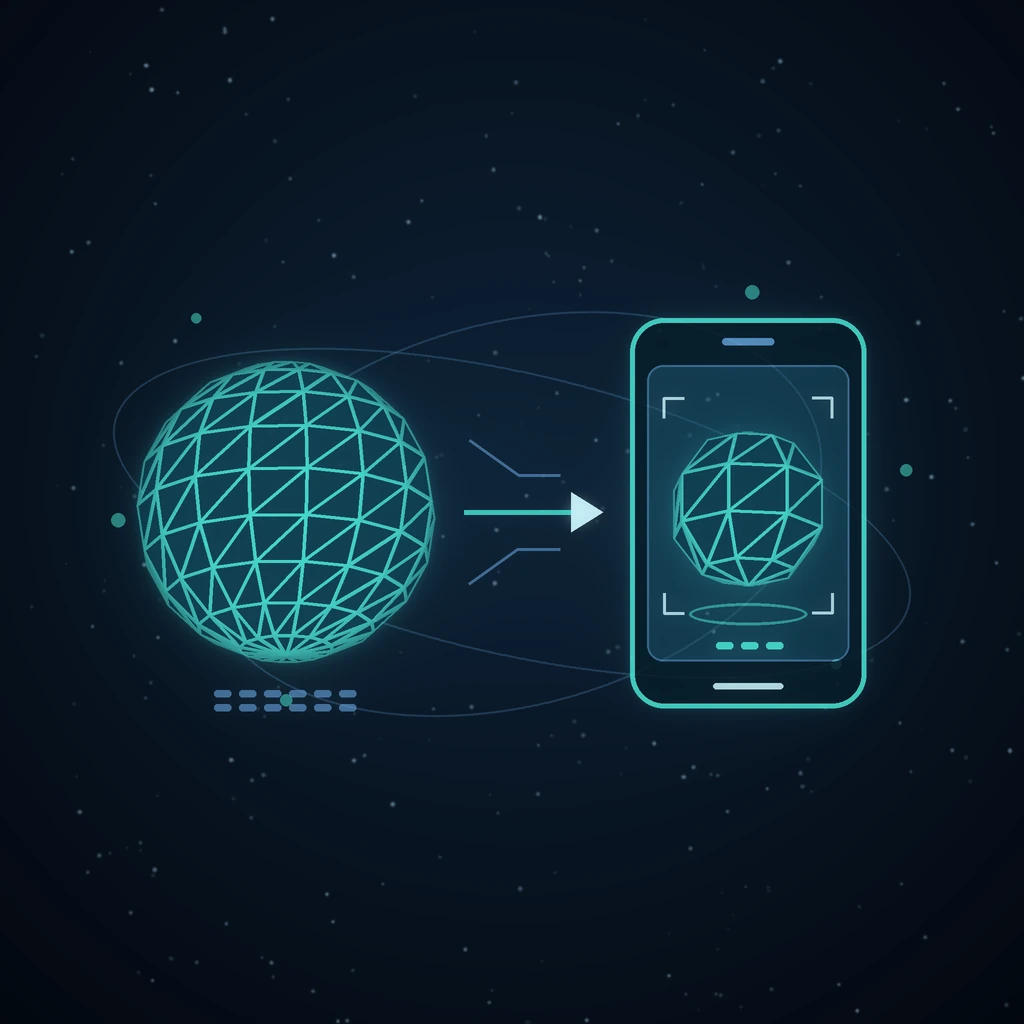
How to Compress GLB Files for Web and AR
Compress GLB files for web and AR: reduce mesh complexity, understand texture limits, compare the result, and test loading and appearance on real devices.