Animate your own character from a single drawing
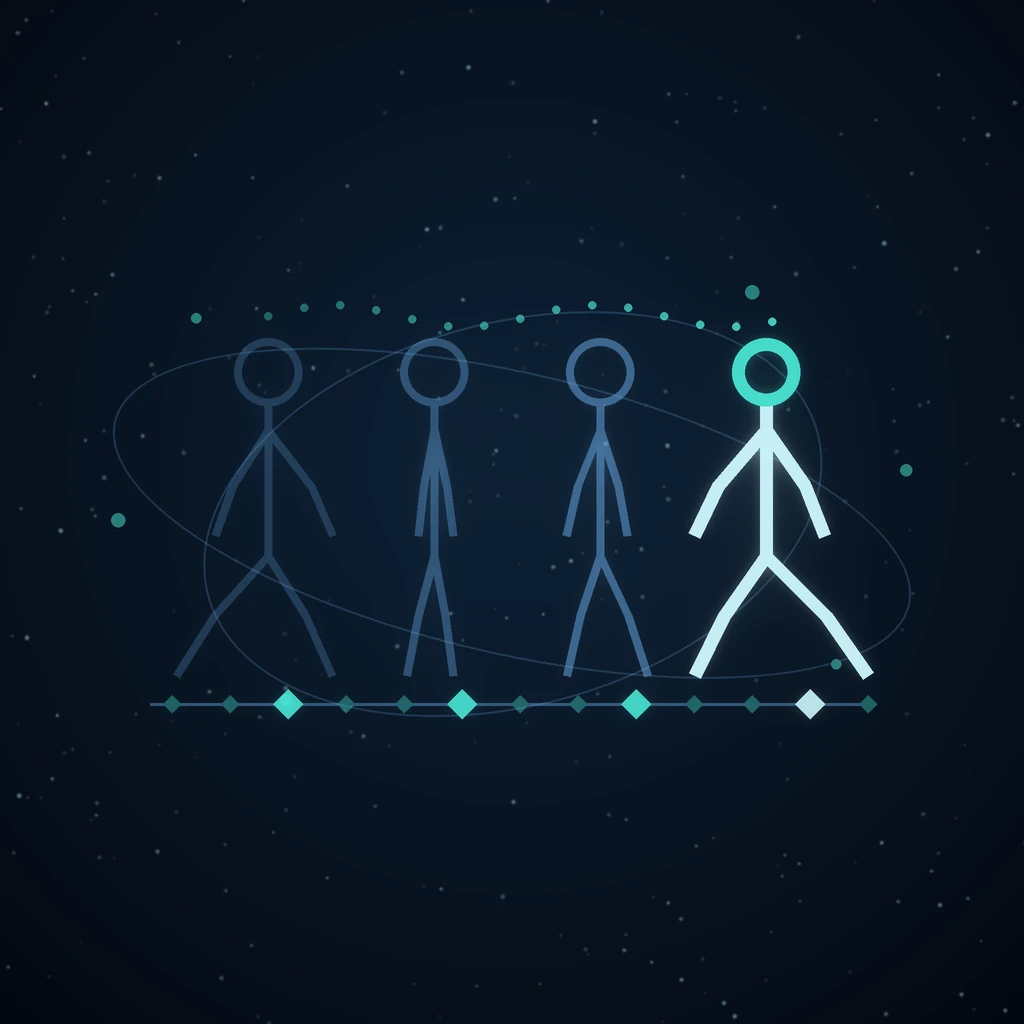
A twelve-frame walk cycle used to be a purchase rather than a design decision. Every frame after the first was another image-model call, so the number of frames in a stride was set by a budget, and the character in frame eleven was never quite the character in frame one. That drift is why sprite pipelines grow identity checks: redraw the same fox eleven times and you get eleven foxes.
Grafy's Animation Studio takes the other road. A movement is channel curves over time against a named skeleton — arithmetic, not artwork — so a twelve-frame walk costs exactly what a two-frame walk costs, and it cannot drift into a different character, because it is the same pixels moved.
One paragraph, and everything it said
Nobody writes a brief the way a form asks for one. What arrives is a sentence like:
A 2D cel animation of my fox character, about six seconds at 12fps — he walks two steps, waves, then turns around. Side view, transparent background, and give me the PNG sequence too.
Two readers take that apart, and they are kept separate on purpose. One reads settings — six seconds, 12fps, cel look, side facing, alpha, an extra artefact — and one reads actions, because “12fps” is a number with a unit and “walks two steps” is a verb with a count, and neither reader should have to learn the other's vocabulary.
Both are lexical and deterministic: no model call, no credits, no network. That is what lets the plan update while you are still typing. And every field that gets filled in comes back with the phrase it was read from, so the form shows its reasoning beside the control — you correct a setting instead of re-typing a sentence.
The timeline before the render
The actions become clips with frame ranges. Walks two steps is half a second per step, wave is two seconds, turn is one and a bit, and when you name a total duration the clips are allocated in proportion to those natural lengths — with any clip that stated its own duration keeping it. Getting those defaults roughly right is most of what makes an unattended plan look deliberate rather than arbitrary.
The vocabulary is 31 actions: 11 kinds of locomotion (walk, run, jog, sneak, march, trot, gallop, swim, slither, roll, fly), 8 gestures (wave, nod, shake, look, point, clap, reach, bow), turns, jumps, hops, crouches, sits, attacks, hits, falls, dances and celebrations, plus idle and hold. Each one publishes its own word list, so the reader can never recognise a verb the generator cannot produce.
Your drawing is the character
Upload a front view — and optionally a side and a back — and a skeleton is fitted to the silhouette, with every opaque pixel assigned to its nearest bone. From then on the drawing is deformed rather than redrawn.
There is a gate in front of this, and it has to be there: a cut never fails on its own terms. A square blob, a flat bar and a sprite that fills its whole frame all cut into thirteen tidy layers and pass a coverage test comfortably. Only the silhouette knows whether it is a standing figure. So the studio asks that question first, and a drawing that is not a posable figure falls back to the canonical template with a note saying it did — rather than being posed into nonsense.
You do not need artwork at all to start. With no drawing, the studio animates a stand-in figure drawn from the skeleton, which is exactly what the free preview uses.
Four of the six stages are free
The pipeline is plan → character → motion → check → render → export, and the line falls after check. Reading the brief, fitting the rig, generating every clip and judging the result are all arithmetic, so they cost nothing and run synchronously.
That is not a pricing gimmick, it is the same discipline the Game Studio arrived at with validated level data and a free build before any sprite is drawn: iteration should happen while it is free. The preview draws the figure from the skeleton and hands back a contact sheet, which answers the only question worth asking before a render — does the motion read?
State is a plain dictionary and each stage is a near-pure function of it, so changing the duration and looking again costs one bake rather than a whole pipeline.
Seven checks, run on numbers rather than pictures
Before anything is exported, the baked track is judged by seven checks: timing, contacts, grounding (does the foot slide?), readability, seams (do the clip boundaries join?), deformation sanity, and framing and scale consistency. In 2D there is an eighth for line stability across rendered frames.
They run on the same numbers the renderer will be handed, so they cost nothing and happen before a single frame is drawn — a gate rather than a post-mortem. There are three states, and the middle one earns its place: pass is silence, fail is this will look broken, and warn is somebody should look, because most animation faults are matters of degree and a gate that can only say yes or no either blocks good work or waves bad work through. Every threshold is a named constant with a sentence explaining it, so disagreeing with one is an argument about the sentence rather than an archaeology expedition.
Checks report. They never silently repair — a pipeline that quietly fixed what it judged would be marking its own homework.
What comes out
The render call packages whatever the document asked for:
- Video — MP4 (H.264), WebM (VP9) or animated GIF, at 1080p, 720p, square, portrait or a 512×512 sprite size
- PNG sequence — every frame as a numbered still
- Sprite strip — one row of frames, ready for a game runtime
- 3D asset — the rigged, animated mesh as GLB, or FBX for Maya and Max
- Motion file — BVH: the movement alone, for your own character
- Vector — one self-tweening SVG, still editable as shapes
- Timing sheet and onion skin — the cel animator's two documents: what holds on which frame, and each drawing with its neighbours ghosted behind it
- Robot trajectory — the motion as joint angles over time, as a ROS JointTrajectory against a URDF
- Project file — the whole document, reopenable
BVH is the 3D export rather than a GLB on purpose. The animation is a hierarchy plus per-frame channel values, which is precisely what BVH is, so the export is a transcription rather than a conversion: no renderer, no mesh, no worker image, and a file that Blender, Maya, Max, Unity, Unreal and Cascadeur all open.
The same motion, in four studios
The core is shared, and each studio lowers into it in its own terms.
In the Film Studio, a shot can be animated from an approved keyframe instead of asked of a video model at roughly fifty times the cost of a still — and the verb comes from the shot's own subject line, so the hero runs across the bridge does not come out walking. It is never chosen automatically: only the person looking at the keyframe knows whether it holds a standing figure, so a keyframe that does not falls back to a camera move.
In the Game Studio, a sprite strip's phases are posed from the approved still rather than redrawn, which is why the eight-frame cap was a bill limit and not an aesthetic one. The approved poses stay on the model path deliberately — a movement pose somebody said yes to is the stride they chose, and computing one instead would overrule them to save money they had already spent. Keeping a coin a coin is the same instinct applied to the cast list.
In the 3D Studio, a computed clip is retargeted onto whatever bone names the rigger returned and appended to the GLB, so a model that already carried a vendor preset comes back carrying both and the viewer offers the choice. No second vendor call, so no credit.
In the Robot Studio, a gait is authored against the URDF the project already exports: each joint's declared axis and limits decide what to drive and how far, and a reachability check reports what the hardware cannot reach before anything is generated. It warns rather than fails, and it reports how far over the limit and on how many frames — a number is worth more than a verdict for something that is a matter of degree.
When something is missing, it degrades
A stage steps down rather than stopping, and says what it did: no Blender means the 3D styles are drawn through the 2D route, which needs nothing but Pillow; no character art means the figure is drawn from the skeleton; no ffmpeg means the frames come back as a PNG sequence, which is a deliverable in its own right. The one thing that is never quietly repaired is a failed check.
What it replaces
Two alternatives, named honestly. The first is asking an image model for each frame: it produces beautiful single frames, costs per frame, and cannot be asked for a longer stride or a clip that ends on the left foot so the next one starts there. The second is a preset catalogue — the 3D rigging vendor ships 678 canned animation ids, which is a good shortcut and a fixed list: walk two steps, then wave is not on it, and no id can be asked to run half a second longer.
Computed motion is the thing neither offers: an editable representation. The arm swings 35° over 8 frames exists as numbers, so it can be softened, retimed, mirrored or continued.
Frequently asked questions
Can I animate a character from one drawing?
Yes. Upload a single front view as PNG or WebP and a skeleton is fitted to its silhouette, with each opaque pixel assigned to its nearest bone. Every frame after that is the same drawing deformed, not a redraw, so the character cannot drift. A side and a back view are optional and improve turns and profile poses.
How much does an AI animation cost?
Reading the brief, fitting the rig, generating the motion and running the checks are free and instant — four of the six stages. Only the render and export can cost anything, and the free preview draws the motion from the skeleton first, so you decide whether it reads before you spend. Frame count does not change the price of the motion.
Can I export the animation to Blender or Unity?
Yes. BVH carries the motion alone into Blender, Maya, Max, Unity, Unreal or Cascadeur, and it is a transcription of what the studio computed rather than a conversion. You can also export the rigged animated mesh as GLB or FBX, or take the PNG sequence, sprite strip or self-tweening SVG.
What kinds of character can it animate?
Eight archetypes: two-legged, four-legged, winged, swimmer, legless, shapeless, rolling and single-chain manipulator. The archetype decides the skeleton, which is why a document has to commit to one — a walk generated for a biped is nonsense on a fish. The brief usually names it for you.
What if my drawing is not a standing figure?
The studio checks the silhouette before rigging, because a cut always succeeds on its own terms — a blob or a bar cuts into tidy layers and passes a coverage test. If the drawing does not read as a posable figure, the animation is made against the canonical template instead and the plan says so in a note, rather than posing your artwork into nonsense.
Try it
Open the Animation Studio, write one paragraph, and press Preview. Everything up to the render is free, and the contact sheet arrives before you have spent anything.
Read next
More from the Grafy blog.

Deep research from one link: a cited report on the graph
Give Grafy a question and one starting link. It crawls the pages that matter, writes a report that cites every claim by number, and files it as a node.

Two AI hosts, one topic: a podcast from your own notes
Grafy writes a two-host conversation on any topic, grounds it on the note you have selected, voices each host in its own preset and saves one audio node.

How to Compress GLB Files for Web and AR
Compress GLB files for web and AR: reduce mesh complexity, understand texture limits, compare the result, and test loading and appearance on real devices.